
What is CartoMind?
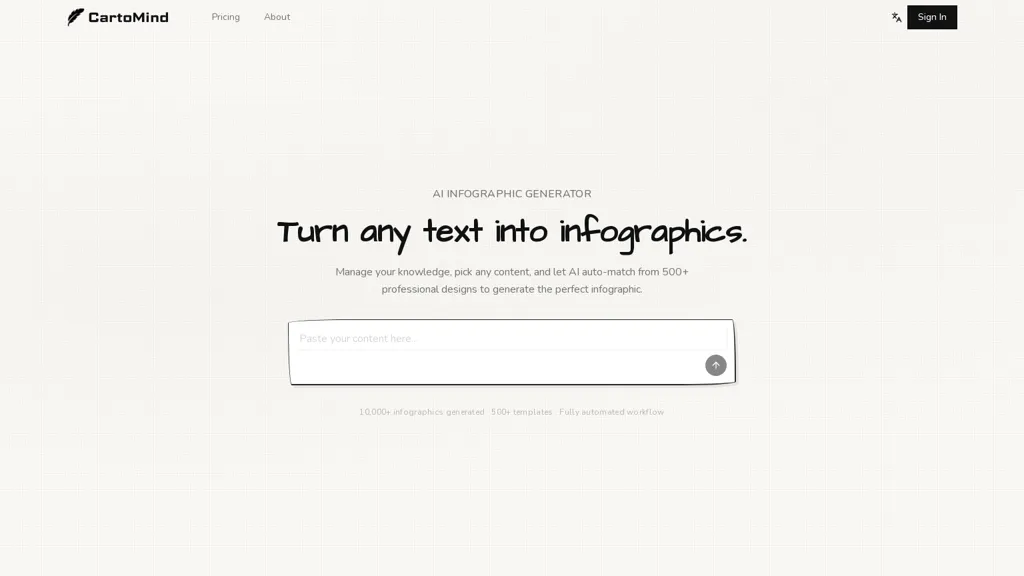
Cartomind is an AI infographic generator that converts text, documents and notes into professional infographics.It auto-parses uploads (PDFs, DOCs, pasted text), extracts key points, and auto-matches content to a library of 500+ infographic templates.
Content-aware layout selection supports comparisons, timelines, processes and data summaries while automating typography, color palettes, spacing and icons.The workflow—add content, AI organize & analyze, generate & edit, export—produces high-resolution images ready for social media, presentations and blogs.
Knowledge management features let users build a searchable content library, select fragments, and generate infographics from saved notes or documents.Editing tools include an infinite canvas, shareable visual cards and granular layout/style controls before export.
Multi-language support automatically adapts typography and layout for English, Chinese, Japanese and other languages.Use cases cover content marketing, education, social media and knowledge sharing to visualize complex ideas, data and workflows.
CartoMind details
- Built for
- Businesses and teams
- Data residency
- Global (may be stored in countries outside your country of residence)
CartoMind pricing
Freemium- Refund window
- 7 days
Verify on the official pricing page.
View plansCartoMind's key features
-
Auto-parse PDFs, DOCs and pasted text and extract key points to convert text, documents and notes into infographics
-
Auto-match content to a library of infographic templates
-
Content-aware layout selection for comparisons, timelines, processes and data summaries with automated typography, color palettes, spacing and icons
-
Searchable content/knowledge library to save fragments and generate infographics from saved notes and documents
-
Editing tools with infinite canvas, shareable visual cards, granular layout/style controls, and export of high-resolution images
CartoMind use cases
-
Turn meeting notes, research papers or product specs into professional, high-resolution infographics for stakeholder presentations without any graphic design skills, as Cartomind auto-parses uploads, extracts key points, matches content to 500+ templates and applies content-aware layouts, typography and icons
-
Create multilingual training materials and knowledge-management visuals by converting SOPs, onboarding docs and how-to guides into clear, visually organized infographics that auto-select icons and layouts and export in multiple languages for distributed teams and e-learning platforms
-
Generate social-media-ready summaries and marketing visuals from blog posts, whitepapers or reports quickly and consistently, using Cartomind's template library and content-aware formatting to produce brand-aligned, high-resolution graphics for campaigns without additional design tools
CartoMind user reviews
Based on 3 reviews, 100% of users recommend CartoMind, rated highly for ease of use.
Liked for
Would you recommend CartoMind?
Who is CartoMind for?
-
Content creators
-
Product designers
-
Data analysts
-
Educators
-
Bloggers
CartoMind FAQ
Is CartoMind free?
Partly. CartoMind has a free plan with usage limits, and paid plans unlock the full feature set. Plans include Starter at $9.00/mo, Standard at $20.90/mo and Team at $62.90/mo.
What are the best alternatives to CartoMind?
The closest alternatives to CartoMind are Make Infographic AI, Infography, Text to Infographic, AI Infographic Generator and Infograph.app. You can compare them side by side in the alternatives section further down this page.
What does CartoMind do with my data?
CartoMind states that customer content is not used to train its models. Its privacy policy states that personal data is not sold or shared for marketing purposes. Data may be shared with third-party service providers that help run the product. Customer data is held in Global (may be stored in countries outside your country of residence).
Does CartoMind auto-renew or offer refunds?
CartoMind states a 7-day refund window.
Compliance, privacy and billing terms are as stated in each product's own published documentation and have not been independently verified by TopAI.tools.


 Finnbar Kili
Hi TopAI.Tools ! I'm Henry, the founder of CartoMind. CartoMind offers a fully automated AI workflow to help you quickly organize text content and generate the perfect infographics to match. Why did I build this? When creating infographics with AI today, users are often forced to choose between two extremes. You either use generic AI image SaaS tools that trap you in complex prompt engineering and steep design learning curves with zero knowledge management, or you use products like NotebookLM. While they are fantastic for knowledge management, their infographic generation is just an afterthought, lacking design freedom and rich templates. Here is where CartoMind stands out: 1. Lightweight knowledge note management: We support uploading multiple file formats and automatically parsing text, allowing you to freely select the exact knowledge snippets you want to visualize. 2. Fully automated workflow: Based on your selected content, our AI automatically distills the key text elements and instantly matches you with the ideal infographic design from over 500 professional combinations. 3. Massive template library: A rich selection of infographic templates offering a true what-you-see-is-what-you-get experience. Who is using it? Marketers, educators, social media creators... In fact, anyone who needs to make their domain knowledge "visible" and loves to share it will find it incredibly useful. I can't wait for you all to try it out!