
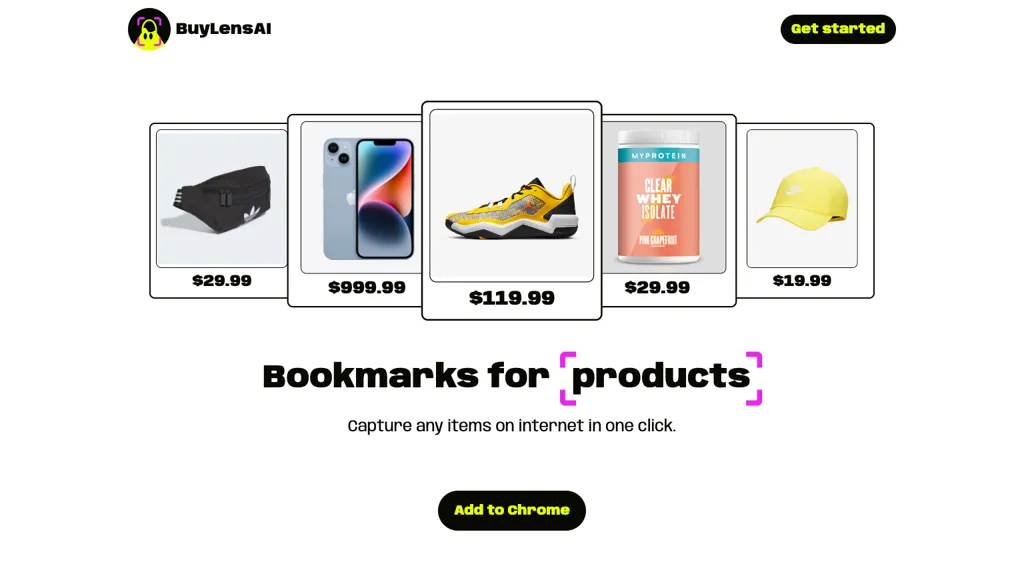
What is BuyLensAI?
BuyLensAI is a Chrome extension that captures product details with a single click, enabling users to save items from any website without opening new tabs.
The tool uses AI‑powered detection to extract product data accurately, while allowing manual edits directly in the dashboard for any layout variations.
All captured items are organized into virtual “bags,” letting shoppers group products by category, share collections, or review them later.
A unified dashboard aggregates shopping expenses across multiple eCommerce sites, providing spending insights and budget tracking in a single account.
Tokens are required for each item scan; free tokens are granted upon sign‑up, and a subscription replenishes a fixed monthly token quota.
BuyLensAI is available exclusively on the Chrome Web Store and respects user privacy by scanning only when the user clicks the detect button.
BuyLensAI pricing
PaidVerify on the official pricing page.
View plansBuyLensAI's key features
-
Capture items with one click
-
AI-powered item detection
-
Edit item data via dashboard
-
Share collections with others
-
Track spending across eCommerce
-
Chrome browser extension
-
Monthly token limit
BuyLensAI use cases
-
Capture product details instantly from any retailer, store them in a virtual bag, and later compare prices, features, and reviews across sites—all without manual copy‑paste.
-
Monitor your e‑commerce spending in real‑time, with a dashboard that aggregates total spend, category breakdowns, and alerts when you approach budget limits.
-
Create themed virtual shopping bags—like 'Home Décor', 'Tech Gadgets', or 'Birthday Gifts'—to curate wishlists, plan bulk orders, and keep track of items you intend to buy later.
BuyLensAI user reviews
Would you recommend BuyLensAI?
Who is BuyLensAI for?
-
E-commerce sellers
-
Content creators
-
Online shoppers
-
Product designers
-
Data analysts
BuyLensAI FAQ
How much does BuyLensAI cost?
BuyLensAI is a paid product with no free plan. Plans include #$19.99 at $19.99, #$29.99 at $29.99, #$29.99 at $29.99 and #$39.99/year at $39.99.
What are the best alternatives to BuyLensAI?
The closest alternatives to BuyLensAI are Browse AI, extracto.bot, Tabchat AI, Glassit.co and Koala Inspector. You can compare them side by side in the alternatives section further down this page.


