
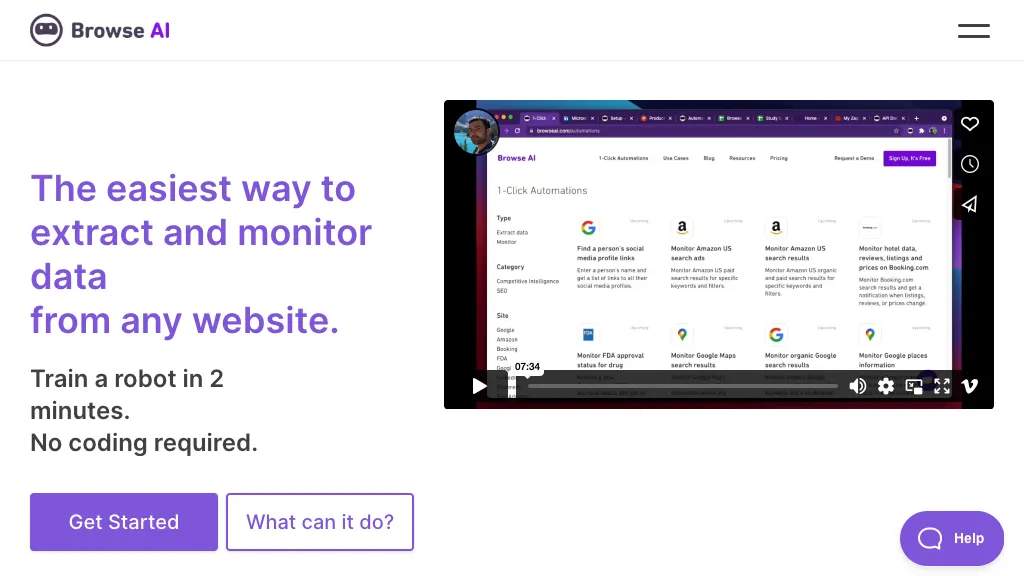
What is Browse AI?
Browse AI lets users build web scraping, monitoring, and automation workflows without writing code, using a point‑and‑click interface to select data fields. The platform captures dynamic content, handles pagination and login‑protected pages, and adapts automatically to site changes through AI‑driven change detection.
Extracted data can be exported to CSV, JSON, or AWS S3, or streamed live into Google Sheets, Airtable, Zapier, Make, Pabbly, and over 7,000 other apps via API or webhooks. Prebuilt robots cover common sites such as Amazon, Airbnb, Redfin, and job boards, while custom robots can chain multiple steps for full‑site extraction.
Enterprise customers gain managed scraping services, geo‑specific crawling, proxy rotation, and compliance‑ready data handling under SOC 2 and GDPR. Use cases span price and product monitoring for e‑commerce, real‑estate listings, legal case data, job postings, lead generation, and feeding structured data into LLMs or internal dashboards.
Browse AI details
- Company
- Browse AI Inc.
- Jurisdiction
- Province of British Columbia, Canada
- Stated compliance
- SOC 2, GDPR
Compliance as stated in Browse AI's own published documentation.
Browse AI tech specs
- Cloud
- AWS Cloudflare
- Integrations
- Zapier Make (Integromat) Airtable
Browse AI pricing
FreemiumVerify on the official pricing page.
View plansBrowse AI's key features
-
Point-and-click AI scraper
-
No-code dynamic content extraction
-
Auto change detection adaptation
-
7,000+ app integrations
-
API and webhook export
-
Bot evasion proxy rotation
-
Scheduled real-time monitoring
Browse AI use cases
-
Automate real‑time monitoring of competitor product prices across multiple e‑commerce sites, exporting alerts directly to Google Sheets and Zapier for instant notifications
-
Gather and update large‑scale marketing lead data from login‑protected CRM portals, exporting cleaned CSVs to AWS S3 and syncing with Airtable without any scripting
-
Build a dynamic dashboard for real‑time stock market feeds by scraping financial sites with paginated data, auto‑detecting site layout changes, and streaming JSON updates to APIs and BI tools
Browse AI user reviews
Based on 22 reviews, 77% of users recommend Browse AI, rated highly for value for money.
Liked for
Disliked for
Would you recommend Browse AI?
Who is Browse AI for?
-
Data analysts
-
Web developers
-
E-commerce sellers
-
Content creators
-
Market researchers
Browse AI FAQ
Is Browse AI free?
Partly. Browse AI has a free plan with usage limits, and paid plans unlock the full feature set. Plans include Starter at $48.75/mo, Professional at $123.75/mo and Team at $311.25/mo.
Is Browse AI safe to use?
Browse AI states SOC 2 and GDPR compliance in its own published documentation. Browse AI is operated by Browse AI Inc., registered in Province of British Columbia, Canada. Browse AI carries the TopAI.tools verified mark, which we award after a manual review of pricing transparency, published terms, public following and working functionality.
Is Browse AI good?
Browse AI has a 77% recommendation rate from 22 reviewers on TopAI.tools. Reviewers rate it highest on value for money and quality of results.
What are the best alternatives to Browse AI?
The closest alternatives to Browse AI are WebscrapeAi, AI Web Clipper, Bardeen AI, Simplescraper and ScrapeGraphAI. You can compare them side by side in the alternatives section further down this page.
What does Browse AI do with my data?
Browse AI states that customer content is not used to train its models. Its privacy policy states that personal data is not sold or shared for marketing purposes. Data may be shared with third-party service providers that help run the product.
Does Browse AI have an API?
Yes. Browse AI offers an API, so you can call it from your own applications instead of using the interface directly.
Who made Browse AI?
Browse AI is built and operated by Browse AI Inc., a company registered in Province of British Columbia, Canada.
What does Browse AI integrate with?
Browse AI connects with Zapier, Make (Integromat) and Airtable.
Compliance, privacy and billing terms are as stated in each product's own published documentation and have not been independently verified by TopAI.tools.


