
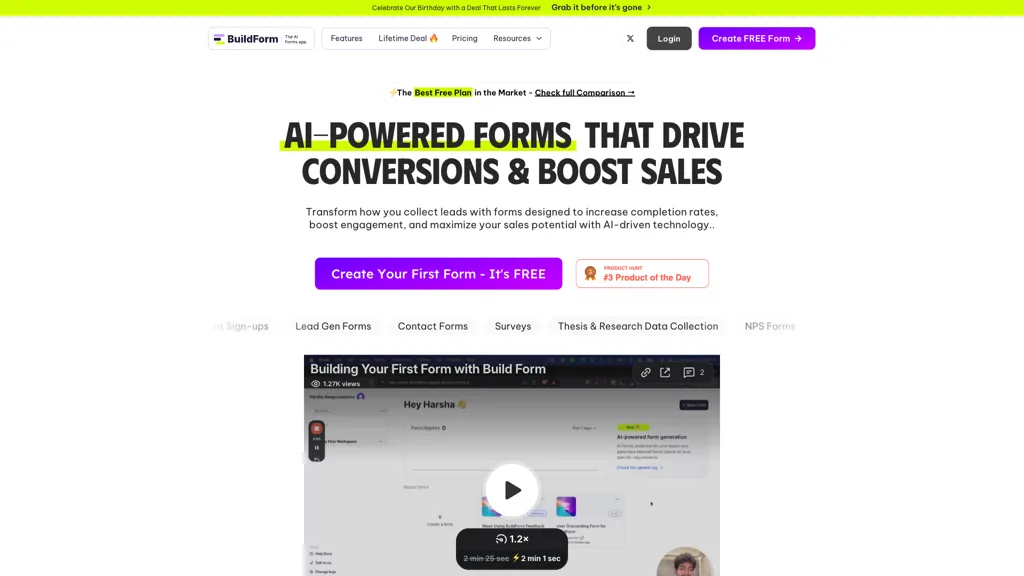
What is Buildform?
Buildform is an AI-powered form builder designed to streamline the creation and management of various forms, including contact forms, surveys, lead generation forms, and feedback forms. It features a user-friendly interface and offers templates tailored to specific needs, making it suitable for both individuals and businesses.
Buildform integrates smoothly with popular tools like Slack and CRM systems, enhancing workflow efficiency. The tool supports conditional logic and AI-driven questions, enabling real-time adaptability during form completion. Additionally, real-time analytics provide actionable insights into user behavior, helping optimize forms for higher engagement and conversion rates.
Buildform details
- Built for
- Individuals
- Data residency
- United States
- Stated compliance
- HIPAA
Compliance as stated in Buildform's own published documentation.
Buildform tech specs
- Integrations
- Zapier Slack Calendly Typeform
Buildform pricing
FreemiumVerify on the official pricing page.
View plansBuildform's key features
-
AI-driven forms
-
Integration with tools like Slack and CRM systems
-
Conditional logic support
-
Real-time analytics
-
Easy embedding process
Buildform use cases
-
Create engaging surveys with Buildform's customizable templates, allowing for real-time insights and adaptive questioning to improve response quality and conversion rates.
-
With Buildform, businesses can streamline lead generation by embedding tailored contact forms directly on their websites, integrating seamlessly with CRM systems for efficient data management.
-
Administer user feedback forms that leverage conditional logic, enhancing the collecting process by providing dynamically relevant questions based on previous answers, leading to higher user satisfaction and actionable insights.
Buildform user reviews
Based on 1 review, 100% of users recommend Buildform, rated highly for quality results.
Liked for
Would you recommend Buildform?
Who is Buildform for?
-
Form builders
-
Digital marketers
-
Workflow integrators
-
Data analysts
-
E-commerce sellers
Buildform FAQ
Is Buildform free?
Partly. Buildform has a free plan with usage limits, and paid plans unlock the full feature set. Plans include Starter at $23/mo (billed yearly), Business at $99/mo (billed yearly) and Enterprise custom at plans starting from $450/m.
Is Buildform safe to use?
Buildform states HIPAA compliance in its own published documentation.
What are the best alternatives to Buildform?
The closest alternatives to Buildform are Yay! Forms, Forms.app, Formless (by Typeform), Nuraform and Formshare. You can compare them side by side in the alternatives section further down this page.
What does Buildform do with my data?
Buildform states that customer content is not used to train its models. Its privacy policy states that personal data is not sold or shared for marketing purposes. Data may be shared with third-party service providers that help run the product. Customer data is held in United States.
What does Buildform integrate with?
Buildform connects with Zapier, Slack, Calendly and Typeform.
Compliance, privacy and billing terms are as stated in each product's own published documentation and have not been independently verified by TopAI.tools.


