
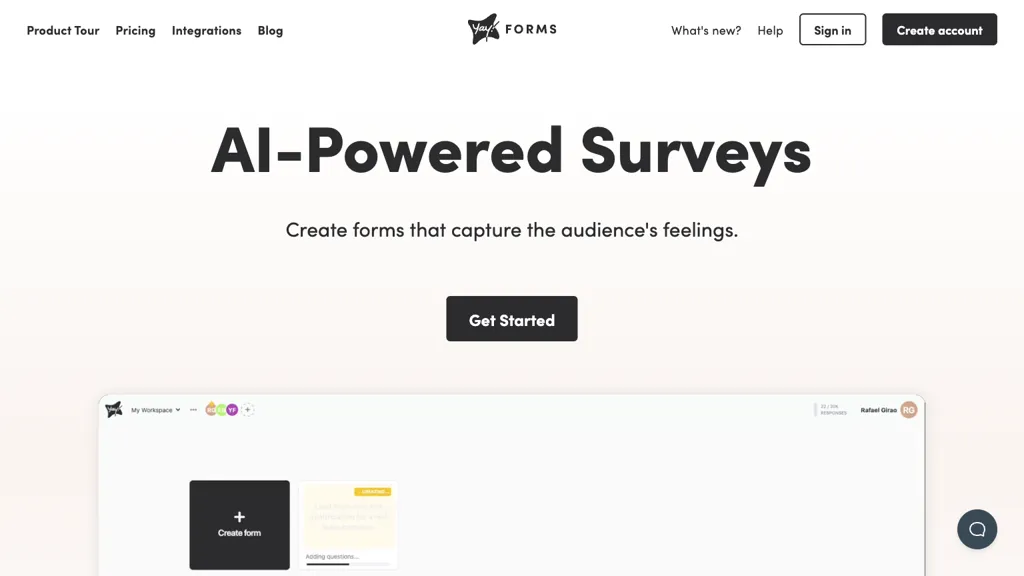
What is Yay! Forms?
Yay! Forms builds surveys, quizzes, and lead‑capture forms in minutes, auto‑generating AI insights from responses.
Marketing teams can capture leads, analyze incomplete entries, and track Meta Pixel, GA4, or GTM events for remarketing.
Product teams embed forms via widgets or side tabs to gather user feedback, apply logic branches for personalized onboarding, and receive real‑time analytics.
Customer success can detect at‑risk users with sentiment analysis and NPS metrics, customizing cancellation forms to reduce churn.
HR departments use the platform for onboarding surveys, exit interviews, performance reviews, and AI‑generated email feedback for employee assessments.
Research users benefit from AI‑powered trend analysis, emotion detection, keyword extraction, and text classification across large data sets.
The tool supports unlimited workspaces, customizable themes, and integrates with spreadsheets, email, Zapier, Make, Webhook, and major marketing platforms.
Yay! Forms details
- Company
- Yay! Software
- Jurisdiction
- Florida, United States
- Built for
- Individuals
Yay! Forms tech specs
- Analytics
- Google Analytics Meta Pixel
- Integrations
- Zapier Slack WordPress WhatsApp Typeform
Yay! Forms pricing
Subscription- Free trial
- 7 days
- Refund window
- 7 days
Verify on the official pricing page.
View plansYay! Forms's key features
-
AI-powered insights analysis
-
AI-generated email feedback
-
Conditional logic branches
-
Multi-platform tracking integration
-
Real-time notification alerts
-
Embedded form options
Yay! Forms use cases
-
Build an instant NPS feedback survey using Yay! Forms, auto‑detecting churn sentiment and piping results into Zapier to trigger real‑time Slack alerts—no code required.
-
Create a multi‑step onboarding quiz with conditional logic that auto‑fills a Google Sheet and sends personalized welcome emails via HubSpot, all powered by Yay! Forms.
-
Design a lead‑capture form for a webinar, track real‑time analytics, and auto‑add registrants to a Mailchimp list—integrated via Zapier with Yay! Forms.
Yay! Forms user reviews
Based on 1 review, 0% of users recommend Yay! Forms.
Disliked for
Would you recommend Yay! Forms?
Who is Yay! Forms for?
-
Form builders
-
Web developers
-
Experience designers
-
Marketing strategists
-
Data analysts
Yay! Forms FAQ
How much does Yay! Forms cost?
Yay! Forms is a paid product with no free plan. Plans include Starter at $9/mo billed yearly, Most popular $9 per month billed yearly (annual) at $9/mo billed yearly, Most popular $19 per month billed yearly (annual) at $19/mo billed yearly and Plus at $29/mo billed yearly.
Is Yay! Forms safe to use?
Yay! Forms is operated by Yay! Software, registered in Florida, United States. It has a substantial audience that is independently measured month to month.
What are the best alternatives to Yay! Forms?
The closest alternatives to Yay! Forms are AI Survey Maker, SurveySparrow, Makeform, Nuraform and Buildform. You can compare them side by side in the alternatives section further down this page.
What does Yay! Forms do with my data?
Yay! Forms states that customer content is not used to train its models. Its privacy policy states that personal data is sold or shared for marketing purposes. Data may be shared with third-party service providers that help run the product.
Does Yay! Forms auto-renew or offer refunds?
Yay! Forms states a 7-day refund window.
Who made Yay! Forms?
Yay! Forms is built and operated by Yay! Software, a company registered in Florida, United States.
What does Yay! Forms integrate with?
Yay! Forms connects with Zapier, Slack, WordPress, WhatsApp and Typeform.
Compliance, privacy and billing terms are as stated in each product's own published documentation and have not been independently verified by TopAI.tools.


