
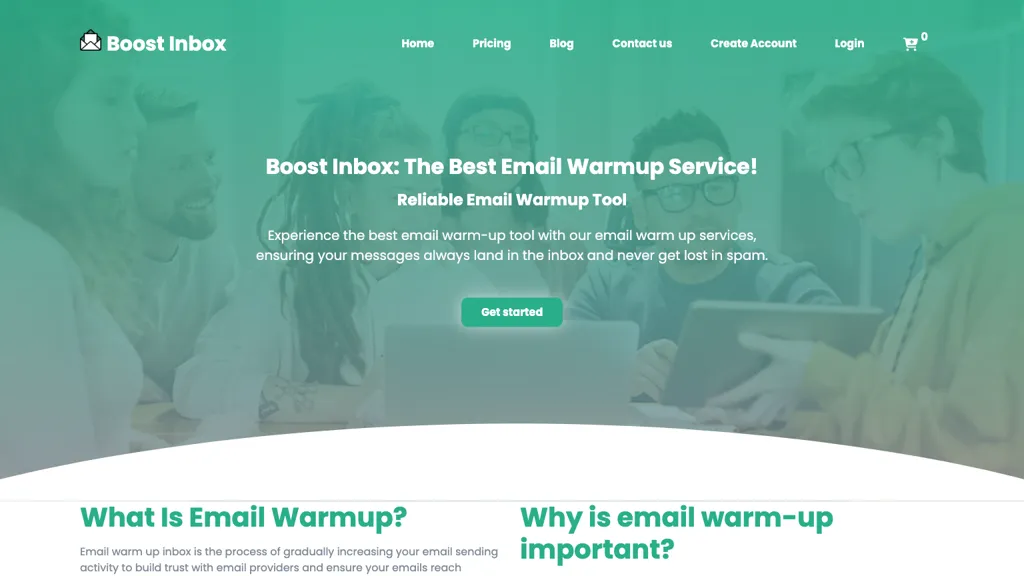
What is Boost Inbox?
Boost Inbox is an automated email warm‑up service that improves inbox placement for new and existing email accounts.
It supports Gmail, GSuite OAuth, Outlook 365, Yahoo, Amazon SES, and SMTP, allowing quick integration without technical skills.
The tool simulates realistic human interactions by sending, opening, replying, and bookmarking emails to build sender reputation.
Detailed analytics track reputation scores and deliverability, helping users monitor progress and adjust campaigns.
Users can warm up multiple accounts simultaneously, scaling outreach and maintaining consistent performance across campaigns.
Integration with Zapier connects the service to over 1,000 third‑party apps for streamlined workflow automation.
Boost Inbox details
- Jurisdiction
- USA
Boost Inbox tech specs
- Works with
- OpenAI / GPT
- Integrations
- Zapier Google Workspace
Boost Inbox pricing
PaidVerify on the official pricing page.
View plansBoost Inbox's key features
-
Automated email warm-up process
-
Connect multiple email providers
-
Realistic email interactions
-
Inbox reputation analytics
-
Zapier integration 1000+ apps
-
Multi-account warm-up support
-
Email health checker tool
Boost Inbox use cases
-
Warm up new transactional email service by simulating realistic sending patterns to boost inbox placement on Gmail and Outlook, using Zapier triggers to start warm-up after a new campaign launch
-
Track and visualize reputation scores across multiple SMTP accounts, automatically adjusting send volumes and pausing problematic IPs to maintain high deliverability for marketing newsletters
-
Scale email warm-up for a growing list of corporate domains by integrating with Zapier workflows, ensuring each account receives a personalized sending cadence and real-time alerts on inbox placement metrics
Boost Inbox user reviews
Based on 1 review, 100% of users recommend Boost Inbox, rated highly for ease of use.
Liked for
Would you recommend Boost Inbox?
Who is Boost Inbox for?
-
Product designers
-
Marketing managers
-
Business owners
-
Email campaign managers
-
E-commerce sellers
Boost Inbox FAQ
How much does Boost Inbox cost?
Boost Inbox is a paid product with no free plan. Plans include Starter at $5, Starter at $9, Team at $9 and Team at $15.
What are the best alternatives to Boost Inbox?
The closest alternatives to Boost Inbox are Zapmail, MailOptimal, Mails.ai, Inboxigniter and Smartlead. You can compare them side by side in the alternatives section further down this page.
What does Boost Inbox do with my data?
Its privacy policy states that personal data is not sold or shared for marketing purposes.
Which AI models does Boost Inbox use?
Boost Inbox is built on OpenAI / GPT. Which models you can reach may depend on your plan.
What does Boost Inbox integrate with?
Boost Inbox connects with Zapier and Google Workspace.
Compliance, privacy and billing terms are as stated in each product's own published documentation and have not been independently verified by TopAI.tools.


