
What is Bard PDF?
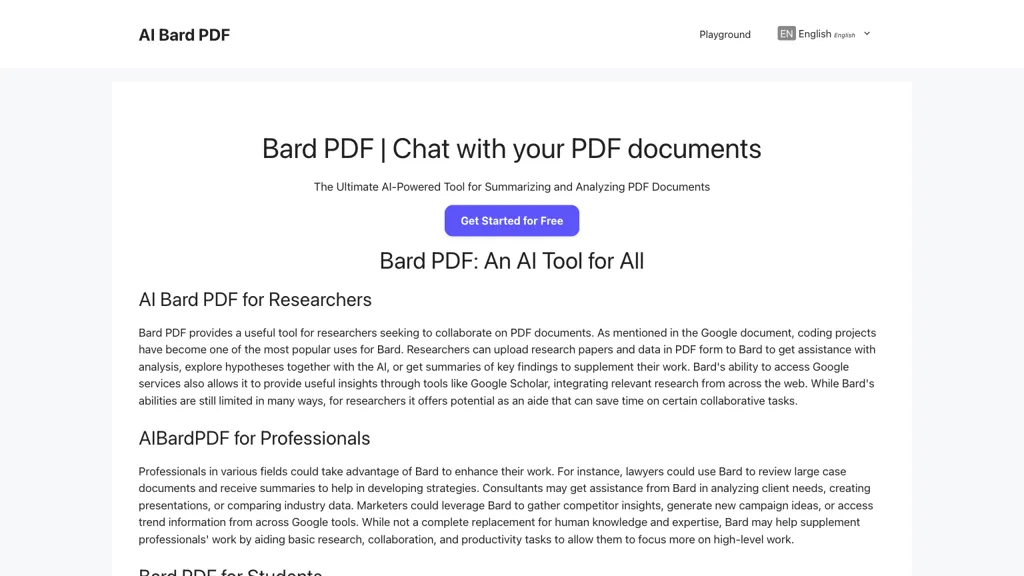
Bard PDF is a web‑based AI tool that reads PDF documents through a provided URL and returns structured outputs such as concise summaries, extracted tables, images, and text snippets.
It supports natural‑language Q&A, allowing users to ask plain‑English questions and receive answers based on the document’s content, which is useful for rapid fact‑checking and detailed review.
The tool can limit summary length, focus on specific sections, and pull key data points, making it efficient for researchers, legal professionals, and business analysts who need to isolate critical information from lengthy reports.
Educators can generate lesson outlines, create discussion prompts, and provide summarized reading material for students, while students can use the platform to build study guides, flashcards, and test questions.
Professionals benefit from quick overviews of contracts, industry reports, and technical manuals, enabling faster preparation for meetings and decision‑making.
The collaborative feature lets multiple users share PDFs and discuss findings within the interface, supporting group projects and team knowledge sharing.
Bard PDF pricing
FreemiumBard PDF offers a free plan with paid upgrades available.
Verify on the official pricing page.
View plansBard PDF's key features
-
AI-powered PDF summarization
-
Natural language Q&A with PDFs
-
Extract tables, images, snippets
-
Share and discuss PDFs
-
Automate reading and summarizing
-
Integrate with Google Scholar
-
Assist study material creation
Bard PDF use cases
-
Generate a concise executive summary of a lengthy research paper by feeding its PDF URL, allowing researchers to quickly grasp key findings and methodology
-
Extract structured tables from financial statements or scientific data PDFs to import directly into spreadsheets or databases for analysis
-
Create a custom study guide for law students by uploading a case file PDF and using Bard PDF’s Q&A feature to highlight precedents, legal principles, and discussion questions
Bard PDF user reviews
Would you recommend Bard PDF?
Who is Bard PDF for?
-
Research scientists
-
Academic staff
-
Data analysts
-
Student scholars
-
Knowledge seekers
Bard PDF FAQ
Is Bard PDF free?
Partly. Bard PDF has a free plan with usage limits, and paid plans unlock the full feature set.
What are the best alternatives to Bard PDF?
The closest alternatives to Bard PDF are aiPDF, Linnk.AI, ChatPDF, PDF Summarizer and Scholarcy. You can compare them side by side in the alternatives section further down this page.
What does Bard PDF do with my data?
Its privacy policy states that personal data is not sold or shared for marketing purposes. Data may be shared with third-party service providers that help run the product.
Compliance, privacy and billing terms are as stated in each product's own published documentation and have not been independently verified by TopAI.tools.


