
What is 3d converter?
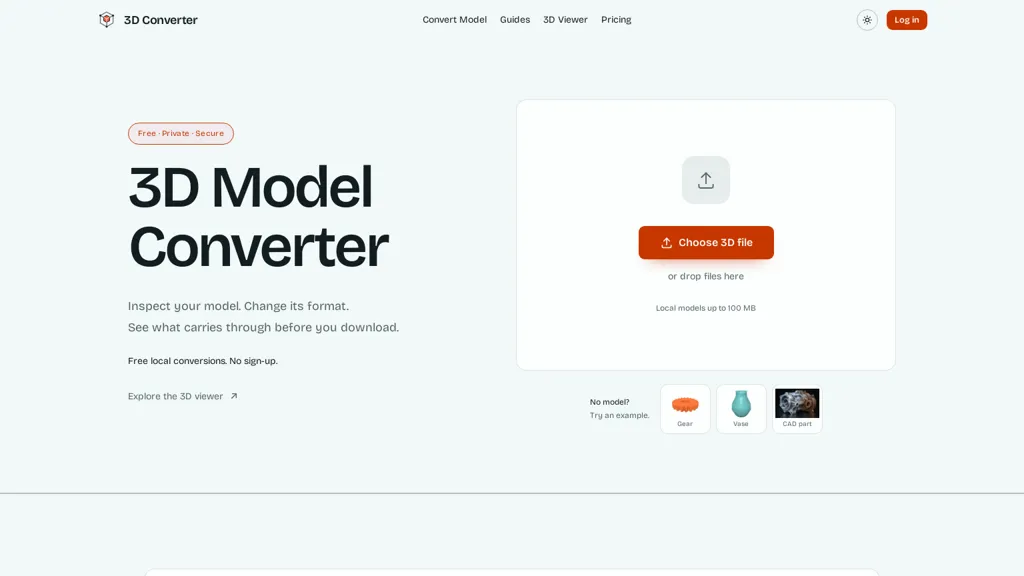
3D Converter converts 3D models in the browser, performing local conversions across common mesh and scene formats while keeping files on your device. It uses dependency-aware packaging so referenced resources such as material and texture files travel with the model rather than being fetched remotely.
A built-in 3D viewer previews geometry, wireframes, and dimensions before export. Each conversion includes a before-and-after validation report that compares geometry, units, materials, textures, hierarchy, and axis data when available.
Route-specific warnings and export settings indicate which properties will be preserved or lost during conversion. Outputs that fail parsing or contain no renderable geometry are rejected in the validation step.
3d converter pricing
FreemiumVerify on the official pricing page.
View plans3d converter's key features
-
In-browser local conversion of 3D models across common mesh and scene formats, keeping files on the device
-
Dependency-aware packaging that bundles referenced resources (materials, textures) with the model
-
Built-in 3D viewer for previewing geometry, wireframes, and dimensions before export
-
Before-and-after validation reports comparing geometry, units, materials, textures, hierarchy, and axis data
-
Route-specific warnings and export settings that indicate which properties will be preserved or lost during conversion
3d converter use cases
-
Convert game and VR assets directly in the browser to engine-ready formats, using local 3D conversion and dependency-aware packaging to bundle materials and textures, preview geometry/wireframe/dimensions in the built-in viewer, and generate validation reports that show preserved or lost properties and format compatibility so assets import cleanly into Unity/Unreal without extra desktop tools
-
Prepare CAD and mesh files for manufacturing or 3D printing by converting formats locally, verifying dimensional accuracy and geometry integrity with the embedded viewer, bundling required textures and material dependencies, and producing conversion validation reports that flag lost attributes or compatibility issues for CAM workflows
-
Optimize models for web and AR delivery by converting to lightweight formats like glTF/GLB with embedded textures in-browser, using dependency-aware packaging to keep materials intact, inspecting LODs/wireframe and dimensions in the previewer, and running format compatibility checks and validation reports to ensure preserved properties before deployment
3d converter user reviews
Would you recommend 3d converter?
Who is 3d converter for?
-
3d artists and modelers
-
Game developers and technical artists
-
Ar/vr developers
-
Cad engineers and architects
-
Product designers and visualization specialists
-
3d printing hobbyists and engineers
-
Asset pipeline engineers and qa testers
-
Freelance designers and content creators
-
Students and educators in 3d/cg
3d converter FAQ
Is 3d converter free?
Partly. 3d converter has a free plan with usage limits, and paid plans unlock the full feature set. Plans include Pro at $9.9/mo.
What are the best alternatives to 3d converter?
The closest alternatives to 3d converter are MeshGPT.io, Image3D AI, Stable fast 3d(sf3d), Imagen3D and AI3DGen. You can compare them side by side in the alternatives section further down this page.


