
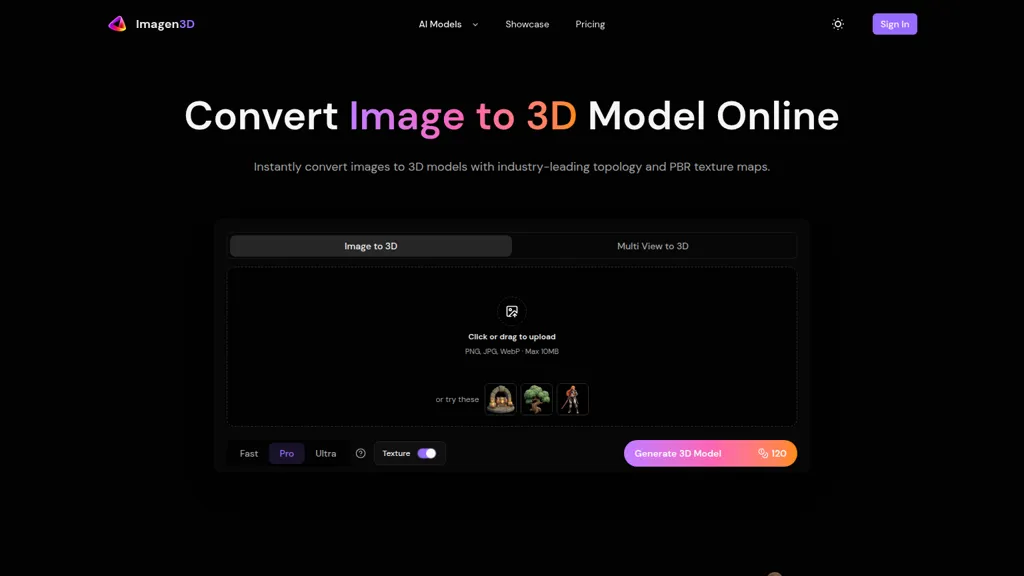
What is Imagen3D?
Imagen3D converts images to production-ready 3D models with clean topology and watertight meshes that preserve surface detail from source photos. The tool outputs baked PBR texture maps (albedo, normal, roughness, metallic) and supports standard export formats including GLB, OBJ, STL, GLTF, USDZ, and MP4 previews.
Quality tiers—Fast (~20–40s), Pro (~30s), and Ultra (~2–3min)—let users balance conversion speed and texture fidelity, and both single-image and multi-view inputs (1–4 images) are supported for improved reconstruction accuracy. Generated models are optimized for rendering, animation, 3D printing, game asset pipelines, AR/VR deployment, and direct import into Blender, Maya, Unity, or Unreal.
Multi-view mode enhances geometry and texture accuracy for complex objects, while single-image mode enables rapid iteration. Geometry includes proper edge flow and minimal cleanup for mockups and visualizations; further refinement is possible in standard 3D software when required.
Imagen3D details
- Built for
- Individuals
Imagen3D pricing
Verify on the official pricing page.
View plansImagen3D's key features
-
Selectable quality tiers for image-to-3D generation (Fast ~20–40s, Pro ~30s, Ultra ~2–3min)
-
Single-image and multi-view input support (1–4 images) to improve reconstruction accuracy
-
Produces clean, watertight manifold meshes with optimized edge flow and topology
-
Bakes texture maps including albedo, normal, roughness, and metallic (PBR) and supports texture/no-texture outputs per tier
-
Exports to industry-standard formats (GLB, OBJ, STL, GLTF, USDZ) and MP4 previews with on-demand format conversion
Imagen3D use cases
-
Convert product photos into production-ready, game- and AR/VR-ready 3D assets using Imagen3D's single- or multi-view reconstruction with clean topology and baked PBR textures, exporting GLB/OBJ/GLTF for immediate use in engines or web viewers
-
Create 3D-printable, watertight replicas of physical objects from a few smartphone photos using Imagen3D's multi-view reconstruction and optimized STL export, eliminating manual retopology and ensuring print-ready geometry
-
Digitize product catalogs and marketing visuals by turning images into photoreal 3D models with baked PBR maps and MP4 previews, streamlining AR try-on, interactive e-commerce viewers, and high-quality rendered assets for campaigns
Imagen3D user reviews
Would you recommend Imagen3D?
Who is Imagen3D for?
-
3d artists
-
Game developers
-
Ar/vr developers
-
3d printing enthusiasts
-
Product designers
-
Architectural visualization artists
-
Animators
-
Digital content creators
Imagen3D FAQ
What are the best alternatives to Imagen3D?
The closest alternatives to Imagen3D are image-to-3d.ai, Stable fast 3d(sf3d), Modelfy 3D, ImageTo3D and AI3DGen. You can compare them side by side in the alternatives section further down this page.
What does Imagen3D do with my data?
Imagen3D states that customer content may be used to train its models. Its privacy policy states that personal data is not sold or shared for marketing purposes. Data may be shared with third-party service providers that help run the product.
Compliance, privacy and billing terms are as stated in each product's own published documentation and have not been independently verified by TopAI.tools.


