
Debugging Error Explanation
The best 4 Debugging Error Explanation AI tools - Free & Paid
Explore 4 AI for Debugging Error Explanation
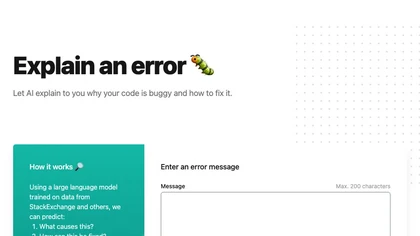
Explain by Whybug uses a large language model trained on StackExchange data to analyze code errors. Paste an error message (≤200 characters) and receive concise explanations and actionable fixes, helping developers and students debug faster.
Freemium
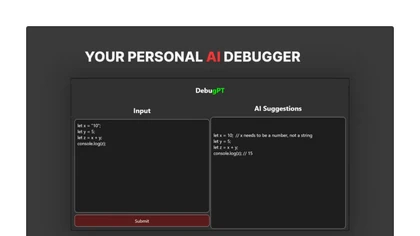
DebuGPT is an AI‑powered desktop debugger that scans code for syntax and logical errors across multiple languages, auto‑generates corrected snippets, integrates with IDEs for real‑time sessions, logs fixes for searchable history, and cuts iteration time while improving code quality.
Paid
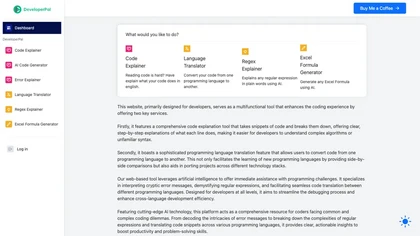
DeveloperPal is an AI web platform that line‑by‑line explains code, translates snippets across languages, interprets errors, and demystifies regex. It also generates Excel formulas, aiding debugging, learning, and project porting for developers of all levels.
Freemium
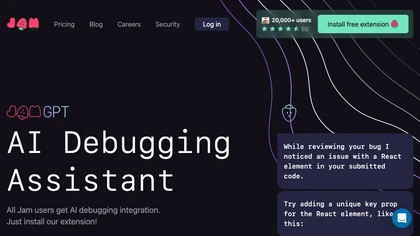
Jam is an AI-powered debugging assistant that streamlines the debugging process through automated source code analysis and code fix suggestions while ensuring privacy and security. It integrates with a Chrome extension for bug reporting workflow.
Free