Archsynth vs ReRender AI Comparison
What is the difference between Archsynth and ReRender AI? Compare Archsynth and ReRender AI in details side by side to make a choice.


Differences between Archsynth and ReRender AI
Archsynth Description
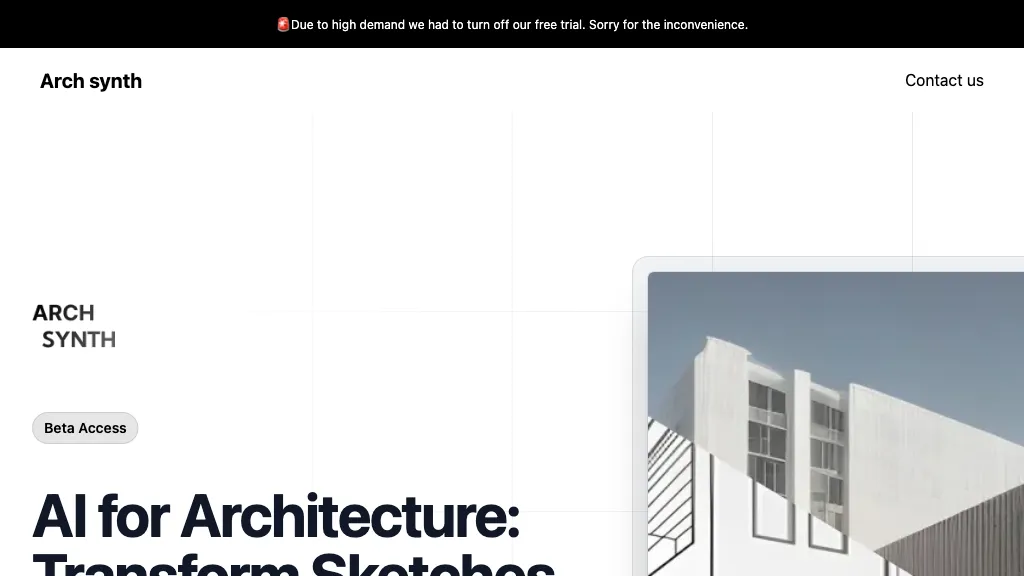
Archsynth transforms 2‑D sketches into detailed 3‑D models and high‑resolution renders instantly, supporting image‑to‑CAD, mood‑board, texture, and virtual staging creation. It offers AI inpainting, background removal, and upscaling, and exports to SketchUp, Rhino, Revit, and 3ds Max.
Archsynth Features
- Convert 2D sketches to 3D
- Render images in 14 seconds
- AI inpainting for missing parts
- Up-scaling images with advanced algorithms
- Text-to-image synthesis
- Edit images via textual commands
ReRender AI Description
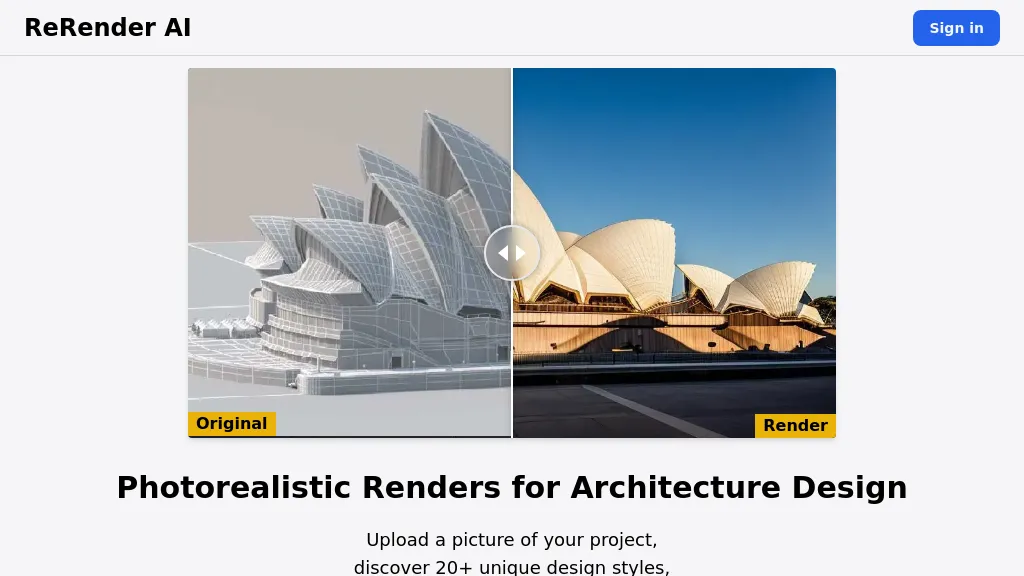
ReRender AI turns concept sketches, reference images, or 3‑D models into photorealistic interior and exterior renders. It offers multi‑angle views, sketch‑to‑image workflow, upscaling, and an API for pipeline integration, helping architects and designers.
ReRender AI Features
- AI-powered architectural rendering
- Exterior rendering capability
- Interior rendering capability
- Style reference library
- Sketch-to-image conversion
- Image enhancement tool
- Multi-angle rendering
User Satisfaction & Ratings
Archsynth Feedback
ReRender AI Feedback
No feedback data yet
Pricing Breakdown
Archsynth Pricing
Pricing model: Freemium
Starting at: $29/mo
Available Plans:
ReRender AI Pricing
Pricing model: Freemium
Starting at: $45/mo
Available Plans:
Platform Availability & Capabilities
Archsynth Capabilities
Best for
convert:image>3d_model generate:image>image enhance:image>image remove:image>image edit:image>imageReRender AI Capabilities
Best for:
convert:image>image generate:image>image enhance:image>image convert:3d_model>image generate:3d_model>imageWho Should Use Each?
Archsynth Users
ReRender AI Users
Screenshots & Media
Archsynth
ReRender AI