Photo AI Studio vs Pictura Comparison
What is the difference between Photo AI Studio and Pictura? Compare Photo AI Studio and Pictura in details side by side to make a choice.


Differences between Photo AI Studio and Pictura
Photo AI Studio Description
AI Photo Studio delivers AI‑powered image and video creation, including generation, background removal, virtual try‑on, style libraries, advanced editing (skin, age, expression, eye color), outpainting, thumbnails, and direct social publishing via a web interface.
Photo AI Studio Features
- AI photo and style generation
- AI video creation from images
- Face swap and expression editing
- Background and clothing replacement
- AI skin and age enhancement
- Image outpainting and expansion
- Thumbnail and avatar generation
Pictura Description
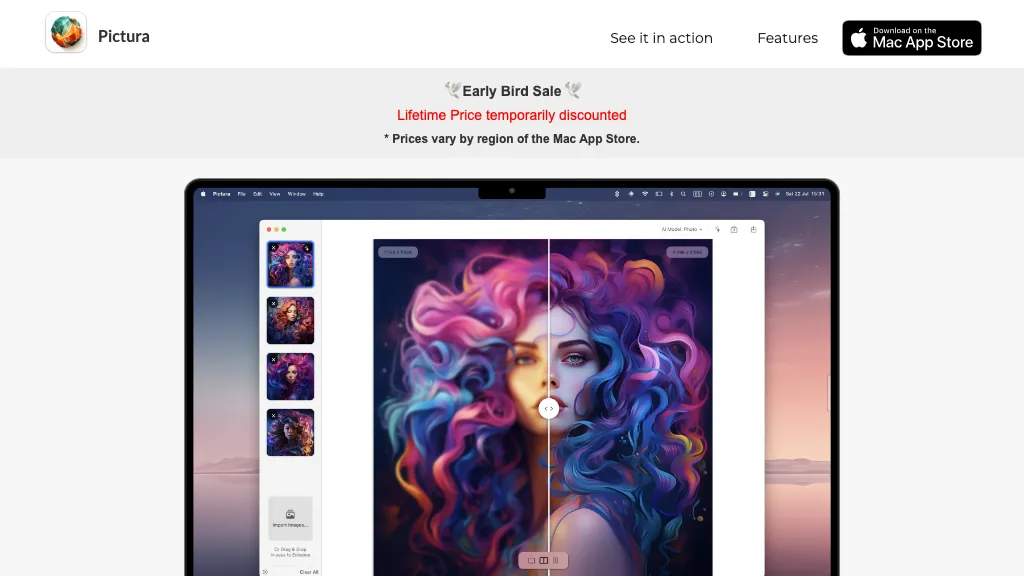
Pictura is a macOS‑native app that locally upsamples photos and anime images up to 4× using Apple Silicon and the Neural Engine, offering drag‑and‑drop import, instant enhancement, single‑click save, and batch processing for photographers and illustrators.
Pictura Features
- 4x low-res upscale
- Dual AI for photo & anime
- Instant processing, no loading
- Drag & drop upload
- One-click save
- MacOS native, privacy encryption
- Apple Silicon optimized
User Satisfaction & Ratings
Photo AI Studio Feedback
Pictura Feedback
Pricing Breakdown
Photo AI Studio Pricing
Pricing model: Free
Starting at: $1.99
Available Plans:
Pictura Pricing
Pricing model: Freemium
Starting at: Contact for pricing
Platform Availability & Capabilities
Photo AI Studio Capabilities
Best for
Generate Images Generate Videos Edit Faces Remove Backgrounds Enhance ImagesWho Should Use Each?
Photo AI Studio Users
Pictura Users
Screenshots & Media
Photo AI Studio
Pictura