Gamma vs Microsoft Designer Comparison
What is the difference between Gamma and Microsoft Designer? Compare Gamma and Microsoft Designer in details side by side to make a choice.


Differences between Gamma and Microsoft Designer
Gamma Description
Gamma is an AI-powered content creation platform offering automated layout suggestions, translation, and collaboration capabilities for designing presentations, websites, and documents in various formats, including PPT, PDF, and Google Slides.
Gamma Features
- Effortless AI presentation design
- Export to multiple formats
- API Connect to Gamma programmatically
- Instant AI-powered editing
- Collaborate real-time with team
Microsoft Designer Description
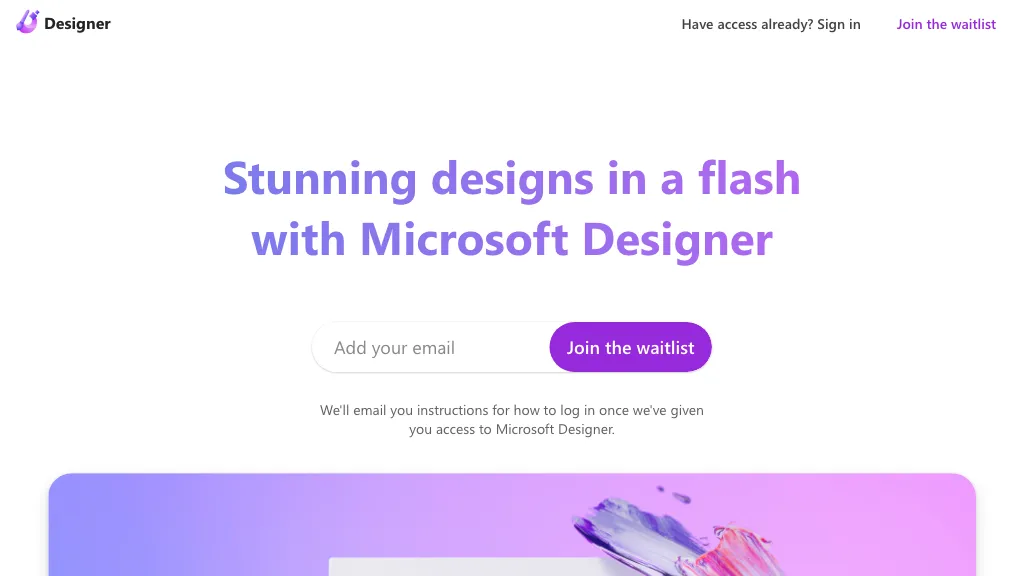
Microsoft Designer is an AI‑powered design platform integrated with Microsoft 365, enabling text‑to‑image generation, photo editing, background removal, and template‑based creation of social media posts, banners, logos, and flyers. It supports collaboration and fine‑tuned layout adjustments.
Microsoft Designer Features
- Generate images with AI
- Edit images with AI
- Remove backgrounds automatically
- Create designs from scratch
- Use templates for social media
- Send feedback to Microsoft
- Sign in with Microsoft account
User Satisfaction & Ratings
Gamma Feedback
Microsoft Designer Feedback
Pricing Breakdown
Gamma Pricing
Pricing model: Freemium
Starting at: $8/mo
Available Plans:
Microsoft Designer Pricing
Pricing model: Free
Starting at: Contact for pricing
Platform Availability & Capabilities
Gamma Capabilities
Best for
design:text>presentation design:text>website design:text>document convert:document>presentation convert:document>websiteMicrosoft Designer Capabilities
Design Inspiration Social media
Best for:
generate:text>image create:text>image design:text>image edit:image>image remove:image>imageWho Should Use Each?
Gamma Users
Microsoft Designer Users
Screenshots & Media
Gamma
Microsoft Designer