Differences between CapCut and Otter AI
CapCut Description
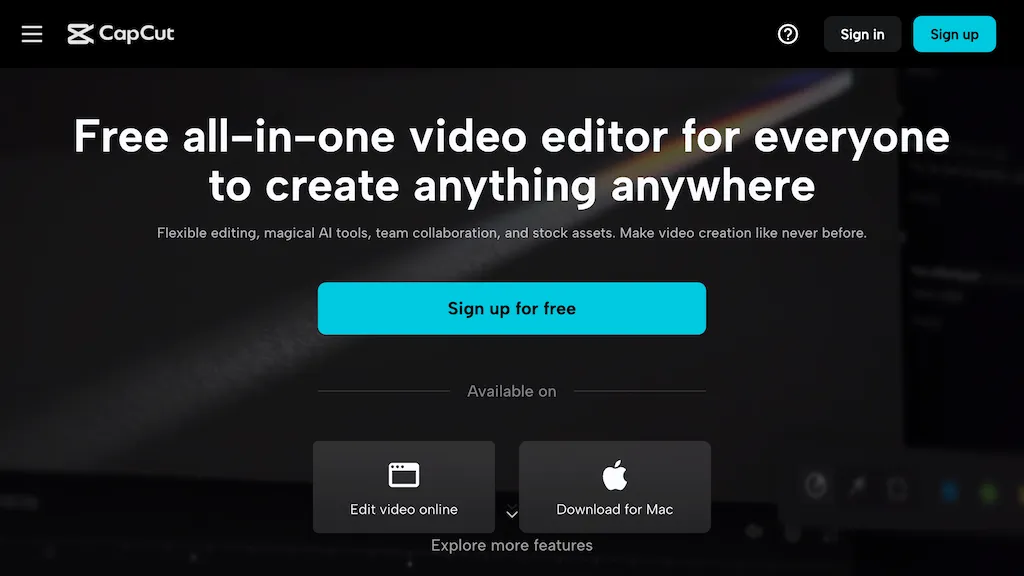
CapCut is an AI-powered video editor & design tool with social media templates, background removal, upscaling, color correction, portrait generation, text-to-speech, voice changers, and team collaboration support - accessible online and for Mac download.
CapCut Features
- Templates for social media
- Image background removal
- Video upscaling
- Color correction
- Portrait generation
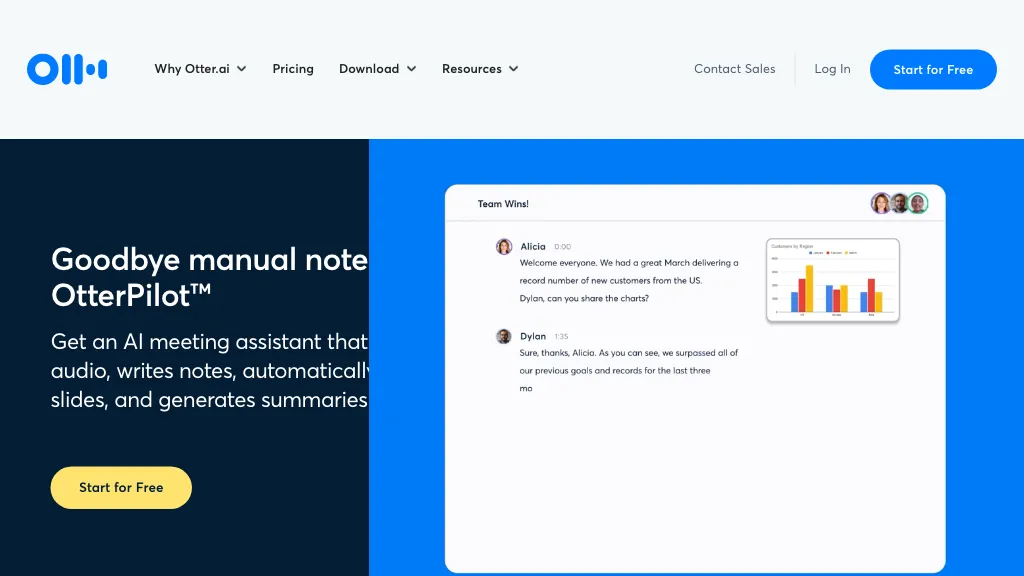
Otter AI Description
Otter Meeting Agent records, transcribes, and summarizes meetings in real time, offering speaker recognition and multi‑language support. It extracts action items, integrates with Zoom, Google Meet, Slack, and CRM platforms, and automatically syncs insights to systems like Salesforce.
Otter AI Features
- AI powered solutions
- Fast testing and learning
- Audacious goal pursuit
- Team collaboration culture
- Delightful user experience
- Innovative product development
- Customer-centric design focus
User Satisfaction & Ratings
CapCut Feedback
Otter AI Feedback
No feedback data yet
Pricing Breakdown
CapCut Pricing
Pricing model: Free trial
Starting at: Contact for pricing
Otter AI Pricing
Pricing model: Freemium
Starting at: $8.33
Available Plans:
Platform Availability & Capabilities
CapCut Capabilities
Best for
edit:video>video enhance:video>video edit:image>image enhance:image>image create:image>video convert:image>video extract:video>image convert:video>imageOtter AI Capabilities
Best for:
transcribe:audio>text translate:audio>text summarize:audio>text extract:audio>structured_data detect:audio>structured_data transcribe:video>text translate:video>text summarize:video>text extract:video>structured_data detect:video>structured_dataWho Should Use Each?
CapCut Users
Otter AI Users
Screenshots & Media
CapCut
Otter AI