Differences between Archsynth and Vizcom
Archsynth Description
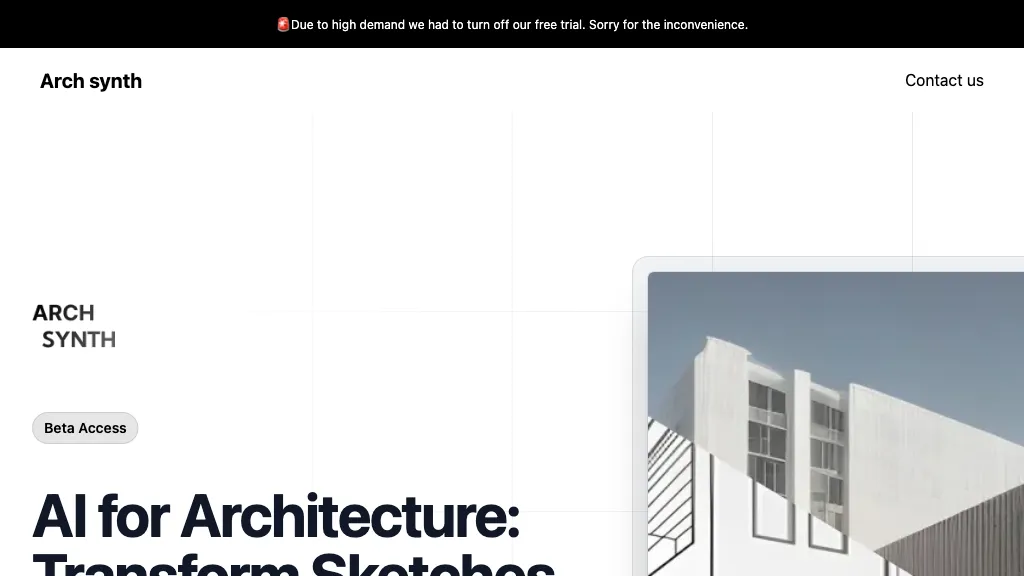
Archsynth transforms 2‑D sketches into detailed 3‑D models and high‑resolution renders instantly, supporting image‑to‑CAD, mood‑board, texture, and virtual staging creation. It offers AI inpainting, background removal, and upscaling, and exports to SketchUp, Rhino, Revit, and 3ds Max.
Archsynth Features
- Convert 2D sketches to 3D
- Render images in 14 seconds
- AI inpainting for missing parts
- Up-scaling images with advanced algorithms
- Text-to-image synthesis
- Edit images via textual commands
Vizcom Description
Vizcom turns hand‑drawn sketches into realistic 3D models instantly, letting designers tweak colors, materials, and shapes via natural language and preview changes in real time. The platform supports animation, scene embedding, and secure team collaboration.
Vizcom Features
- Sketch to 3D render conversion
- Instant variation generation
- Natural language prompt editing
- 3D model swap and color change
- Built‑in animation tool
- Real‑world object placement
- Role‑based access control
User Satisfaction & Ratings
Archsynth Feedback
Vizcom Feedback
No feedback data yet
Pricing Breakdown
Archsynth Pricing
Pricing model: Freemium
Starting at: $29/mo
Available Plans:
Vizcom Pricing
Pricing model: Free trial
Starting at: Contact for pricing
Available Plans:
Platform Availability & Capabilities
Archsynth Capabilities
Best for
convert:image>3d_model generate:image>image enhance:image>image remove:image>image edit:image>imageVizcom Capabilities
Best for:
generate:image>3d_model edit:text>3d_model generate:3d_model>image generate:3d_model>video embed:3d_model>3d_modelWho Should Use Each?
Archsynth Users
Vizcom Users
Screenshots & Media
Archsynth