AI Marvels - HitPaw vs HitPaw Photo AI Comparison
What is the difference between AI Marvels - HitPaw and HitPaw Photo AI? Compare AI Marvels - HitPaw and HitPaw Photo AI in details side by side to make a choice.


Differences between AI Marvels - HitPaw and HitPaw Photo AI
AI Marvels - HitPaw Description
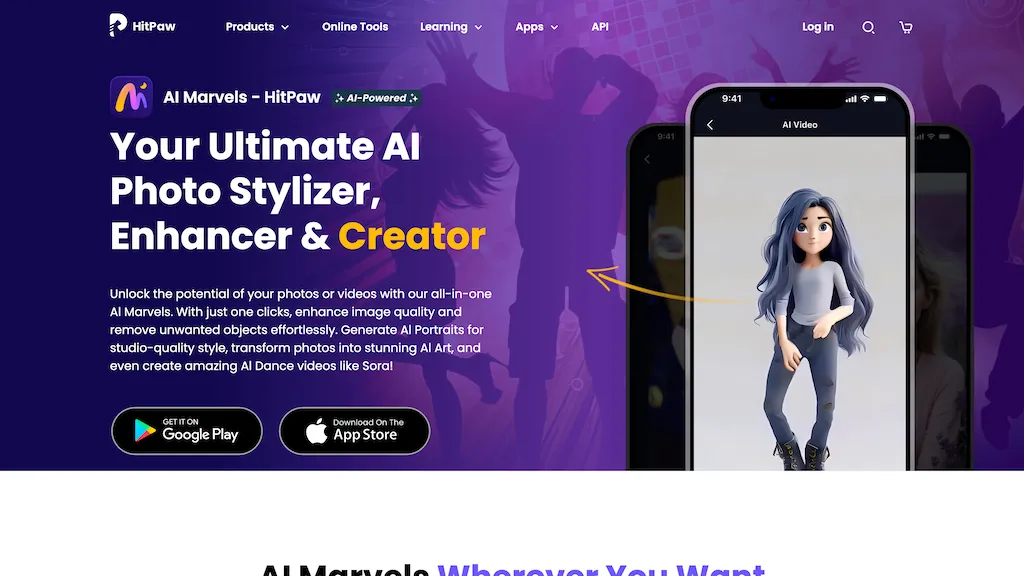
HitPaw AI Marvels applies AI to photos, videos, and animation across Windows, macOS, iOS, and Android. It offers enhancement, upscaling, background removal, text‑to‑video, animation creation, subtitle translation, and batch processing for creators.
AI Marvels - HitPaw Features
- Enhance videos up to 8K
- Remove unwanted objects from videos
- Convert and compress videos
- Real-time AI voice changer
- Generate music with AI
- Remove background from photos
- Edit photos with AI
HitPaw Photo AI Description
AI image enhancer that upscales up to 4×, removes noise, sharpens blur, and can enhance faces or colorize. Handles .png/.jpg/.webp/.tif/.bmp/.raw and outputs the same formats. Windows, macOS and Photoshop plugin supported.
HitPaw Photo AI Features
- Enhance videos up to 8K
- Convert edit compress videos
- Remove unwanted objects from videos
- Speech to text conversion
- Colorize videos with AI
- Merge multiple video files
- Remove vocals from video
User Satisfaction & Ratings
AI Marvels - HitPaw Feedback
HitPaw Photo AI Feedback
Pricing Breakdown
AI Marvels - HitPaw Pricing
Pricing model: Free
Starting at: Contact for pricing
HitPaw Photo AI Pricing
Pricing model: Free trial
Starting at: $22.39
Available Plans:
Platform Availability & Capabilities
AI Marvels - HitPaw Capabilities
Best for
enhance:video>video remove:video>video translate:video>video extract:video>audio extract:video>image enhance:audio>audio enhance:image>image remove:image>image create:image>videoWho Should Use Each?
AI Marvels - HitPaw Users
HitPaw Photo AI Users
Screenshots & Media
AI Marvels - HitPaw
HitPaw Photo AI