
Best Web Placeholders AI tools
Explore the top AI app list for Web Placeholders and compare them for use cases, features and pricing. You will find Tools for creating adaptive placeholder images that match website layout, color schemes, and content placeholders.
See all 6 AI Tools for: Web Placeholders
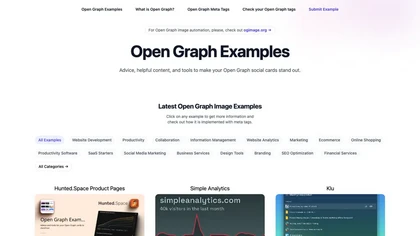
Open Graph Examples supplies reference OG meta tags, image templates, and ready‑to‑use HTML snippets for products, dashboards, marketing pages, and SaaS listings. It includes a validator, dynamic OG image generator, and debugging support for Facebook, Twitter, LinkedIn, and Pinterest.

Backgrounds AI offers 6k resolution, AI-generated backgrounds in diverse styles (metallic, neon, abstract) and themed collections (Roseate, Twilight). Subscribe for weekly releases, inspiration, and occasional free gifts.
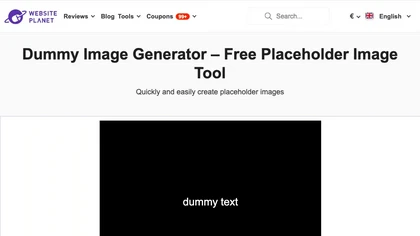
Placeholder Image Generator helps designers quickly create dummy images of specified size, format, color, effect, or stock category. It supports web‑design dimensions, allows text addition, preview, and download for responsive sites.
15 6
Free
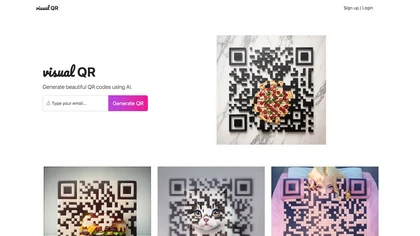
Visual QR: Effortless AI tool for creating custom, visually appealing QR codes with intuitive input options for URL, text, or email. Brings innovation to brand management.
1 0
Freemium
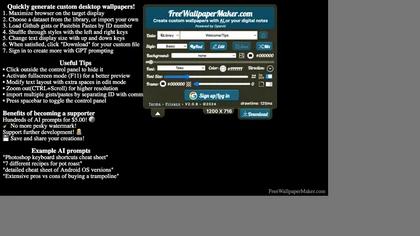
An AI‑powered web tool that generates custom desktop wallpapers, letting users embed notes, unit conversions, poker charts, trigonometry tables, eclipse schedules, time‑zone maps, and cheat sheets. It offers templates, font and background choices, and saves directly for Windows or macOS.

StockLibrary provides AI-generated stock photos organized by various styles, enabling users to create culturally accurate visuals for diverse projects. Its royalty-free licensing allows flexible usage, while a brand profile feature ensures customization to match brand identity.
Create visuals faster than you think
We track 6 Web Placeholders tools.
6
Tools
16.7%
Have API ↗
What it costs
$9.0
median starting price
Most start between $9.0 and $9.0.


Built on
Models these tools say they run on
Midjourney 1
Use cases
Generate:Text>Image
Compose:Text>Image
Create:Text>Image
Embed:Text>Image
Design:Text>Image
Stylize:Image>Image
Generate:Url>Code
Generate:Url>Image
Generate:Url>Structured_Data
Generate:Text>Code
Figures updated 30 October 2026