Best Apeture (by Lexica) Alternatives in 2026
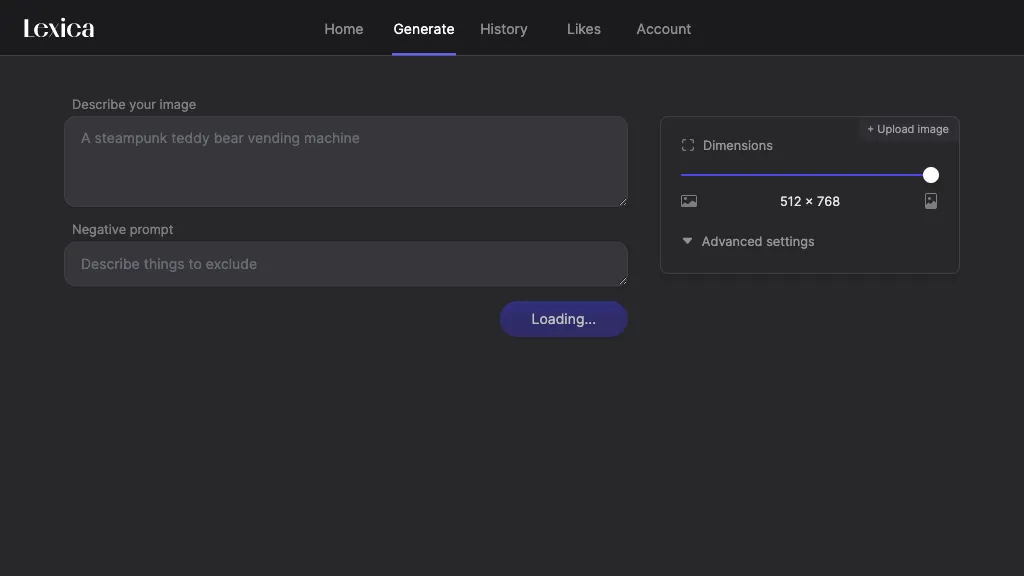
74.1% positive · 27 user reviews FreemiumLexica Aperture is a V5 text‑to‑image AI that generates up to 960×1440‑pixel images from natural‑language prompts. Its real‑time preview, prompt tweaking, and history features support rapid prototyping for designers, illustrators, and marketers.
We've ranked 29 Apeture (by Lexica) alternatives, including 25 with a free plan. Rankings are based on feature coverage and user feedbacks.
Top-rated alternatives include Lexica AI, Image Prompt Generator, and Leonardo.ai.
29 Apeture (by Lexica) Alternatives & Competitors, Ranked by User Reviews
Click Compare on any tool to compare it side-by-side with Apeture (by Lexica).
#1
Lexica AI
Lexica AI is an image generator that converts text prompts into visuals using advanced diffusion models. It offers diverse styles, from photography to abstract art, and features user-friendly prompt refinement and rapid iterations for artists and designers.
Image Prompt converts uploaded photos into detailed, AI‑optimized text prompts, supports non‑English input, offers object‑recognition analysis, and can generate high‑resolution images directly. Its batch processing, video prompt, and format‑translation features streamline design workflows.
#3
Leonardo.ai
Leonardo is an AI creative platform for generating and editing visual assets from text prompts, offering text-to-image, motion/animation and video editing, custom models and upscaling, plus API access and prompt guidance for production workflows.
#4
Flux1.ai
Flux AI converts natural language prompts into up to 2 MP images across multiple aspect ratios, offering professional, experimental, and quick‑prototype models. It operates via web, API, or local weights, supporting diverse visual styles and future video capabilities.
#5
OpenArt Photo Booth
The AI Workspace is a tool that generates imaginary images using AI. It allows users to train models using photos and supports custom identifiers and prompts.
OpenArt is an AI art generator that provides powerful tools for you to generate and edit images, especially artist assets, that you can directly use and edit to improve.
- Personalized recommendations
- Custom collections
- Save favorites
Already a member? Sign in
DeepAI offers browser‑based AI tools for text‑to‑image, photo editing, background removal, super‑resolution, and video/musical generation, plus APIs for integration. It prioritizes user ownership, privacy, fast processing, and supports conservation research via object detection and habitat mapping.
#8
Image-ai
image-ai.pro is an AI image generation platform that creates high-quality images from text prompts, offering precise control over lighting and composition, along with a diverse library of styles suitable for branding and content creation.
#9
Chat-GPT Pictures
ChatGPT Image Generator transforms text prompts into 4K images across 50+ artistic styles, offering adjustable texture, lighting, and detail. It supports batch API integration for designers, developers, marketers, educators, and students, enabling rapid, commercial‑ready visual creation.
#10
ChatGPT Images
OpenAI’s ChatGPT Images, powered by GPT Image 1.5, elevates creative workflows by offering rapid, precise image generation and editing directly within ChatGPT. It’s a versatile tool for visual content creation and design.
#11
Text to Image by Photoleap
Photoleap is an iOS‑only photo editing app that uses AI for quick enhancements, background removal, object deletion, collage creation, filters, text‑to‑image, video from stills, 4K upscaling, style transfer, portrait retouching, and hair color simulation.
#12
AIArtGenerator.net
AI Art Generator creates high‑resolution images from text prompts using various cloud‑based models. Users choose style and parameters, then download results instantly—no local hardware or installation needed for artists, designers, or hobbyists.
#13
AI Chatbot & Image Generator App
Free AI Chatbot & Image Generator offers unlimited text and voice interactions for engaging conversations, customizable personas, and unrestricted image creation, along with integrated web search to keep users informed about current events and trends.
#14
ImagePromptGuru.net
ImagePrompt Guru converts images or text into model-ready English prompts for Midjourney, DALL·E, Stable Diffusion and Flux, offering Image-to-Prompt and Text-to-Prompt modes, style presets, multilingual input, local history, and real-time processing.
Krea lets users generate and edit images, videos, and 3D meshes from text or existing media. It supports 22K image upscaling, 8K video upscaling with interpolation, LoRA fine‑tuning, multiple models, and an asset manager for rapid prototyping.
#16
Enterpix
Enterpix is an AI art search engine that lets users find and generate high‑resolution AI images from text prompts, offering filters for platform and aspect ratio, supporting designers, illustrators, and content creators to source or create visuals quickly.
#17
Image AI App
Image AI Generator creates realistic or stylized images from text prompts, offering RPG‑focused templates for D&D, GURPS, fantasy, anime, and more. It adds AI upscaling, restoration, background removal, and narrative tools for designers and illustrators.
#18
novita.ai
Novita.ai is an affordable AI image generation API with thousands of models, providing high-quality images in seconds and supporting various use cases through the API.
VisualGPT is an AI image generator and editor, offering features like background removal, photo retouching, and interior design visualization. It supports models such as Nano Banana and Flux, facilitating bulk processing and social media content creation.
#20
Flux AI AI
Flux AI is an online tool for generating high-quality images and videos from text prompts. It offers customizable styles, advanced inpainting, and features like the Lora and ReCraft AI generators for efficient image modification and creation.
#21
XX.AI
XXAI unifies text, image, and video creation in a single desktop app. It offers drafting, rewriting, a prompt library, real‑time AI search, and a copilot that inserts responses across applications, streamlining authorship, design, and marketing workflows.
#22
Flux AI Proweb
Flux AI is an advanced tool for image and video creation, enabling users to generate high-resolution visuals from text prompts and transform images into videos. It's suited for graphic designers, marketers, and content creators.
#23
Image To Prompt AI
Image To Prompt AI is a free online AI tool that converts images into prompts using advanced image analysis technology. It offers fast processing, 20 free daily conversions, and export options, making it ideal for SEO, content accessibility, and image optimization.
#24
CreataAI
Creata AI offers GPT‑4 Turbo text generation with a 128K token window, multi‑modal image tools, 600+ art styles, upscaling, GAN unblurring, voice cloning, 150 GPT‑4 prompts, and ControlNet editing for creators, developers and designers.
#25
Luma AI's Dream Machine
Luna AI Video Generator turns text prompts or images into short, realistic videos using transformer models trained on video data. It supports multiple languages, offers real‑time web generation, and scales with GPU resources for designers and educators.
#26
Bylo.ai
Bylo.ai is an AI image generator that transforms text prompts into high-quality, customizable visuals. With features like negative prompts and multiple models, it provides a user-friendly experience for creating stunning images quickly and precisely.
#27
Grok AI Image Generator 2.0
Grok AI Image Generator produces high‑quality images from text prompts in seconds using Flux models. Users pick a model, render instantly, and refine with an editor. It supports real‑time processing, custom styles, API integration, download/share, and commercial licensing.
#28
Raphael ORG
Raphael AI is an AI image generator that creates high-resolution images from text prompts. It supports various artistic styles and features an intuitive interface for easy customization of visual elements, making it accessible for all users.
#29
Ipic.ai
Generates digital images from text prompts in diverse styles such as anime, cyberpunk, oil painting, and 3‑D cartoon. Users adjust seed, denoise, add reference images, select 512–1024 px resolutions, and use background removal, outpainting, headshots, or avatars.