
What is Supertranslate?
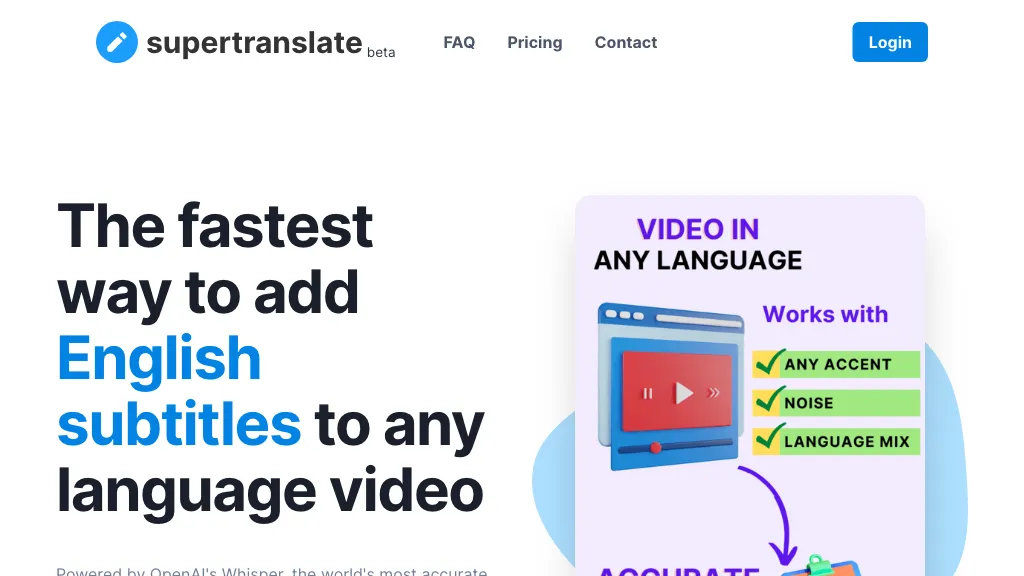
Supertranslate is a speech‑to‑text and subtitle generation platform that supports more than 125 languages and dialects. It transcribes audio and video files up to 10 GB with noise‑reduction and speaker diarization, allowing accurate output even in varied accents and environments.
Users can customize transcription settings, segment length, and timing controls to match specific workflow requirements. The tool includes advanced timing, custom dictionaries, and entity recognition to improve terminology accuracy. Collaborative editing is enabled through shared project access, real‑time updates, role‑based permissions, and comment annotations.
Export options cover SRT, VTT, XML, and ASS formats, and direct distribution to platforms such as YouTube, Brightcove, and Wistia is available. Integration support covers Google Drive, Dropbox, Amazon S3, and other workflow tools, enabling automated file processing and seamless content management.
Supertranslate pricing Freemium
Verify on the official pricing page.
View plansSupertranslate user reviews
Based on 1 review, 100.0% of users recommend Supertranslate, rated highly for value for money.
Liked for
Would you recommend Supertranslate?
Supertranslate's key features
-
Speech-to-text engine with accents
-
Noise reduction for field recordings
-
Speaker identification and diarization
-
Custom dictionaries for terminology
-
Team collaboration and annotation
-
Integration with Google Drive, Dropbox
Supertranslate use cases
-
Create multi-language subtitles for a corporate training video by converting the 2‑hour recording into text with noise reduction, automatically tagging each speaker, and exporting the final SRT file for direct upload to YouTube and Brightcove, while saving a backup to Google Drive.
-
Collaborate across a remote translation team on a documentary’s subtitle project, using Supertranslate’s custom dictionary to maintain consistent terminology, editing the subtitles in real time, and exporting the final version as XML for distribution to various streaming platforms and cloud storage on S3.
-
Transcribe a live webinar featuring several panelists with overlapping dialogue, leveraging speaker diarization to separate contributions, then export the cleaned transcript as VTT to embed in a web player, and store the transcription files in Dropbox for archival and compliance purposes.
Who is it for?
-
Content creators
-
Website managers
-
Blog writers
-
Digital marketers
-
Web developers


