
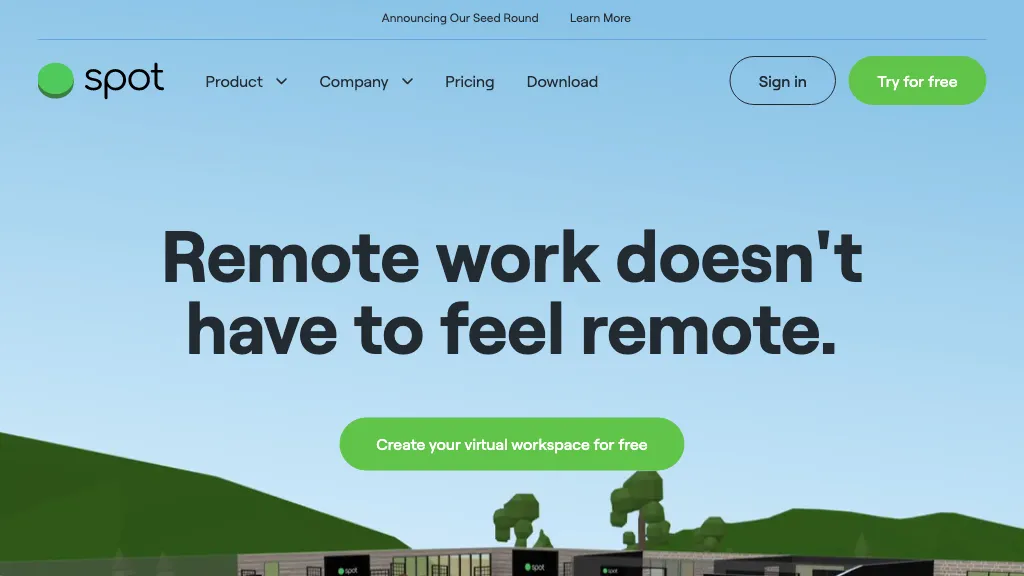
What is Spot 3.0?
Spot is a virtual office platform that connects remote teams through real‑time presence and self‑navigated meetings.
Users can walk to a colleague’s desk, join a meeting room or start a 1‑to‑1 without a link, simplifying scheduling.
The interface shows who is online and what they are working on, allowing quick syncs and reduced reliance on calendar invites.
Spot supports simultaneous screen sharing, PDF uploads, shared web browsing, and whiteboard collaboration for real‑time teamwork.
Built‑in polling lets teams conduct quick surveys and foster spontaneous conversation while keeping channels organized.
Private spaces, presenter mode, and TLS‑encrypted audio/video provide secure meetings for HR, reviews, or confidential discussions.
Role‑based permissions and single sign‑on integrate with existing identity providers for scalable access control.
Integrated music playback, YouTube viewing, and celebratory features replicate office culture, encouraging informal interaction.
The platform is designed for any team size, enabling managers to set up dedicated collaboration rooms and monitor productivity.
Spot’s design removes missed meetings and link‑sharing friction, offering a streamlined workflow for distributed teams.
Spot 3.0 details
- Built for
- Businesses and teams
Spot 3.0 tech specs
- Integrations
- Slack Microsoft Teams
Spot 3.0 pricing
Subscription- Free trial
- 30 days
- Auto-renewal
- Yes
Verify on the official pricing page.
View plansSpot 3.0's key features
-
Self-navigate to meeting rooms
-
Simultaneous screen sharing
-
Presenter mode for speaker control
-
Lock rooms for privacy
-
TLS encrypted voice and video
-
Role-based permission system
Spot 3.0 use cases
-
Onboard new hires effortlessly by walking them through a virtual office, instantly joining a welcome meeting, and showcasing real‑time presence without any setup.
-
Drive cross‑functional collaboration by initiating shared whiteboard sessions on a colleague’s desk, polling participants, and securely sharing screens, all within an SSO‑integrated environment.
-
Streamline daily stand‑ups by letting team members see who’s online, walk to the meeting room, and start instant audio‑video discussions with screen sharing for distributed teams.
Spot 3.0 user reviews
Would you recommend Spot 3.0?
Who is Spot 3.0 for?
-
Remote collaborators
-
Team leaders
-
Virtual teams
-
Remote workers
-
Digital teams
Spot 3.0 FAQ
How much does Spot 3.0 cost?
Spot 3.0 is a paid product with no free plan. Plans include Basic at $6 per user/mo and Growth at $10 per user/mo.
What are the best alternatives to Spot 3.0?
The closest alternatives to Spot 3.0 are SpatialChat, Coworking.live, Trivoh, WorkHub and Huly. You can compare them side by side in the alternatives section further down this page.
What does Spot 3.0 do with my data?
Its privacy policy states that personal data is not sold or shared for marketing purposes. Data may be shared with third-party service providers that help run the product.
Does Spot 3.0 auto-renew or offer refunds?
Spot 3.0 subscriptions renew automatically until you cancel.
What does Spot 3.0 integrate with?
Spot 3.0 connects with Slack and Microsoft Teams.
Compliance, privacy and billing terms are as stated in each product's own published documentation and have not been independently verified by TopAI.tools.


