
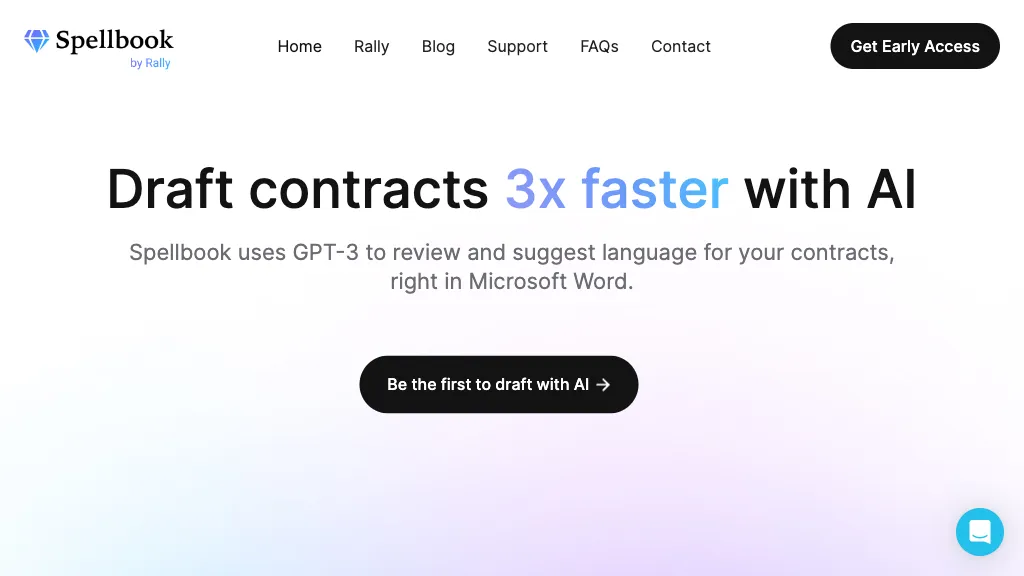
What is Spellbook?
Spellbook is a legal AI suite that supports commercial lawyers with contract review, drafting, and research directly inside Microsoft Word. It provides automated redlining of contracts, spot‑risk detection, and instant redline suggestions while preserving the original document structure.
Users can generate new clauses from a library of precedents, draft documents from scratch, or edit multi‑document workflows. The tool compares user contracts to a database of over 2,000 industry standards to highlight deviations and benchmark best practices.
Spellbook’s question‑answer feature delivers accurate, citation‑supported responses to complex legal queries. It is designed for in‑house teams and law firms, with strict data‑privacy controls that enforce zero data retention for training. The solution integrates with Word’s interface, eliminating copy‑paste and enabling a faster drafting and review cycle for transactional, procurement, M&A, and other commercial legal work.
Spellbook details
- Company
- Spellbook US Inc.
- Built for
- Businesses and teams
- Stated compliance
- SOC 2, GDPR, CCPA
Compliance as stated in Spellbook's own published documentation.
Spellbook tech specs
- Works with
- OpenAI / GPT
- Integrations
- Slack Salesforce Google Workspace
Spellbook pricing
Free trialSpellbook offers a 7-day free trial before requiring payment.
- Free trial
- 7 days
Verify on the official pricing page.
Start free trialSpellbook's key features
-
Redlines directly in Microsoft Word
-
Custom playbooks for review templates
-
AI scans for risks and errors
-
Bulk approve multiple changes
-
Redlines appear under user name
-
Draft documents from library
-
Instant AI comments
Spellbook use cases
-
Streamline contract drafting by auto‑redlining and flagging risk points in Microsoft Word, cutting review time for in‑house teams
-
Benchmark M&A agreements against 2,000+ industry standards in real time, ensuring every clause meets compliance benchmarks without leaving Word
-
Generate and insert tailored legal clauses on‑the‑spot, with AI‑generated citations and instant Q&A for quick research directly within the document
Spellbook user reviews
Based on 2 reviews, 50% of users recommend Spellbook, rated highly for quality results.
Liked for
Disliked for
Would you recommend Spellbook?
Who is Spellbook for?
-
Legal researchers
-
Business leaders
-
Contract reviewers
-
Risk assessors
-
Compliance auditors
Spellbook FAQ
Is Spellbook free?
Not permanently. Spellbook gives you a free trial of 7 days, after which a paid plan is required.
Is Spellbook safe to use?
Spellbook states SOC 2, GDPR and CCPA compliance in its own published documentation. Spellbook is operated by Spellbook US Inc.. It has a substantial audience that is independently measured month to month.
What are the best alternatives to Spellbook?
The closest alternatives to Spellbook are LegalOn, DemandsAI, DocLegal.ai, Law.co and Speedlegal. You can compare them side by side in the alternatives section further down this page.
What does Spellbook do with my data?
Spellbook states that customer content is not used to train its models. Its privacy policy states that personal data is not sold or shared for marketing purposes. Data may be shared with third-party service providers that help run the product.
Who made Spellbook?
Spellbook is built and operated by Spellbook US Inc..
Which AI models does Spellbook use?
Spellbook is built on OpenAI / GPT. Which models you can reach may depend on your plan.
What does Spellbook integrate with?
Spellbook connects with Slack, Salesforce and Google Workspace.
Compliance, privacy and billing terms are as stated in each product's own published documentation and have not been independently verified by TopAI.tools.


