
What is Smart Paste?
Smart Paste
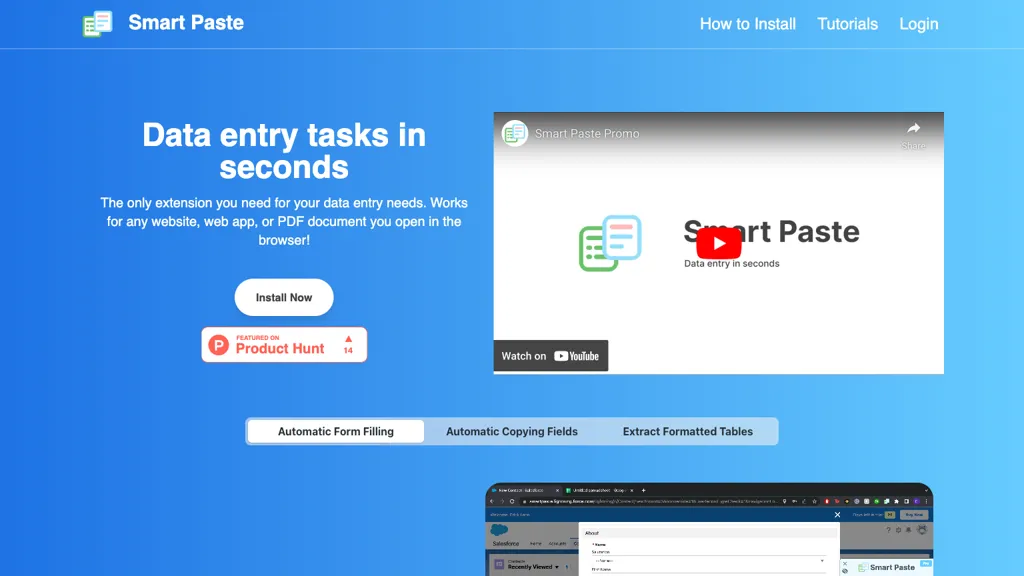
1. Browser extension that automatically extracts form fields and tables from any website, web app, or PDF.
2. Supports one‑click table selection, copy to clipboard, and direct pasting into Excel or Google Sheets.
3. Enables form autofill by mapping spreadsheet columns to input boxes, radio buttons, and checkboxes.
4. Offers hotkey shortcuts for rapid data transfer and repetitive task automation.
5. Processes all data locally on the user’s computer, ensuring that data never leaves the machine.
6. Works across multiple platforms and file types, including local PDFs, for consistent data entry efficiency.
Smart Paste details
- Jurisdiction
- Canada
- Built for
- Individuals
Smart Paste pricing
Freemium- Free trial
- 14 days
- Auto-renewal
- Yes
Verify on the official pricing page.
View plansSmart Paste's key features
-
Automatic form filling
-
Extract formatted tables
-
Copy tables to clipboard
-
Paste into spreadsheet
-
Work with websites and PDFs
-
Local processing, secure data
Smart Paste use cases
-
Extract a sales lead table from a partner website and instantly paste it into a Google Sheet, mapping columns to existing CRM fields without manual copy‑paste.
-
Quickly import a PDF invoice's line items into Excel, auto‑mapping item, quantity and price columns via hotkey shortcuts for accounting teams.
-
Use the extension to scrape a multi‑page online survey form, copy responses into a shared Google Sheet and automatically populate a form autofill for follow‑up emails.
Smart Paste user reviews
Would you recommend Smart Paste?
Who is Smart Paste for?
-
Data processors
-
Spreadsheet analysts
-
Business strategists
-
Financial advisors
-
Office administrators
Smart Paste FAQ
Is Smart Paste free?
Partly. Smart Paste has a free plan with usage limits, and paid plans unlock the full feature set. Plans include Pro plan (beta) at $3.99 and Pro plan (beta) at $9.99.
What are the best alternatives to Smart Paste?
The closest alternatives to Smart Paste are extracto.bot, Fill A Form AI, Goless extension automation, Instafill and TabTabTab. You can compare them side by side in the alternatives section further down this page.
What does Smart Paste do with my data?
Its privacy policy states that personal data is not sold or shared for marketing purposes. Data may be shared with third-party service providers that help run the product.
Does Smart Paste auto-renew or offer refunds?
Smart Paste subscriptions renew automatically until you cancel.
Compliance, privacy and billing terms are as stated in each product's own published documentation and have not been independently verified by TopAI.tools.


