
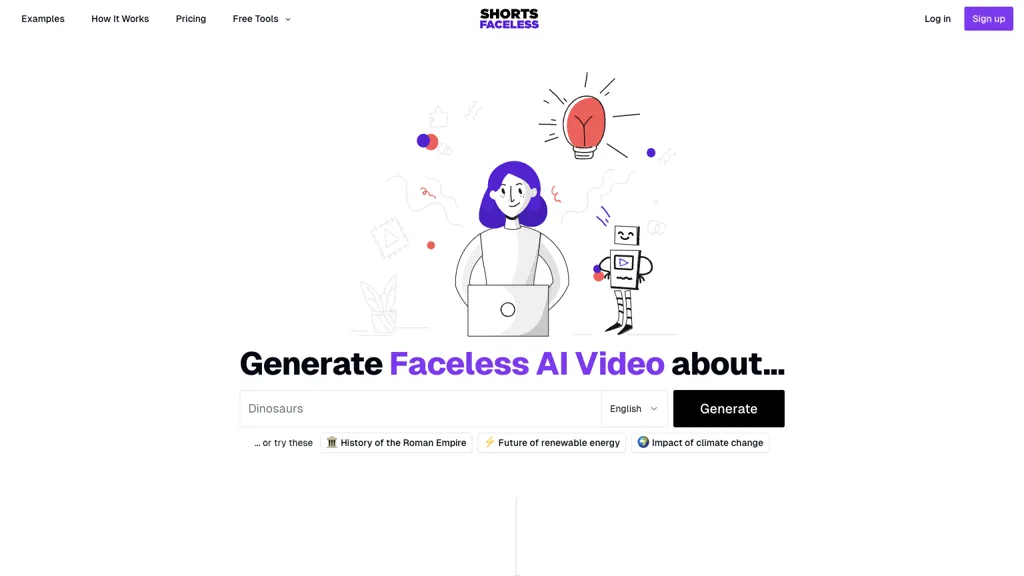
What is Shorts faceless?
ShortsFaceless is an AI‑driven tool for creating faceless videos optimized for YouTube Shorts, TikTok, and Instagram Reels. It streamlines content production in three steps, brainstorm ideas from a seed keyword, generate a full script, and produce matching AI images and voiceovers in multiple languages.
Users can edit the script, regenerate images or audio, and adjust subtitles and visual styles such as Anime, Neon, or Watercolor. The platform supports over 40 high‑quality AI voices, 10+ language options, and lets creators upload their own images. Generated videos are available for download in HD, can be scheduled to YouTube, and the creator retains full ownership of the final content.
Shorts faceless details
- Jurisdiction
- Illinois, United States
- Built for
- Individuals
Shorts faceless pricing
SubscriptionVerify on the official pricing page.
View plansShorts faceless's key features
-
AI script generation from topic
-
AI image generation per sentence
-
Multilingual AI voiceover selection
-
Customizable subtitles and visuals
-
Unlimited regeneration of images, scripts, voices
-
Instant HD video download and YouTube scheduling
-
Multiple style presets Anime Neon Watercolor
Shorts faceless use cases
-
Generate a daily YouTube Shorts series for a travel vlog by auto‑creating scripts, multilingual AI voiceovers, and themed AI images, then auto‑subtitle and schedule uploads in HD
-
Produce viral TikTok reels for a fitness brand by brainstorming trending workout concepts, generating concise scripts and dynamic AI‑generated visuals, adding brand‑specific subtitles and multilingual voiceovers, then exporting or auto‑uploading to TikTok
-
Create engaging Instagram Reels for a cooking influencer by brainstorming recipe ideas, scripting step‑by‑step instructions, generating AI‑enhanced ingredient images, adding subtitles, and exporting HD videos ready for posting
Shorts faceless user reviews
Based on 1 review, 100% of users recommend Shorts faceless, rated highly for quality results.
Liked for
Would you recommend Shorts faceless?
Who is Shorts faceless for?
-
Video editors
-
Content creators
-
Voiceover artists
-
Marketing managers
-
Small business owners
Shorts faceless FAQ
How much does Shorts faceless cost?
Shorts faceless is a paid product with no free plan. Plans include Essential at $19/mo and Professional at $29/mo.
What are the best alternatives to Shorts faceless?
The closest alternatives to Shorts faceless are Clipfly AI Video Generator, Revid.ai, HeyGen, Shortmake AI and Videotok. You can compare them side by side in the alternatives section further down this page.
What does Shorts faceless do with my data?
Its privacy policy states that personal data is not sold or shared for marketing purposes. Data may be shared with third-party service providers that help run the product.
Does Shorts faceless have an API?
Yes. Shorts faceless offers an API, so you can call it from your own applications instead of using the interface directly.
Compliance, privacy and billing terms are as stated in each product's own published documentation and have not been independently verified by TopAI.tools.


