
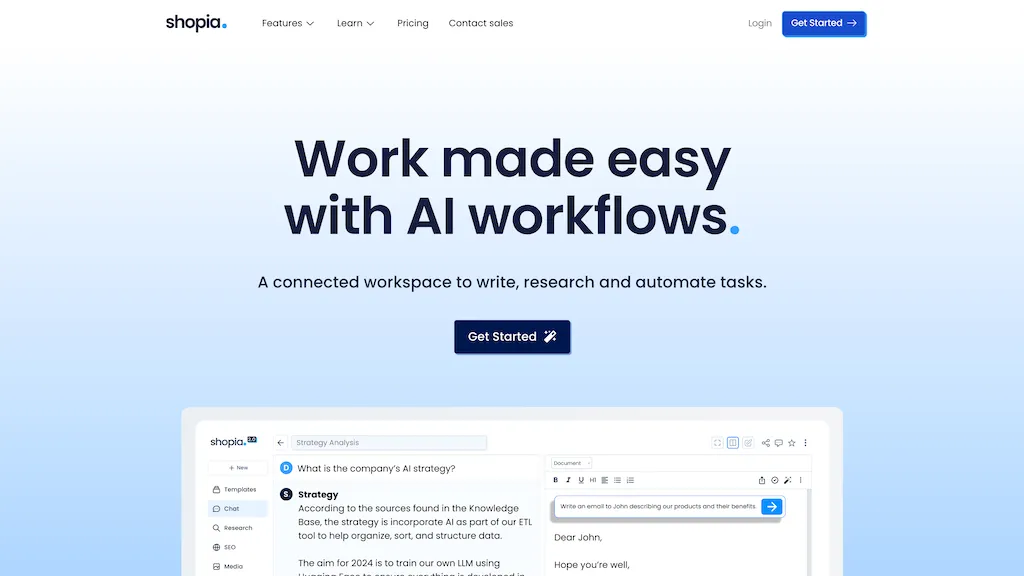
What is Shopia?
Shopia is an AI-powered platform designed to streamline content creation and research tasks.With features like AI workflows, Shopia Chat, and an intelligent text editor, users can automate repetitive tasks, generate SEO-optimized articles, and personalize content effortlessly.
It offers advanced functionalities like autonomous web browsing, SEO insights, and collaborative workspaces, catering to marketing teams, freelancers, and agencies.By combining AI tools with collaborative features, Shopia enhances productivity and enables users to work 10x faster, making it an essential tool for content creation and research tasks across various industries.
Shopia pricing
Free trialVerify on the official pricing page.
Start free trialShopia's key features
-
Generate articles
-
Optimize content
-
Analyze competitive lists
-
Custom models api
-
Talent network
Shopia use cases
-
Automate repetitive tasks and generate SEO-optimized articles for improved content creation efficiency
-
Personalize content and enhance productivity by leveraging AI workflows and collaborative features
-
Streamline research tasks and gather SEO insights to optimize content strategy and improve engagement
Shopia user reviews
Based on 1 review, 100% of users recommend Shopia, rated highly for quality results.
Liked for
Would you recommend Shopia?
Who is Shopia for?
-
Content creators
-
E-commerce sellers
-
Marketing professionals
-
Product designers
-
Business owners
Shopia FAQ
Is Shopia free?
Not permanently. Shopia gives you a free trial, after which a paid plan is required. Plans include Standard at $6/mo, Standard at $8/mo, Pro at $13/mo and Pro at $18/mo.
Does Shopia have an API?
Yes. Shopia offers an API, so you can call it from your own applications instead of using the interface directly.