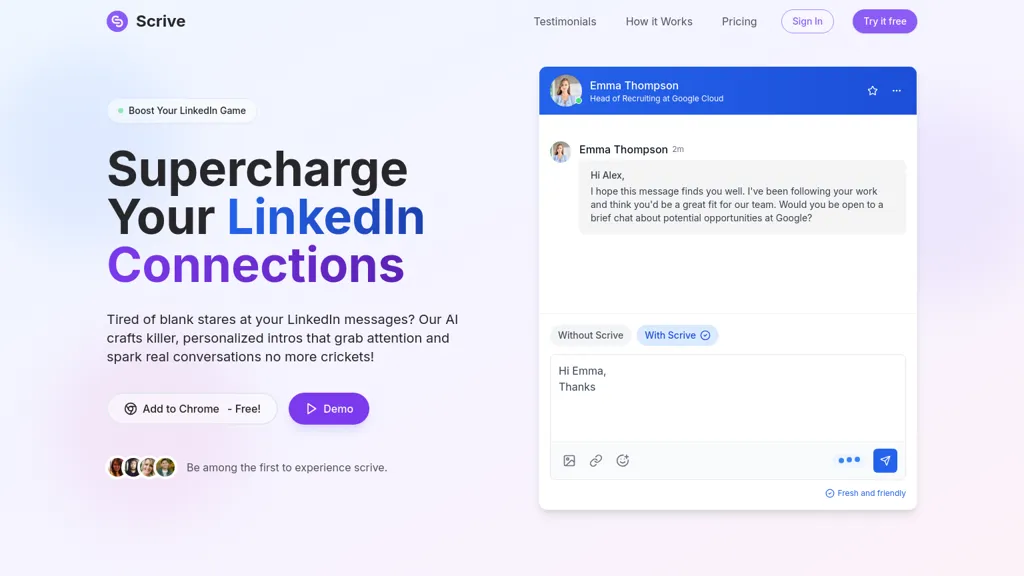
What is Scrive?
Scrive | LinkedIn Message Assistant enables users to create personalized, impactful LinkedIn messages quickly and efficiently. This AI-driven tool helps streamline the message crafting process, allowing professionals to connect more effectively by generating engaging intros and responses that capture attention and encourage dialogues.
Scrive excels at refining existing drafts, enhancing clarity while ensuring the tone remains professional. Users can save time and increase productivity, whether they are occasional LinkedIn users or daily networkers, thanks to the range of customizable plans that accommodate varying messaging needs.
Scrive pricing Free trial
Scrive offers a free trial before requiring payment.
Verify on the official pricing page.
Start free trialScrive user reviews
Would you recommend Scrive?
Recommend this tool?
Scrive's key features
-
Personalized message generation
-
Draft refinement and clarity enhancement
-
Integration with Chrome
-
Customizable messaging plans
-
24/7 customer support
Scrive use cases
-
Create personalized connection requests on LinkedIn that stand out using Scrive's AI-driven message crafting, increasing the likelihood of acceptance
-
Refine existing LinkedIn messages with Scrive to enhance clarity and professionalism, ensuring effective communication with potential clients or collaborators
-
Utilize Scrive to quickly generate engaging responses to LinkedIn messages, saving time and fostering productive dialogues in networking interactions
Who is it for?
-
Content creators
-
E-commerce sellers
-
Strategic leaders
-
Marketing specialists
-
Business owners