
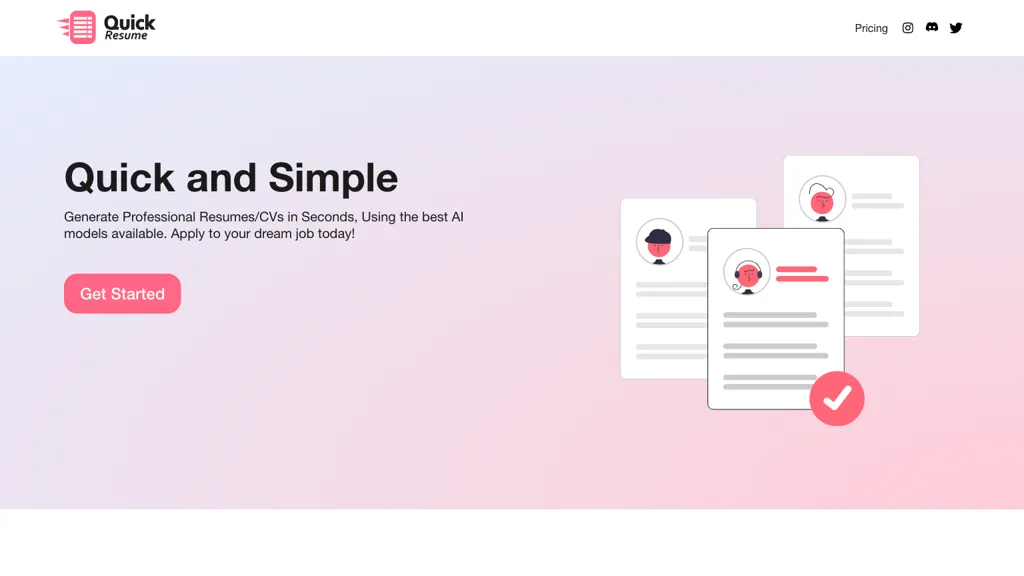
What is Quick resume?
Quick Resume is an AI‑powered resume builder that lets users create professional resumes or CVs in seconds. The interface guides users through selecting a resume type—such as Software Engineer, Casual, or Targeted Job—before entering personal details, work experience, education, and skills.
Google Gemini AI processes the input to produce a polished document, and the result can be downloaded as a PDF or a LaTeX file for further editing. The LaTeX format supports precise formatting control, while the PDF offers a ready‑to‑send file for job applications.
Resumes generated with Quick Resume are formatted to be ATS‑friendly, increasing the likelihood of passing through applicant‑tracking systems. The tool supports a range of professional styles, making it suitable for job seekers across technical, non‑technical, and managerial roles.
Quick resume pricing
FreemiumVerify on the official pricing page.
View plansQuick resume's key features
-
AI-generated professional resume
-
Select resume type
-
Input personal and work details
-
Download PDF or LaTeX
-
Edit LaTeX file
-
Powered by Google Gemini AI
-
ATS-friendly resume formatting
Quick resume use cases
-
Generate a polished, ATS‑friendly résumé for a recent computer science graduate in seconds, using Quick Resume’s role‑specific templates and instant PDF export—no coding or design skills required
-
Create a concise, executive‑level résumé for a hiring manager targeting senior leadership roles, leveraging Quick Resume’s LaTeX exporter for a professional look and ATS optimization—ready for upload with one click
-
Transform a marketing professional’s CV into a product‑management‑ready résumé using Quick Resume’s keyword‑aware templates, delivering an ATS‑friendly PDF and LaTeX file in minutes—no additional tools needed
Quick resume user reviews
Would you recommend Quick resume?
Who is Quick resume for?
-
Resume builders
-
Content creators
-
E-commerce sellers
-
Job seekers
-
Digital marketers
Quick resume FAQ
Is Quick resume free?
Partly. Quick resume has a free plan with usage limits, and paid plans unlock the full feature set. Plans include Basic at $5.00, Balanced at $10.00 and Bulk at $20.00.
What are the best alternatives to Quick resume?
The closest alternatives to Quick resume are Refit resume, 1MillionResume, Resumecoach.com, AiResume and ResumeBuilder.com. You can compare them side by side in the alternatives section further down this page.


