
What is Pixwit.ai?
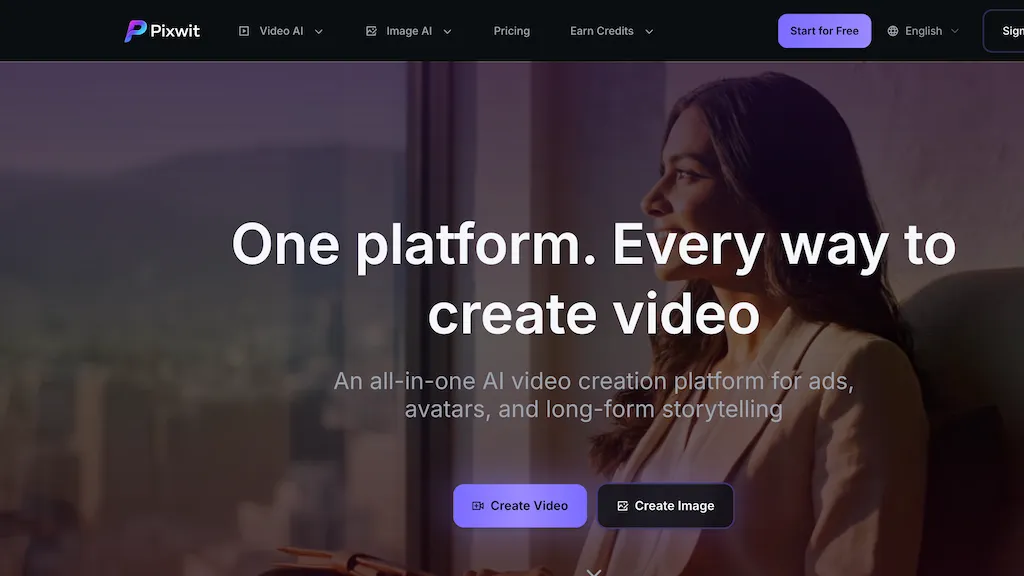
Pixwit is an AI video generator that converts text prompts and images into multi-scene videos using selectable generation models.It supports text-to-video, image-to-video, and reference-image workflows to maintain consistent characters, objects, and environments across frames.
Features include start/end frame blending, shot and scene controls, multiple aspect ratios, customizable durations, and template-based effects.An AI avatar generator produces animated avatars with lip sync and expressive motion for up to multi-minute clips.
Tools for UGC and ad creation automate product-focused video assembly across social formats and aspect ratios.Long-form generation and multi-scene sequencing enable extended storytelling with scene transitions and model-based visual styles.
Output options and effect presets help creators, marketers, educators, and filmmakers iterate faster on concept-to-video production.
Pixwit.ai details
- Built for
- Individuals
Pixwit.ai tech specs
- Works with
- OpenAI / Sora Google / Veo Kling ByteDance / Seedance
Pixwit.ai pricing
FreemiumVerify on the official pricing page.
View plansPixwit.ai's key features
-
Text-to-video and image-to-video multi-scene generation with selectable generation models
-
Reference-image workflow for consistent characters, objects, and environments across frames
-
Advanced scene controls and effects: start/end frame blending, shot/scene controls, aspect ratios, durations, and templates
-
AI avatar generator producing animated, lip-synced avatars with expressive motion for multi-minute clips
-
Automated product-focused video assembly tools for UGC and ads across social formats and aspect ratios
Pixwit.ai use cases
-
Create high-converting UGC ad sequences by converting product images and copy into multi-scene videos with selectable generation models, preserving consistent on-camera talent via reference images and using aspect-ratio and duration templates for platform-ready cuts
-
Produce lip-synced AI avatar spokespersons for tutorials and explainer videos by generating avatars from reference photos, synchronizing audio, and sequencing shots with scene controls for polished long-form content
-
Turn storyboards or photo series into cinematic promos by applying image-to-video multi-scene generation, keeping characters and objects consistent across scenes, fine-tuning shots and durations, and exporting optimized edits for social and paid campaigns
Pixwit.ai user reviews
Based on 7 reviews, 43% of users recommend Pixwit.ai, rated highly for quality results.
Liked for
Disliked for
Would you recommend Pixwit.ai?
Who is Pixwit.ai for?
-
Content creators
-
Ugc creators
-
Independent filmmakers
-
Motion designers
-
Video editors
Pixwit.ai FAQ
Is Pixwit.ai free?
Partly. Pixwit.ai has a free plan with usage limits, and paid plans unlock the full feature set. Plans include Plus at $30/mo and Pro at $50/mo.
What are the best alternatives to Pixwit.ai?
The closest alternatives to Pixwit.ai are Clipfly AI Video Generator, Video Generator - A2E.ai , HeyGen, Clipdance AI and imagetovideo-ai.org. You can compare them side by side in the alternatives section further down this page.
What does Pixwit.ai do with my data?
Its privacy policy states that personal data is not sold or shared for marketing purposes. Data may be shared with third-party service providers that help run the product.
Which AI models does Pixwit.ai use?
Pixwit.ai is built on OpenAI / Sora, Google / Veo, Kling and ByteDance / Seedance. Which models you can reach may depend on your plan.
Compliance, privacy and billing terms are as stated in each product's own published documentation and have not been independently verified by TopAI.tools.


