
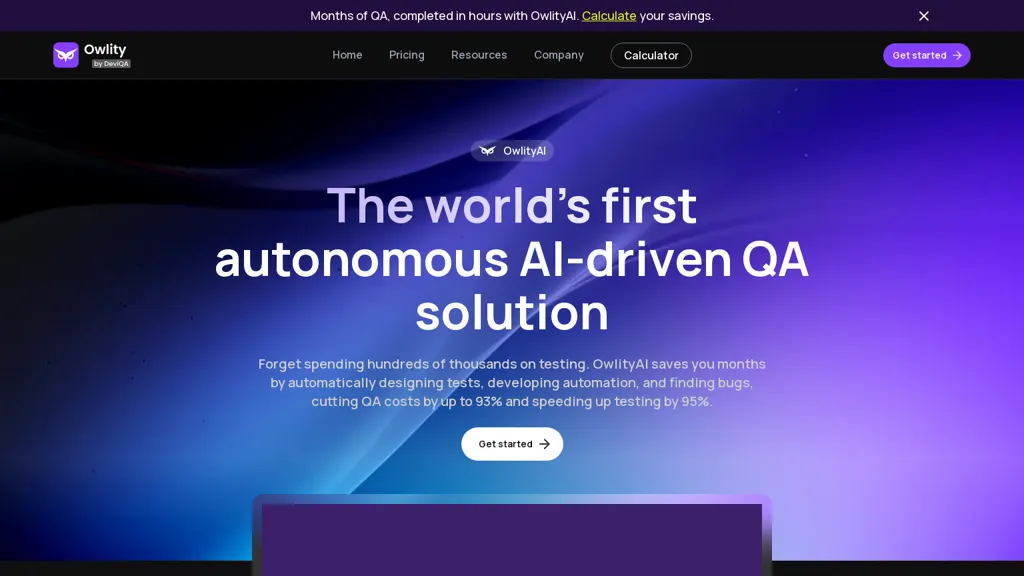
What is Owlity?
OwlityAI is an autonomous AI‑driven quality assurance platform that scans a web application’s public interface using computer vision and generates end‑to‑end test scenarios without manual scripting. It builds maintainable automation scripts, runs them in parallel across multiple cloud environments, and rewrites test code on the fly as the UI changes, eliminating the need for test maintenance.
The system logs failures with screenshots, video, and detailed logs, and can push bug reports directly into tools such as Jira or Linear. Users can start testing by entering the app URL; OwlityAI immediately analyzes the application context, workflow, and component structure to create comprehensive functional, integration, regression, and edge‑case tests.
Owlity details
- Company
- Owlity LTD
- Jurisdiction
- Republic of Cyprus
- Built for
- Businesses and teams
Owlity tech specs
- Cloud
- Azure
- Integrations
- Jira GitHub
Owlity pricing
FreemiumOwlity's key features
-
Autonomous scanning with computer vision
-
Automatic test scenario generation
-
AI-powered test prioritization
-
Parallel test execution in cloud
-
CI/CD pipeline integration via API
-
Automated bug reporting
-
Continuous test maintenance
Owlity use cases
-
Automatically generate end‑to‑end test scripts for a new e‑commerce website launch, running them in parallel on multiple browsers via the cloud and integrating failure reports with Jira for instant bug triage
-
Maintain visual regression tests for a dynamic SaaS dashboard, having OwlityAI detect UI changes, update scripts, and log screenshots of failures directly into the CI pipeline
-
Enable no‑code test creation for a mobile‑first web app, allowing product managers to trigger parallel cloud execution, receive media‑rich bug reports, and reduce QA hours by 70%
Owlity user reviews
Based on 6 reviews, 67% of users recommend Owlity, rated highly for quality results.
Liked for
Disliked for
Would you recommend Owlity?
Who is Owlity for?
-
Automation engineers
-
Software developers
-
Quality assurance analysts
-
Project managers
-
Business analysts
Owlity FAQ
Is Owlity free?
Partly. Owlity has a free plan with usage limits, and paid plans unlock the full feature set. Plans include Core at $299 and Pro at $799.
Is Owlity safe to use?
Owlity is operated by Owlity LTD, registered in Republic of Cyprus.
What are the best alternatives to Owlity?
The closest alternatives to Owlity are Autonoma, QA.tech, autify.com, Katalon Studio and Testrigor.com. You can compare them side by side in the alternatives section further down this page.
What does Owlity do with my data?
Owlity states that customer content is not used to train its models. Its privacy policy states that personal data is not sold or shared for marketing purposes.
Does Owlity auto-renew or offer refunds?
Owlity subscriptions renew automatically until you cancel.
Who made Owlity?
Owlity is built and operated by Owlity LTD, a company registered in Republic of Cyprus.
What does Owlity integrate with?
Owlity connects with Jira and GitHub.
Compliance, privacy and billing terms are as stated in each product's own published documentation and have not been independently verified by TopAI.tools.


