
What is Outline Ninja?
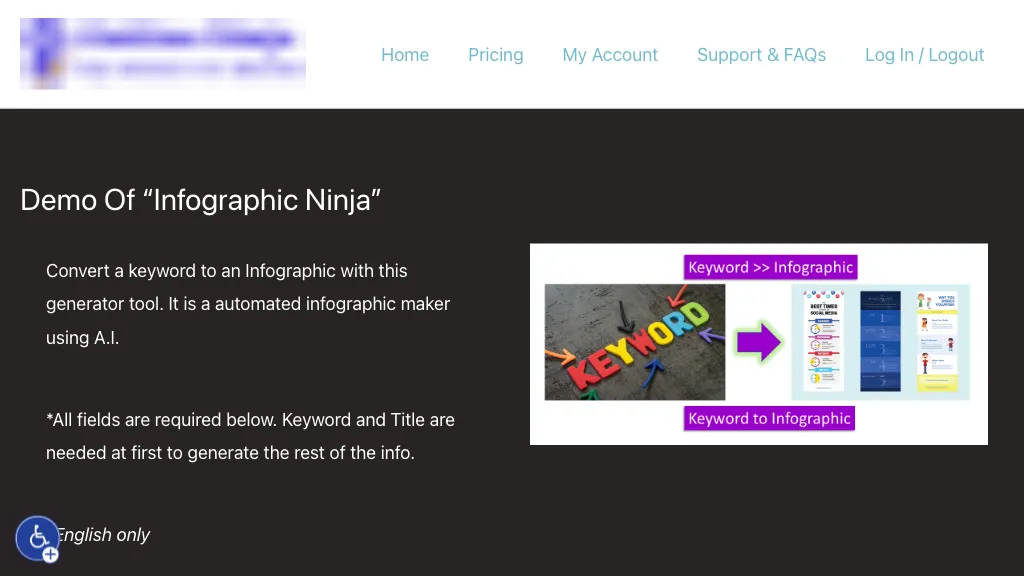
AI Infographic Generator – Demo of Infographic Ninja converts keywords or full blog articles into ready‑to‑publish infographics. It offers a library of dozens of templates and lets users choose or automatically generate icons by name, color, or stock image, including black‑and‑white or gradient options.
Users can feed a PDF or text to produce questions and answers, customize the number of entries, and even write their own Q&A. The tool exports SEO‑friendly FAQ schema, generates shareable social media buttons, and provides WordPress embed code with a “copy embed code” button.
Brand‑specific colors and 30+ fonts can be applied to header, footer, and background, and the infographic can be previewed before download. The platform supports content marketers, educators, and designers who need quick, branded visual summaries for blogs, reports, or social posts.
Outline Ninja details
- Jurisdiction
- Canada
- Built for
- Individuals
- Stated compliance
- GDPR
Compliance as stated in Outline Ninja's own published documentation.
Outline Ninja tech specs
- Integrations
- WordPress
Outline Ninja pricing
Subscription- Free trial
- 3 days
- Auto-renewal
- Yes
Verify on the official pricing page.
View plansOutline Ninja's key features
-
Generate infographics from templates
-
AI creates Q&A from keyword
-
WordPress embed code button
-
Extract top SERP research data
-
Click‑to‑copy outlines
-
Detect missing SEO keywords
Outline Ninja use cases
-
Generate branded marketing infographics from keyword lists, automatically creating icons, applying custom colors, and delivering SEO‑friendly FAQ schema with WordPress embed code
-
Transform long‑form research articles into concise infographics, auto‑generating icon visuals and exporting FAQ schema for academic blogs, ready for WordPress publishing
-
Create internal training visuals by converting bullet‑point guides into professional infographics, preserving brand fonts and colors, and embedding seamlessly into corporate WordPress sites
Outline Ninja user reviews
Would you recommend Outline Ninja?
Who is Outline Ninja for?
-
Product designers
-
Digital marketers
-
Content creators
-
Data analysts
-
E-commerce sellers
Outline Ninja FAQ
How much does Outline Ninja cost?
Outline Ninja is a paid product with no free plan. Plans include Starter at $5.00/mo, Pro at $30.00/mo and Trial at $1.00 (then $5.00)/mo.
Is Outline Ninja safe to use?
Outline Ninja states GDPR compliance in its own published documentation.
What are the best alternatives to Outline Ninja?
The closest alternatives to Outline Ninja are AI Infographic Generator, Make Infographic AI, Graphicinfo, AI Infographics and Ainfographic. You can compare them side by side in the alternatives section further down this page.
What does Outline Ninja do with my data?
Its privacy policy states that personal data is not sold or shared for marketing purposes. Data may be shared with third-party service providers that help run the product.
Does Outline Ninja auto-renew or offer refunds?
Outline Ninja subscriptions renew automatically until you cancel.
Does Outline Ninja have an API?
Yes. Outline Ninja offers an API, so you can call it from your own applications instead of using the interface directly.
What does Outline Ninja integrate with?
Outline Ninja connects with WordPress.
Compliance, privacy and billing terms are as stated in each product's own published documentation and have not been independently verified by TopAI.tools.


