
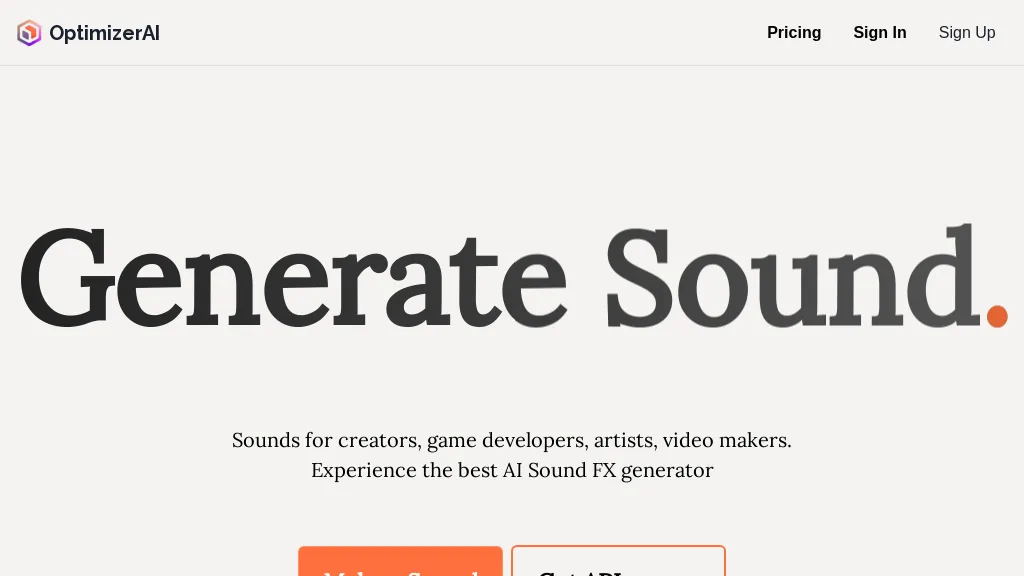
What is OptimizerAI?
OptimizerAI, a text‑to‑sound effect generator that produces stereo audio files up to 60 seconds at 44.1 kHz.
Creators, game developers, and video producers can generate sounds by describing the desired effect or by using a magic prompt that produces audio based on a situation.
The tool allows style selection and can modify uploaded audio to create multiple variants.
Output files are compatible with game engines, video editing suites, and other media production workflows.
Sample sounds demonstrate common use cases such as 8‑bit game sounds, ambient rain, and character dialogue.
OptimizerAI pricing
FreemiumVerify on the official pricing page.
View plansOptimizerAI's key features
-
Unlimited free sound generation
-
Text-to-sound effect creation
-
Supports stereo 44.1 kHz audio
-
Upload audio for multiple variations
-
Magic prompt situation-based generation
-
Choose audio style
OptimizerAI use cases
-
Generate immersive game soundtracks in seconds with OptimizerAI, creating 44.1 kHz stereo loops for Unity or Unreal without manual audio editing, enabling rapid prototyping and real‑time iteration
-
Batch‑produce cinematic Foley packs from text prompts for video editors, delivering ready‑to‑import sound files that fit seamlessly into Adobe Premiere or DaVinci Resolve workflows
-
Create personalized voiceover snippets with style presets for marketing videos, producing high‑quality, 60‑second audio clips directly from script text, eliminating the need for external TTS services
OptimizerAI user reviews
Based on 6 reviews, 83% of users recommend OptimizerAI, rated highly for ease of use.
Liked for
Disliked for
Would you recommend OptimizerAI?
Who is OptimizerAI for?
-
Game developers
-
Audio producers
-
Video editors
-
Creative artists
-
Sound designers
OptimizerAI FAQ
Is OptimizerAI free?
Partly. OptimizerAI has a free plan with usage limits, and paid plans unlock the full feature set. Plans include Pro at $20/mo and Unlimited at $90/mo.
What are the best alternatives to OptimizerAI?
The closest alternatives to OptimizerAI are ElevenLabs, Sound Effects AI, Make best music, PopPop AI Sound Effect and AudioX. You can compare them side by side in the alternatives section further down this page.


