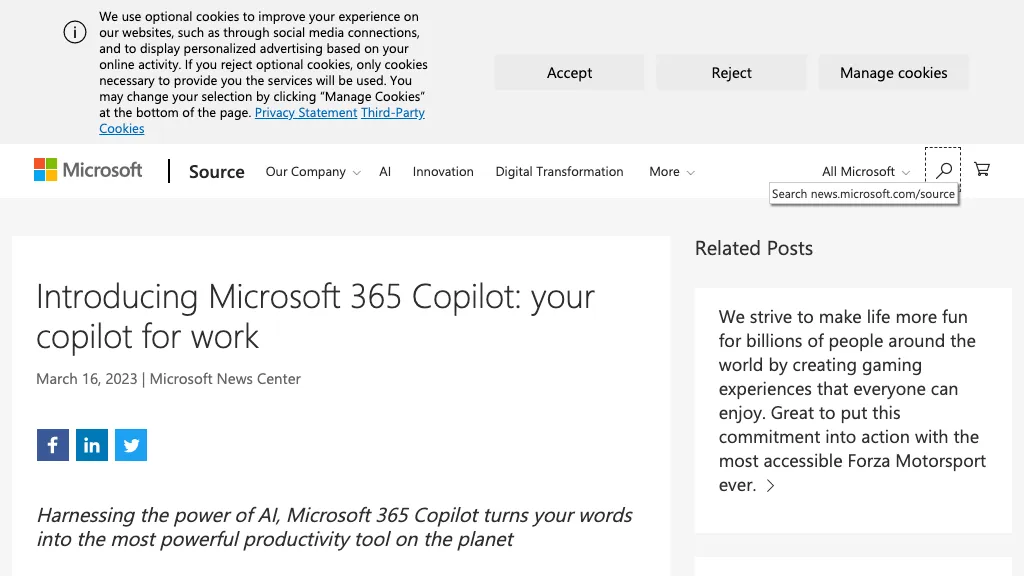
What is Microsoft 365 Co-pilot?
Microsoft 365 Copilot is a new AI tool that combines the power of large language models and business data from Microsoft 365 apps to unleash creativity and upskill users. The tool works seamlessly alongside apps such as Word, Excel, PowerPoint, Outlook, and Teams, and includes a new business chat feature that brings together data from various sources to summarize chat, emails, and plans based on projects. Copilot is enterprise-ready and built using Microsoft's comprehensive approach to security, compliance, and privacy.
Microsoft 365 Co-pilot details
- Built for
- Businesses and their customers
Microsoft 365 Co-pilot tech specs
- Works with
- OpenAI / GPT
- Cloud
- Azure
- Integrations
- Microsoft Teams GitHub
Microsoft 365 Co-pilot pricing
PaidPricing details aren't listed here — check the official pricing page below.
- Auto-renewal
- Yes
Verify on the official pricing page.
View plansMicrosoft 365 Co-pilot's key features
-
Generates reports
-
Suggests content
-
Assists with scheduling
-
Provides insights on chat activity
-
Summarizes email and plan data
Microsoft 365 Co-pilot use cases
-
Automated document creation
-
Data summarization in business chat
-
Upskilling users with personalized recommendations
Microsoft 365 Co-pilot user reviews
Based on 13 reviews, 62% of users recommend Microsoft 365 Co-pilot, rated highly for quality results.
Liked for
Disliked for
Would you recommend Microsoft 365 Co-pilot?
Microsoft 365 Co-pilot playbooks
1Step-by-step guides to get the most out of Microsoft 365 Co-pilot
Who is Microsoft 365 Co-pilot for?
-
Business analysts
-
Creative professionals
-
Information technology specialists
-
Digital marketers
-
Strategic planners
Microsoft 365 Co-pilot FAQ
Is Microsoft 365 Co-pilot free?
No. Microsoft 365 Co-pilot is a paid product and requires a paid plan to use.
Is Microsoft 365 Co-pilot safe to use?
Microsoft 365 Co-pilot carries the TopAI.tools verified mark, which we award after a manual review of pricing transparency, published terms, public following and working functionality.
Is Microsoft 365 Co-pilot good?
Microsoft 365 Co-pilot has a 62% recommendation rate from 13 reviewers on TopAI.tools. Reviewers rate it highest on quality of results and ease of use.
What are the best alternatives to Microsoft 365 Co-pilot?
The closest alternatives to Microsoft 365 Co-pilot are CopilotKit, Copilotly, Copilot4DevOps, Let's Copilot and Dot Copilot. You can compare them side by side in the alternatives section further down this page.
What does Microsoft 365 Co-pilot do with my data?
Microsoft 365 Co-pilot states that customer content is not used to train its models.
Does Microsoft 365 Co-pilot auto-renew or offer refunds?
Microsoft 365 Co-pilot subscriptions renew automatically until you cancel.
Which AI models does Microsoft 365 Co-pilot use?
Microsoft 365 Co-pilot is built on OpenAI / GPT. Which models you can reach may depend on your plan.
What does Microsoft 365 Co-pilot integrate with?
Microsoft 365 Co-pilot connects with Microsoft Teams and GitHub.
Compliance, privacy and billing terms are as stated in each product's own published documentation and have not been independently verified by TopAI.tools.