
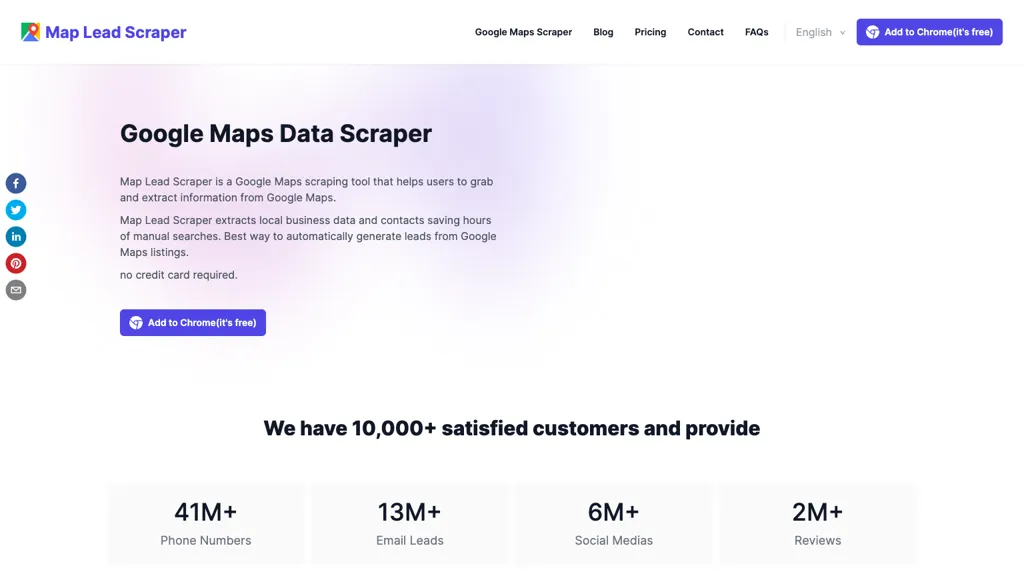
What is Map Lead Scraper?
Google Maps Scraper extracts local business listings from Google Maps and exports the data to CSV or XLS files. It retrieves names, phone numbers, email addresses, websites, social media URLs, addresses, categories, review counts, ratings, latitude and longitude, and other location details for each business.
The tool works as a browser extension compatible with Chrome on Windows, macOS, and Linux, requiring no additional software. Users can perform one‑click searches, specify keywords, and limit results to specific regions or ZIP codes for targeted lead generation.
Export settings allow batch extraction of up to 100,000 records in a single export, and the extension automatically visits each business website to gather contact information not displayed directly on Google Maps. The scraper supports unlimited exports, provides basic and advanced data fields, and simplifies market research by compiling competitor and industry data into a single spreadsheet.
Map Lead Scraper details
- Built for
- Individuals
Map Lead Scraper pricing
Freemium- Refund window
- 7 days
Verify on the official pricing page.
View plansMap Lead Scraper's key features
-
One-click extraction of Google Maps listings
-
Exports data to CSV and XLS
-
Retrieves emails, phones, socials
-
Collects business name, address, rating
-
Supports automatic bulk extraction (paid)
-
Chrome extension works on all OS
Map Lead Scraper use cases
-
Extract comprehensive contact databases for a marketing firm by scraping up to 100,000 local businesses in a specified region, then exporting the results to CSV for targeted email campaigns
-
Generate up-to-date competitive intelligence reports for a market research firm by filtering listings with specific keywords, collecting ratings, coordinates and websites, and exporting the data into Excel for analysis
-
Automate the creation of a directory of local service providers for a city guide website by exporting names, phone numbers and URLs into a CSV, then importing them into the CMS with minimal manual effort
Map Lead Scraper user reviews
Based on 1 review, 100% of users recommend Map Lead Scraper, rated highly for quality results.
Liked for
Would you recommend Map Lead Scraper?
Who is Map Lead Scraper for?
-
Sales intelligence analysts
-
Market researchers
-
Business owners
-
Digital marketers
-
Lead generation analysts
Map Lead Scraper FAQ
Is Map Lead Scraper free?
Partly. Map Lead Scraper has a free plan with usage limits, and paid plans unlock the full feature set. Plans include Pro(yearly) at $9.9/mo and Pro(monthly) at $19.9/mo.
What are the best alternatives to Map Lead Scraper?
The closest alternatives to Map Lead Scraper are MapsScraperAI, GMPlus, GMapsScraper.AI, Scrape the Map and LeadFinder. You can compare them side by side in the alternatives section further down this page.
What does Map Lead Scraper do with my data?
Its privacy policy states that personal data is not sold or shared for marketing purposes. Data may be shared with third-party service providers that help run the product.
Does Map Lead Scraper auto-renew or offer refunds?
Map Lead Scraper states a 7-day refund window.
Compliance, privacy and billing terms are as stated in each product's own published documentation and have not been independently verified by TopAI.tools.


