
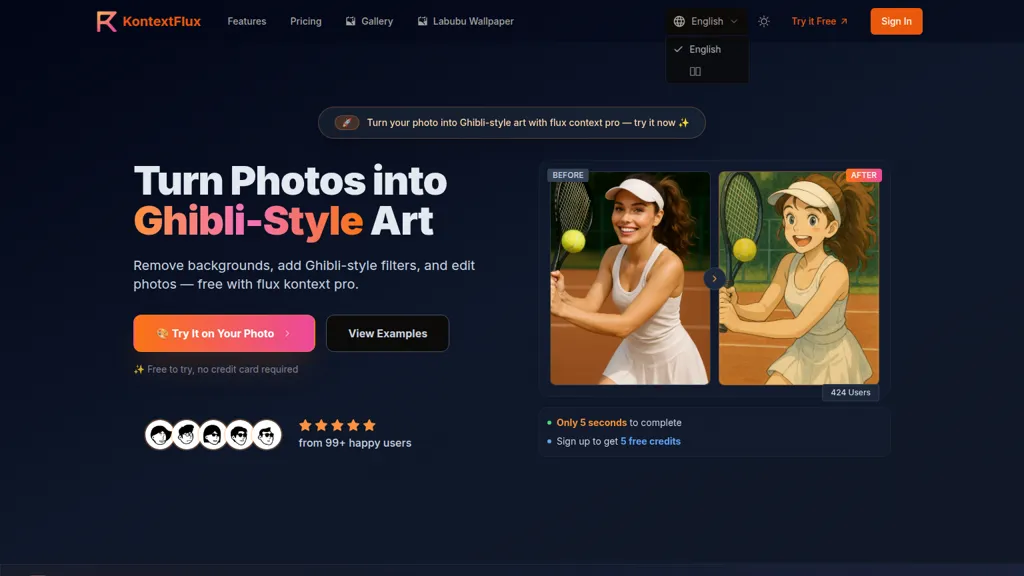
What is KontextFlux.app?
Kontext Flux is an AI image editor that performs text-based image editing using natural language prompts.
Features include style transfer (including Ghibli-style), background removal and swapping, object and clothing edits, and text replacement in images.
The model preserves facial features and character consistency across multiple edits and produces high-resolution outputs suitable for web and commercial use.
Most edits complete in seconds, with mobile and desktop support for on-the-go workflows.
Supported formats include JPG, PNG, and WebP for straightforward uploads.
Intended users include photographers, graphic designers, social media managers, e-commerce teams, and content creators who need fast, repeatable image edits.
Effective prompts use clear color, style, and composition instructions and specify elements to preserve for best results.
KontextFlux.app pricing Free trial
Verify on the official pricing page.
Start free trialKontextFlux.app user reviews
Would you recommend KontextFlux.app?
KontextFlux.app's key features
-
Natural-language text-based image editing
-
Style transfer to various art styles (e.g., Ghibli, watercolor, oil)
-
Object and clothing modification (hair, accessories, color changes)
-
Text editing and replacement within images while preserving layout and fonts
-
Background swapping and environment replacement while preserving subjects
KontextFlux.app use cases
-
Create stylized character portraits for marketing and social media by applying Ghibli or other style transfers via natural-language prompts, preserving facial consistency across variations and exporting high-resolution assets ready for print or web
-
Produce e-commerce-ready product and model photos by removing or swapping backgrounds and changing clothing or accessories with simple text commands, delivering consistent, high-resolution images for catalogs and ads
-
Quickly retouch and localize event or portrait galleries using text-based edits to replace objects, adjust clothing, or swap backgrounds without manual masking while keeping facial features consistent across all images
Who is it for?
-
Content creators
-
Product designers
-
E-commerce sellers
-
Graphic designers
-
Social media managers


