
What is Kling3.5.org?
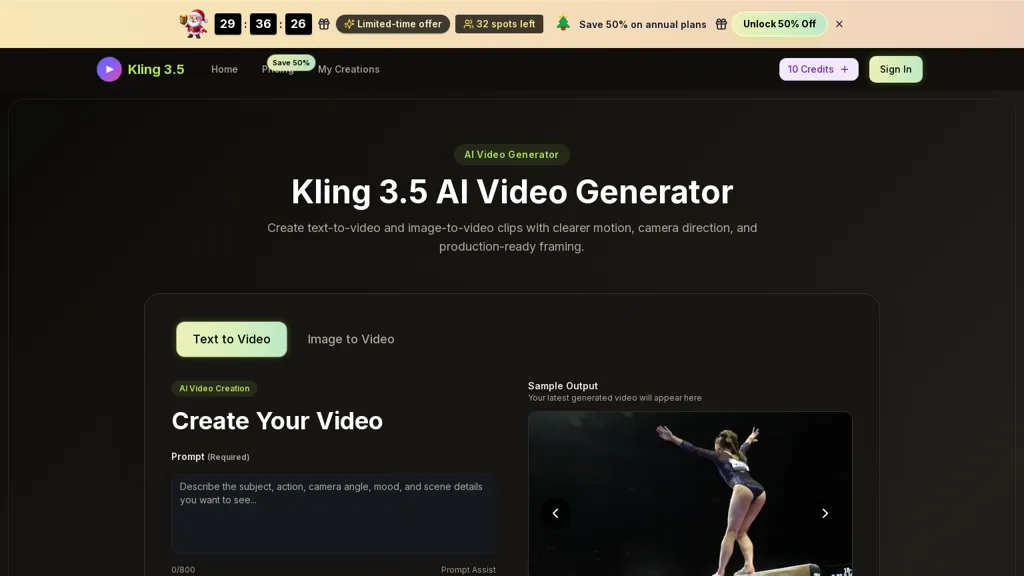
Kling 3.5 AI video generator creates short videos from text prompts or reference images, supporting text-to-video and image-to-video workflows.It provides camera-direction controls (push-ins, pans, tracking, close-ups), motion parameters, and production-ready framing with common aspect ratios.
Users can define scene details, add visual references, choose duration and resolution, then preview, render, and iterate on clips.Reference-aware generation preserves consistent composition and visual style across frames and multi-shot sequences.
Exported clips are suitable for product demos, social posts, ads, and campaign assets without a traditional shoot or full editing pipeline.Target users include creators, marketers, and teams who need rapid motion drafts, angle testing, and iterative scene planning to streamline video production.
Kling3.5.org pricing Freemium
Verify on the official pricing page.
View plansKling3.5.org user reviews
Would you recommend Kling3.5.org?
Kling3.5.org's key features
-
Text-to-video and image-to-video generation from text prompts or reference images
-
Camera-direction controls (push-ins, pans, tracking, close-ups) with motion parameter customization
-
Production-ready framing with support for common aspect ratios (16:9, 9:16, 4:3, 1:1, 21:9)
-
Scene authoring: define scene details, add visual references, and set duration and resolution
-
Preview, render, and iterate on clips with reference-aware generation that preserves consistent composition and visual style across frames and multi-shot sequences
Kling3.5.org use cases
-
Create rapid social and paid-ad variations from a single script or reference image using Kling 3.5, generating multiple camera-directed cuts (push-ins, pans, tracking, close-ups) to A/B test creative performance and export-ready clips for Instagram, TikTok and other platforms
-
Produce product demo and e-commerce clips by converting text descriptions or product photos into multi-shot sequences with reference-aware consistency and tight framing to highlight features, create close-ups and push-ins, and deliver platform-optimized assets for listings and ads
-
Pre-visualize scenes and plan multi-shot coverage for films, commercials or music videos—generate rapid angle tests and continuity-accurate drafts from scripts or reference images to share with directors, DPs and editors for faster iteration
Who is it for?
-
Content creators
-
Marketers
-
Social media managers
-
Advertisers
-
Creative teams
-
Product teams
-
Marketing agencies
-
E-commerce teams
-
Video producers