
What is Kadabra?
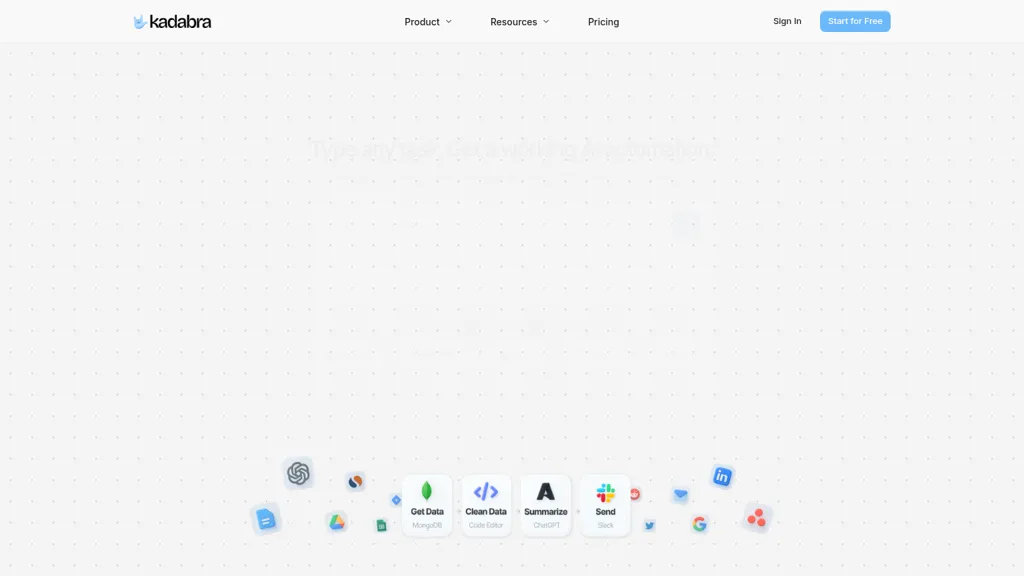
Kadabra is an AI automation platform that turns plain-English task descriptions into deployable workflow automations. It generates visual node-based workflows on a drag-and-drop canvas where users can edit, test, and deploy automations. Built-in integrations include Gmail, Google Drive, Google Sheets, Slack, Airtable, Notion, Asana, WhatsApp, LinkedIn, and Twitter for end-to-end workflow automation.
Data tables enable filtering, sorting, and visual insights to track automation outputs and business data. Pro controls support inline Python, API calls, and database connections for low-code or custom logic. Shareable interfaces let teams package automations as ready-to-use tools for operations, marketing, product, and data teams.
Kadabra pricing
FreemiumKadabra offers a free plan with paid upgrades available.
Verify on the official pricing page.
View plansKadabra's key features
-
Generates workflows from plain-English descriptions
-
Node-based visual canvas for building, editing, and running workflows
-
Data tables with filtering, sorting, and visual insights
-
Built-in integrations with popular apps and services (e.g., Slack, Gmail, Airtable)
-
Pro controls including inline Python execution, API calls, and database connections
Kadabra use cases
-
Automate lead enrichment and routing by turning plain-English rules into a visual node workflow that calls CRM and enrichment APIs, scores leads with low-code Python, stores results in built-in data tables for sales insights, and automatically assigns qualified leads to reps without manual steps
-
Orchestrate multi-channel marketing campaigns without coding by mapping campaign steps into a drag-and-drop canvas that triggers email, ad, and analytics integrations, aggregates performance in data tables for real-time reporting, and adds pro controls (Python/APIs) for custom segmentation and scheduling
-
Build shareable internal tools and ETL pipelines by converting routine data tasks into deployable node-based automations that sync databases, transform datasets with Python nodes, expose results via APIs or dashboards, and let non-technical teammates run or customize workflows through a simple visual interface
Kadabra user reviews
Would you recommend Kadabra?
Who is Kadabra for?
-
Node developers
-
Workflow managers
-
Data analysts
-
Automation engineers
-
Low-code customizers
Kadabra FAQ
Is Kadabra free?
Partly. Kadabra has a free plan with usage limits, and paid plans unlock the full feature set.
What are the best alternatives to Kadabra?
The closest alternatives to Kadabra are Taskade, Aident AI, AI-Flow, Activepieces and Axiom. You can compare them side by side in the alternatives section further down this page.
Does Kadabra have an API?
Yes. Kadabra offers an API, so you can call it from your own applications instead of using the interface directly.


