
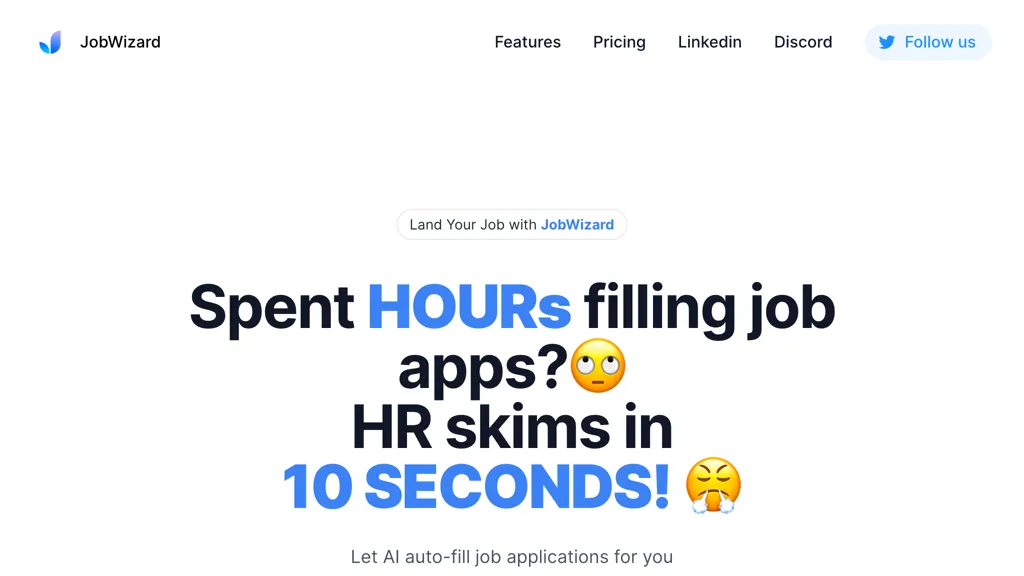
What is JobWizard?
JobWizard is an AI job application copilot delivered as a Chrome extension.It helps job seekers understand roles, compare their resume with a job description, tailor application materials, autofill repetitive form fields, find potential referral contacts, and track applications in one workflow.
On supported application pages, Smart Autofill uses the profile and resume information saved or selected by the user to fill common fields and prepare editable answer drafts across major ATS platforms and hundreds of job sites.
Users review and edit the results, then personally submit each application.JobWizard is not a mass auto-apply bot and does not auto-submit applications.JobWizard also provides job-description highlights, a 0–100 Match Score that explains alignment and skill gaps, resume tailoring, job-specific cover-letter drafts, Career Chat, Referral Finder, and an Application Tracker with email-based status tracking for selected messages.
Match Score is guidance, not a hiring probability, and JobWizard does not guarantee ATS passage, interviews, offers, or job outcomes.JobWizard is designed for job seekers, recent graduates, international students, career changers, and professionals.
A free plan is available, with optional paid access for higher usage limits.
JobWizard details
- Company
- JobWizard Inc.
- Jurisdiction
- State of California, United States
- Built for
- Individuals
JobWizard tech specs
- Works with
- OpenAI / GPT Anthropic / Claude
- Payment Processors
- Stripe
- Integrations
- Salesforce Google Workspace
JobWizard pricing
Freemium- Auto-renewal
- Yes
Verify on the official pricing page.
View plansJobWizard's key features
-
Smart Autofill with user review before submission
-
Job description highlights and keyword analysis
-
0–100 Match Score with skill-gap explanations
-
Resume tailoring for the active job
-
Job-specific AI cover letter drafts
-
Context-aware Career Chat
-
Referral Finder with editable outreach drafts
-
Application Tracker with email status tracking
JobWizard use cases
-
Complete repetitive fields on supported job applications, review every answer, and personally submit the application.
-
Compare a selected resume with the active job description, identify skill gaps, and tailor resume or cover-letter content using real experience.
-
Find potential referral contacts, prepare editable outreach drafts, and keep application stages and selected status emails organized in one tracker.
JobWizard user reviews
Based on 5 reviews, 80% of users recommend JobWizard, rated highly for ease of use.
Liked for
Disliked for
Would you recommend JobWizard?
Who is JobWizard for?
-
Job seekers
-
Career transitioners
-
Application assistants
-
Talent recruiters
-
Salary analyzers
JobWizard FAQ
Is JobWizard free?
Partly. JobWizard has a free plan with usage limits, and paid plans unlock the full feature set. Plans include Plus at $19.99/mo and Pro at $39.99.
Is JobWizard safe to use?
JobWizard is operated by JobWizard Inc., registered in State of California, United States. JobWizard carries the TopAI.tools verified mark, which we award after a manual review of pricing transparency, published terms, public following and working functionality. It has a substantial audience that is independently measured month to month.
What are the best alternatives to JobWizard?
The closest alternatives to JobWizard are JobCopilot, Letterfy, LazyApply, Simplify and JobHire.ai. You can compare them side by side in the alternatives section further down this page.
What does JobWizard do with my data?
JobWizard states that customer content is not used to train its models. Its privacy policy states that personal data is not sold or shared for marketing purposes. Data may be shared with third-party service providers that help run the product.
Does JobWizard auto-renew or offer refunds?
JobWizard subscriptions renew automatically until you cancel.
Who made JobWizard?
JobWizard is built and operated by JobWizard Inc., a company registered in State of California, United States.
Which AI models does JobWizard use?
JobWizard is built on OpenAI / GPT and Anthropic / Claude. Which models you can reach may depend on your plan.
What does JobWizard integrate with?
JobWizard connects with Salesforce and Google Workspace.
Compliance, privacy and billing terms are as stated in each product's own published documentation and have not been independently verified by TopAI.tools.


