
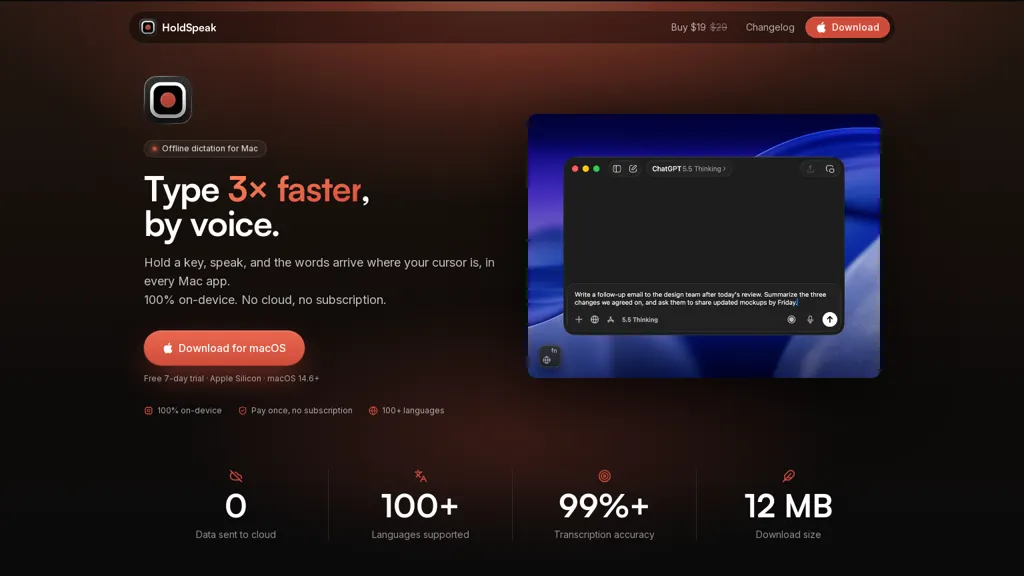
What is HoldSpeak?
HoldSpeak delivers on-device voice-to-text transcription for macOS, inserting text at the cursor across any app via a configurable hotkey. It performs offline dictation without uploading audio or transcripts to external servers. Automatic language detection and support for over 100 languages enable multilingual dictation without manual switching. A personal dictionary lets users add names and terms to improve transcription consistency. System-wide integration and configurable settings control punctuation, spacing, and hotkey behavior for seamless text entry. Native macOS architecture targets low resource use and real-time transcription to speed up content creation.
HoldSpeak pricing
Free trialHoldSpeak offers a free trial before requiring payment.
Verify on the official pricing page.
Start free trialHoldSpeak's key features
-
On-device voice-to-text transcription that inserts text at the cursor across macOS apps via a configurable hotkey
-
Fully offline dictation with no audio or transcripts uploaded to external servers
-
Automatic language detection and multilingual dictation support
-
Personal dictionary for custom names and terms to improve transcription consistency
-
Native macOS architecture with system-wide integration, configurable punctuation/spacing settings, and low-resource real-time transcription
HoldSpeak use cases
-
Dictate emails, messages, and documents across any macOS app using HoldSpeak’s hotkey to insert transcribed text at the cursor, working fully on-device for privacy while automatically detecting 100+ languages so you can compose hands-free without switching apps
-
Capture meeting notes, interviews, and brainstorming sessions with HoldSpeak’s offline speech transcription, inserting clean, punctuated text directly into notes or project trackers and using the personal dictionary to preserve names and technical terms
-
Enable hands-free accessibility and faster content creation by dictating code snippets, blog drafts, or social posts with HoldSpeak’s configurable punctuation and behavior, leveraging multilingual automatic transcription and personal dictionary support to accurately transcribe jargon system-wide
HoldSpeak user reviews
Would you recommend HoldSpeak?
Who is HoldSpeak for?
-
Writers and authors
-
Journalists and reporters
-
Students and academics
-
Researchers and analysts
-
Translators and multilingual professionals
-
Content creators and bloggers
-
Business professionals and executives
-
Healthcare and legal professionals handling sensitive data
-
Accessibility users and people with mobility or repetitive-strain issues
-
Privacy-conscious users and organizations
-
Developers and technical professionals who need hands-free text entry
-
Macos users seeking offline, system-wide dictation
HoldSpeak FAQ
Is HoldSpeak free?
Not permanently. HoldSpeak gives you a free trial, after which a paid plan is required.
What are the best alternatives to HoldSpeak?
The closest alternatives to HoldSpeak are SpeakType, VoiceInk, TalkTastic, Voice Anywhere and Voicy. You can compare them side by side in the alternatives section further down this page.


