
What is Grok - imagineai.studio?
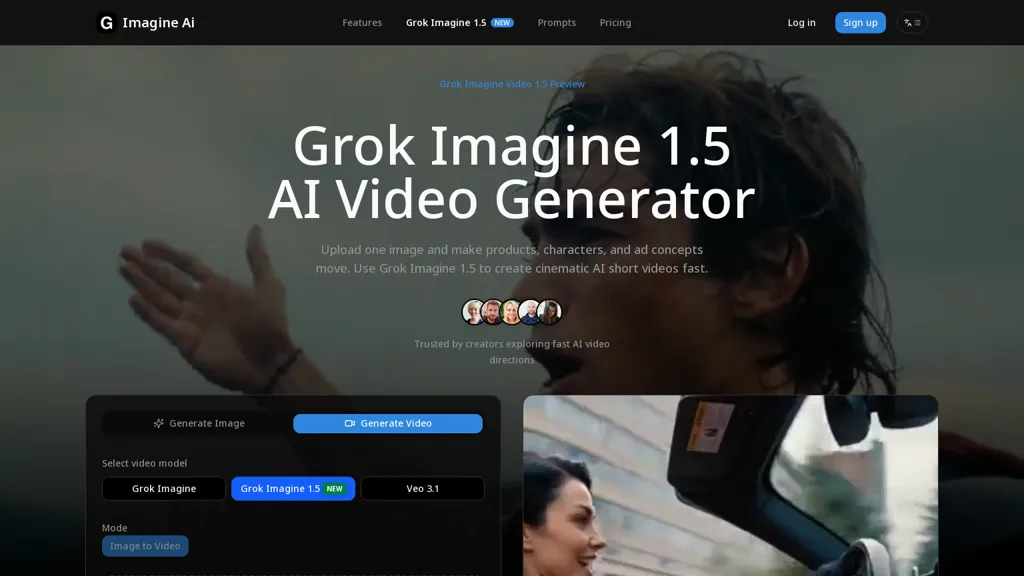
grok imagine 1.5 AI video generator converts a single reference image into 1–15 second image-to-video clips with optional prompt control.
It supports eight aspect ratios, 480p and 720p resolutions, and accepts JPEG, PNG, and WEBP inputs up to 10 MB.
Controls include duration, framing, camera movement, environmental changes, and an identity lock to maintain subject consistency across frames.
Typical use cases include product motion, portrait clips, character animation, ad previews, storyboard testing, and short-form social content.
Workflow. upload a reference image, set duration and aspect ratio, and add motion/camera prompts; 1–3 second clips work for quick testing, 8 seconds is the default preview length.
Prompts guide subject action, pacing, lighting, and camera behavior to produce steadier, reference-led short videos for creative teams, advertisers, and product designers.
Grok - imagineai.studio pricing Subscription
Verify on the official pricing page.
View plansGrok - imagineai.studio user reviews
Would you recommend Grok - imagineai.studio?
Grok - imagineai.studio's key features
-
Image-to-video conversion from a single reference image producing 1–15 second clips with optional prompt control
-
Supports eight aspect ratios and 480p/720p output; accepts JPEG, PNG, WEBP inputs up to 10 MB
-
Configurable controls for duration, framing, camera movement, and environmental changes
-
Identity lock to maintain subject consistency across frames
-
Prompt-guided adjustments for subject action, pacing, lighting, and camera behavior
Grok - imagineai.studio use cases
-
Create eye-catching short-form social clips from a single product photo using Grok Imagine 1.5's prompt-driven camera motion, framing and environmental changes, exporting 480/720p assets in multiple aspect ratios ready for Instagram Reels, TikTok and product pages
-
Generate consistent character or influencer identity-lock videos from one reference image with controlled duration, camera movement and framing to produce 1–15 second branded animations for ads, intros and profile clips
-
Turn concept art or stills into animated storyboards and product motion previews by prompting duration, lighting and camera moves to quickly iterate visuals for pitches, UX demos and e-commerce galleries
Who is it for?
-
Creative teams
-
Advertisers
-
Product designers
-
Social media creators/influencers
-
Storyboard artists
-
Character animators
-
Motion designers
-
Product/portrait photographers
-
E-commerce marketers
-
Ad agencies