
What is Grok 5 Imagine?
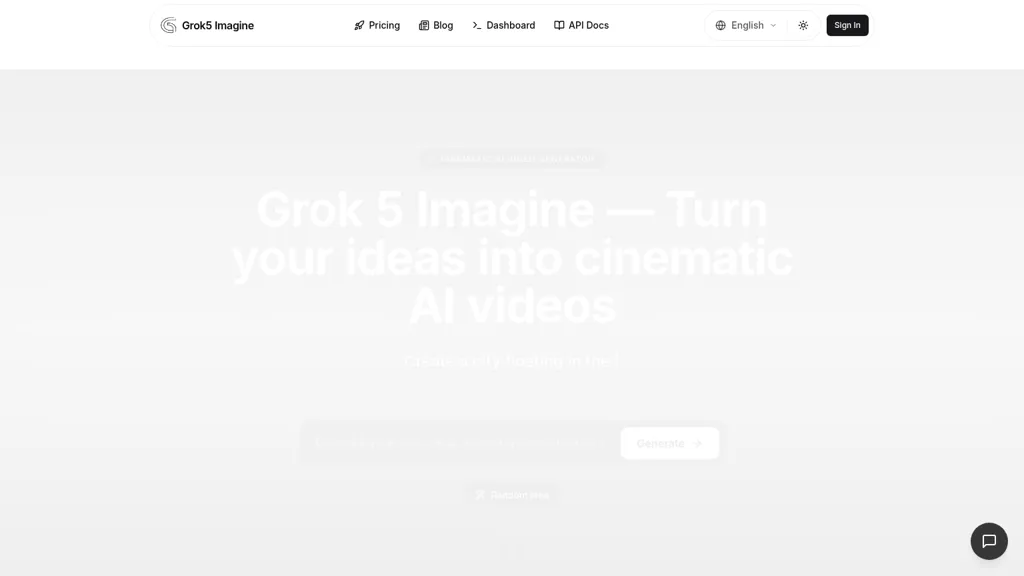
Grok 5 Imagine is an AI video generator that converts text prompts and uploaded images into short videos and animated clips. The tool supports text-to-video and image-to-video (I2V) workflows, adding natural motion, smooth camera effects, and scene-consistent visuals.
Generated clips include synchronized audio that aligns sound with actions and timing without manual mixing. Users can choose style modes (Standard for realistic motion, Spicy for more expressive color and motion), set aspect ratios, and supply reference images or URLs to guide output.
Grok 5 Imagine runs in a web browser with downloadable outputs, suitable for social media content, animated profile videos, product demos, and photo animation. The interface accepts natural language prompts and common image formats (JPG, PNG, WebP) to support rapid iteration across creative, marketing, and archival workflows.
Grok 5 Imagine pricing
FreeVerify on the official pricing page.
Get started freeGrok 5 Imagine's key features
-
Text-to-image and text-to-video generation from natural-language prompts
-
Image-to-video (I2V) animation that adds natural motion and smooth camera effects while preserving the original image
-
Synchronized audio generation with sound automatically aligned to actions and scene timing
-
Multiple switchable creative modes and style/motion controls (e.g., Standard, Spicy, Fun)
-
Browser-based online generation and download with no app installation required
Grok 5 Imagine use cases
-
Create eye-catching social media videos using Grok 5 Imagine from simple text prompts or a single product image, applying style modes, aspect ratios, camera effects and synchronized audio to rapidly produce platform-optimized clips for Instagram Reels, TikTok and YouTube Shorts
-
Produce polished product demo and feature highlight videos with Grok 5 Imagine by importing screenshots or mockups, adding natural camera motion, reference-image guidance, captions and synced narration to create conversion-focused ad creatives and landing page assets
-
Animate archival photos and historical imagery into engaging short clips using Grok 5 Imagine—apply parallax motion, ambient soundscapes, selectable styles and aspect ratios to create museum-ready exhibits, documentary teasers and digital preservation content
Grok 5 Imagine user reviews
Would you recommend Grok 5 Imagine?
Who is Grok 5 Imagine for?
-
Social media content creators
-
Product demonstrators
-
Archivists
-
Marketers
-
Educators
-
Presenters
Grok 5 Imagine FAQ
Is Grok 5 Imagine free?
Yes. Grok 5 Imagine is free to use and does not require a credit card.
What are the best alternatives to Grok 5 Imagine?
The closest alternatives to Grok 5 Imagine are VideoMaker.me, VibeVideo.app, Video Generator - A2E.ai , www-veo3.com and Make a Video. You can compare them side by side in the alternatives section further down this page.
Does Grok 5 Imagine have an API?
Yes. Grok 5 Imagine offers an API, so you can call it from your own applications instead of using the interface directly.


