
What is Glotera AI?
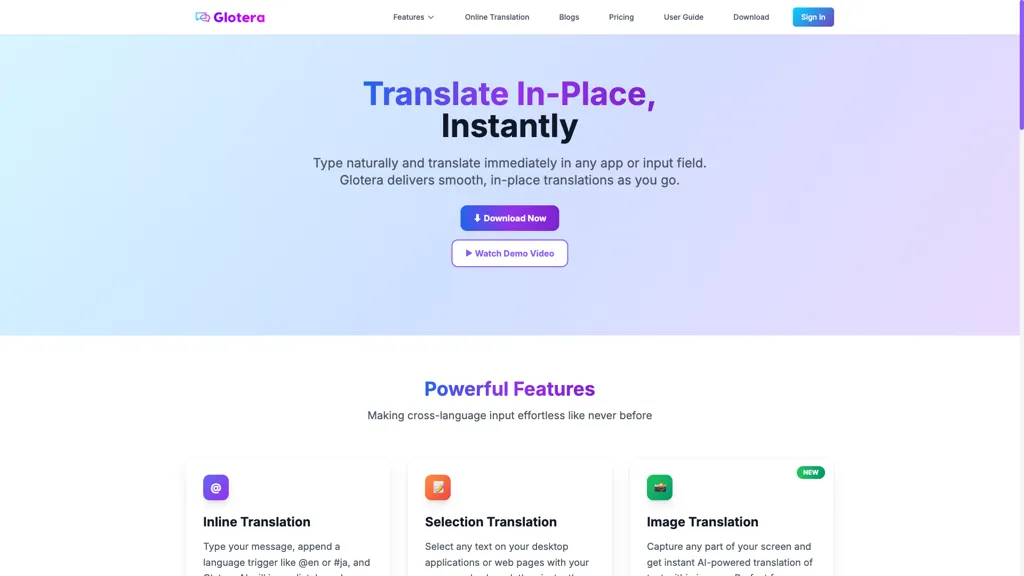
Glotera AI delivers in-place, real-time translation on macOS with inline translation triggers (e.g., @en, ja) and a double-tap space shortcut. It functions as a Mac translator across apps and browsers, offering selection translation, a floating translation window, and system-wide input coverage.
Image and screenshot translation use AI OCR with a dedicated hotkey (Shift+Option+S) to extract and translate text from images. Translation Copilot provides automatic chat translation for WhatsApp, translating incoming messages and replies according to custom rules.
Supports 100+ languages to streamline cross-language input for content creators, remote teams, multilingual customer support, and international messaging. Compact installer under 5MB and background operation minimize interruptions and reduce copy-paste and app switching.
Glotera AI pricing Subscription
Verify on the official pricing page.
View plansGlotera AI user reviews
Would you recommend Glotera AI?
Glotera AI's key features
-
Inline in-place translation via language triggers (e.g., @en, #ja) and double-tap-space to auto-replace text in any input field
-
System-wide selection translation across desktop apps and web pages, including non-editable areas, with a floating translation window
-
Image translation by screenshot capture with AI OCR and instant translation (hotkey Shift+Option+S) and interactive follow-ups
-
Translation Copilot for chat auto-translation (e.g., WhatsApp): auto-translate incoming messages and auto-translate replies with custom rules
-
Cloud-based AI translation supporting 100+ languages, requires internet and uses encrypted transmission
Glotera AI use cases
-
Read and respond to multilingual WhatsApp messages in real time on macOS without switching apps by using Glotera AI's automatic chat translation and inline in-place translator, so you can maintain fluid conversations across 100+ languages.
-
Translate text directly inside any macOS app or browser with keyboard shortcuts and a floating selection window—use Glotera AI's system-wide inline translator and multilingual input assistant to read foreign-language articles, emails, or code comments without copy‑paste or workflow interruptions.
-
Instantly extract and translate text from images, screenshots, or scanned PDFs using Glotera AI's OCR-based image translator and selection/floating window modes, then compose localized replies or repurpose the translated content for documents and presentations.
Who is it for?
-
Language translators
-
International travelers
-
Remote collaborators
-
Global communicators
-
Digital translators


