
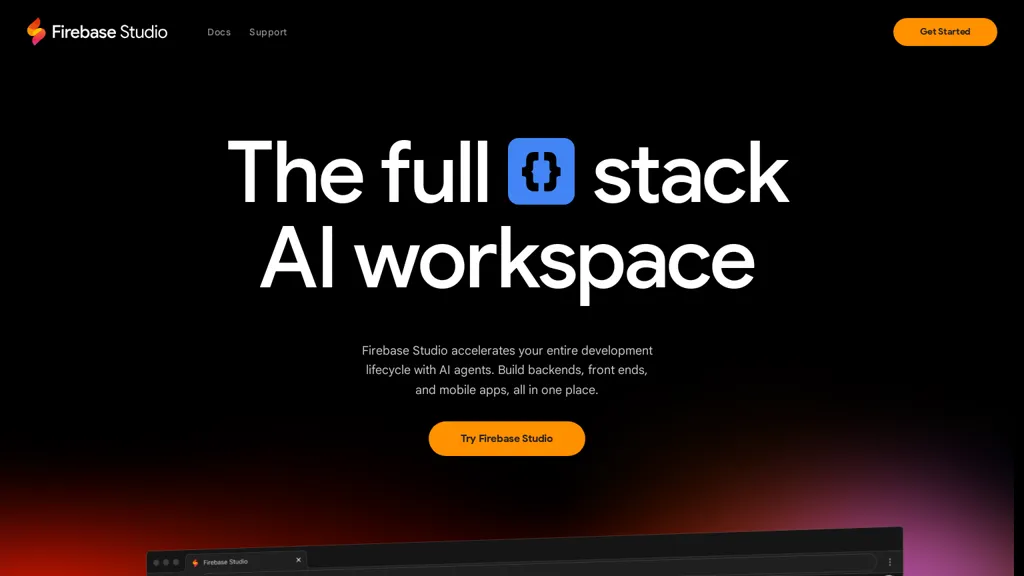
What is Firebase.studio?
Firebase Studio is a full-stack AI workspace for building backends, front ends, and mobile apps.It integrates with GitHub, GitLab, and Bitbucket and supports multiple tech stacks.Features include app prototyping with natural language, mockups, and templates, plus AI assistance for coding, debugging, and testing.
It also provides monitoring and deployment tools for publishing and tracking application performance.
Firebase.studio details
- Stated compliance
- SOC 2, ISO 27001
Compliance as stated in Firebase.studio's own published documentation.
Firebase.studio tech specs
- Works with
- Google / Gemini
- Cloud
- Google Cloud Firebase
- Integrations
- GitHub GitLab
Firebase.studio pricing
FreemiumFirebase.studio offers a free plan with paid upgrades available.
Verify on the official pricing page.
View plansFirebase.studio's key features
-
Full-stack AI workspace
-
Integration with GitHub, GitLab, and Bitbucket
-
App prototyping with natural language
-
AI assistance for coding, debugging, and testing
-
Monitoring and deployment tools
Firebase.studio use cases
-
Rapidly prototype a fully functional mobile app using Firebase Studio's natural language processing capabilities, transforming ideas into mockups and code without extensive technical knowledge.
-
Streamline your development workflow by integrating Firebase Studio with GitHub, GitLab, or Bitbucket for seamless version control, allowing you to collaborate efficiently with your team on full-stack projects.
-
Utilize Firebase Studio's AI assistance for real-time debugging and testing, ensuring your application runs smoothly while automatically generating reports to monitor performance after deployment.
Firebase.studio user reviews
Based on 15 reviews, 87% of users recommend Firebase.studio, rated highly for value for money.
Liked for
Disliked for
Would you recommend Firebase.studio?
Who is Firebase.studio for?
-
Frontend developers
-
Backend developers
-
Mobile app developers
-
Product designers
-
Full stack developers
Firebase.studio FAQ
Is Firebase.studio free?
Partly. Firebase.studio has a free plan with usage limits, and paid plans unlock the full feature set.
Is Firebase.studio safe to use?
Firebase.studio states SOC 2 and ISO 27001 compliance in its own published documentation. Firebase.studio carries the TopAI.tools verified mark, which we award after a manual review of pricing transparency, published terms, public following and working functionality. It has a substantial audience that is independently measured month to month.
Is Firebase.studio good?
Firebase.studio has an 87% recommendation rate from 15 reviewers on TopAI.tools. Reviewers rate it highest on value for money and quality of results.
What are the best alternatives to Firebase.studio?
The closest alternatives to Firebase.studio are Copilot Hub, Code Conductor, Use.ai, Genspark.ai and Bind AI. You can compare them side by side in the alternatives section further down this page.
What does Firebase.studio do with my data?
Its privacy policy states that personal data is not sold or shared for marketing purposes. Data may be shared with third-party service providers that help run the product.
Does Firebase.studio have an API?
Yes. Firebase.studio offers an API, so you can call it from your own applications instead of using the interface directly.
Which AI models does Firebase.studio use?
Firebase.studio is built on Google / Gemini. Which models you can reach may depend on your plan.
What does Firebase.studio integrate with?
Firebase.studio connects with GitHub and GitLab.
Compliance, privacy and billing terms are as stated in each product's own published documentation and have not been independently verified by TopAI.tools.


