
What is easl?
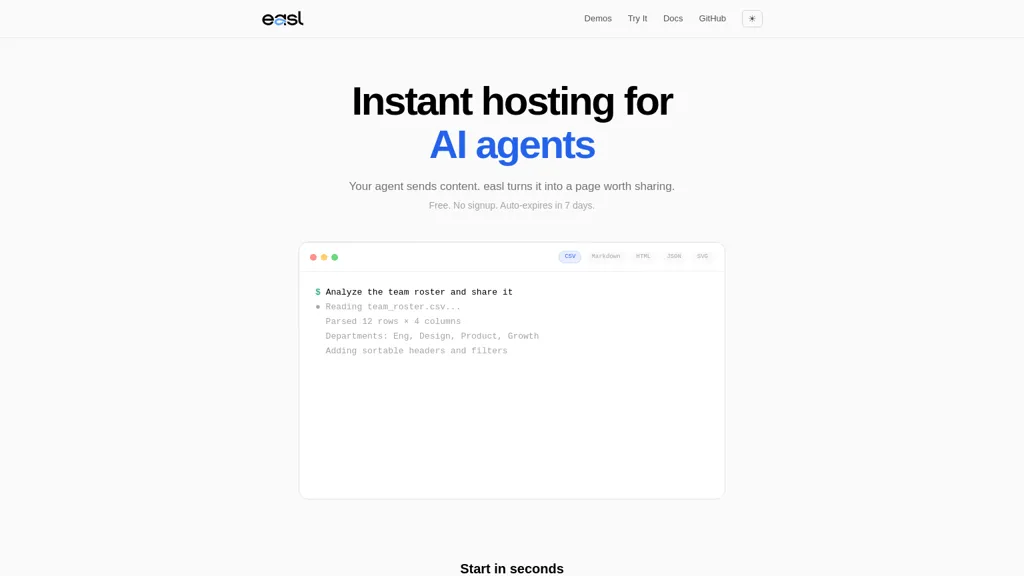
easl — instant hosting for AI agent demos, providing shareable previews and publishable URLs.Publish Markdown, CSV, JSON, HTML, SVG and Mermaid inputs to interactive pages with rendered previews and input-to-output transformations.
Create sortable tables, filters and interactive trees from tabular or nested data for data review, team rosters and reports.Use the CLI (npx @easl/cli) or a single curl API call to publish content and obtain shareable URLs that auto-expire after seven days.
Integrate with LLM backends such as Claude, Codex, Cursor and ChatGPT and extend agent behavior with npx-based skills and agent workflows.Open-source (MIT) with options to self-host or use the hosted endpoint; CLI and GitHub-hosted documentation support developer and team integration.
easl pricing Free
This tool is free to use, with no credit card required.
Verify on the official pricing page.
Get started freeeasl user reviews
Based on 2 reviews, 100.0% of users recommend easl, rated highly for quality results.
Liked for
Would you recommend easl?
easl's key features
-
Instant hosting for AI agent demos with shareable previews and publishable URLs
-
Publish Markdown, CSV, JSON, HTML, SVG and Mermaid inputs to interactive pages with rendered previews and input-to-output transformations
-
Create sortable tables, filters and interactive trees from tabular or nested data
-
Publish content via CLI (npx @easl/cli) or a single curl API call and obtain auto-expiring shareable URLs
-
Integrate with LLM backends (Claude, Codex, Cursor, ChatGPT) and extend agent behavior with npx-based skills and agent workflows
easl use cases
-
Host and share live AI agent demos using easl's instant hosting and simple CLI/curl workflow, publishing Markdown, HTML or JSON outputs into interactive preview pages with input-to-output transformations, integrated LLM agent workflows and auto-expiring shareable links for secure external testing
-
Publish interactive data explorers from CSV or JSON with sortable tables, filters and interactive trees using easl, enabling product and data teams to explore, filter and sort datasets in the browser and add LLM-powered natural-language queries for fast ad-hoc analysis
-
Prototype and document LLM agent workflows and pipelines by publishing Mermaid diagrams, SVGs and Markdown as interactive pages on easl, previewing step-by-step agent execution, collaborating via CLI/curl and distributing time-limited demos to stakeholders
Who is it for?
-
Ai/ml engineers
-
Machine learning researchers
-
Data scientists
-
Data analysts
-
Developer advocates
-
Product managers
-
Frontend developers
-
Engineering teams
-
Educators
-
Devops/platform engineers