
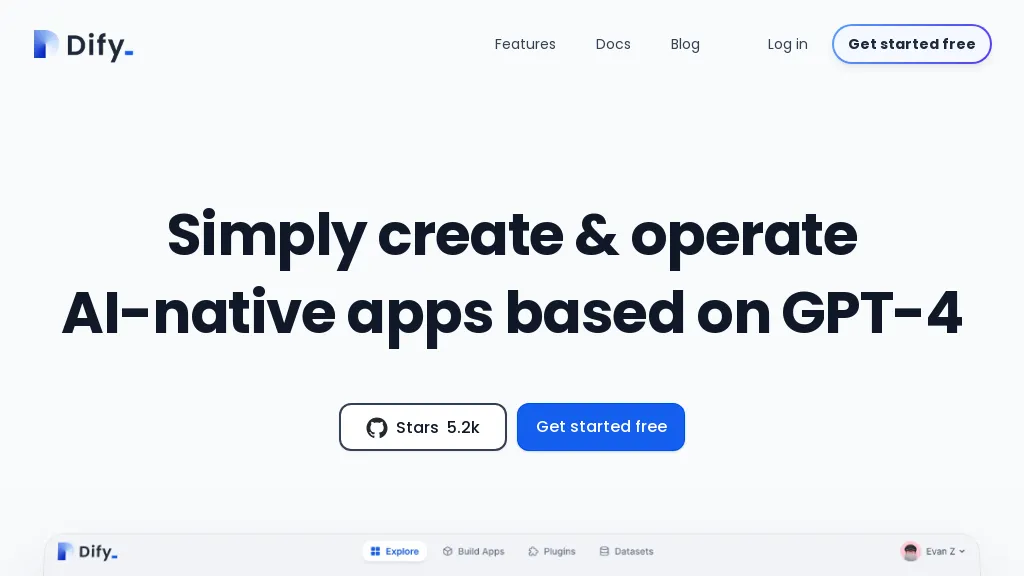
What is Dify?
Dify is an open‑source platform that enables users to build agentic workflows without code, allowing developers and non‑technical teams to design complex AI pipelines through a drag‑and‑drop interface.
It supports retrieval‑augmented generation (RAG) pipelines, providing context‑aware responses by bridging external data sources to large language models.
The tool offers native integration with multiple LLMs, including OpenAI‑compatible APIs, Ollama, and other commercial models, and can be extended through a plugin marketplace.
Built on an enterprise‑grade architecture, Dify includes observability, logging, and performance monitoring to track usage and optimize operations.
Its modular design allows seamless connection of third‑party tools, databases, and APIs, simplifying workflow composition for data engineers and AI specialists.
Dify can expose services as a universal Machine‑Learning‑as‑a‑Service (MLP) server, enabling easy deployment across internal environments.
Dify details
- Company
- LangGenius, Inc.
- Jurisdiction
- Delaware, United States
- Built for
- Businesses and teams
- Data residency
- United States
- Stated compliance
- SOC 2, ISO 27001, CCPA
Compliance as stated in Dify's own published documentation.
Dify tech specs
- Works with
- OpenAI / GPT Anthropic / Claude Google / Gemini DeepSeek xAI / Grok Perplexity
- Integrations
- Slack Discord GitHub
Dify pricing
Freemium- Auto-renewal
- Yes
Verify on the official pricing page.
View plansDify's key features
-
Drag-and-drop no-code workflow builder
-
RAG pipeline integration
-
Native MCP integration for systems
-
Universal MCP server publishing
-
Marketplace for advanced LLMs
-
Concurrent multi-prompt execution
Dify use cases
-
Build an automated customer support chatbot that dynamically retrieves answers from your internal knowledge base and calls external APIs, all with drag‑and‑drop workflow design and no coding required.
-
Create a retrieval‑augmented recommendation engine that pulls product data from a database, uses multiple LLMs to generate personalized suggestions, and monitors performance with Dify’s observability features.
-
Deploy a custom language model as a production‑grade MLP server, expose it through Dify’s API layer, and track latency, usage, and errors across teams using built‑in monitoring tools.
Dify user reviews
Based on 18 reviews, 89% of users recommend Dify, rated highly for value for money.
Liked for
Disliked for
Would you recommend Dify?
Dify playbooks
1Step-by-step guides to get the most out of Dify
Main competitors of Dify
Here are some of the major competitors comparisons vs. Dify.


Who is Dify for?
-
Software developers
-
Product managers
-
Business analysts
-
Project managers
-
Digital creators
Dify FAQ
Is Dify free?
Partly. Dify has a free plan with usage limits, and paid plans unlock the full feature set. Plans include Get started at $59 per workspace/mo, Get started at $59 per workspace/mo, Get started at $159 per workspace/mo and Get started at $159 per workspace/mo.
Is Dify safe to use?
Dify states SOC 2, ISO 27001 and CCPA compliance in its own published documentation. Dify is operated by LangGenius, Inc., registered in Delaware, United States. Dify carries the TopAI.tools verified mark, which we award after a manual review of pricing transparency, published terms, public following and working functionality.
Is Dify good?
Dify has an 89% recommendation rate from 18 reviewers on TopAI.tools. Reviewers rate it highest on value for money and quality of results.
What are the best alternatives to Dify?
The closest alternatives to Dify are n8n.io, Flowise, allganize.ai, Lamatic.ai and GPTAgent. You can compare them side by side in the alternatives section further down this page.
What does Dify do with my data?
Dify states that customer content is not used to train its models. Its privacy policy states that personal data is not sold or shared for marketing purposes. Data may be shared with third-party service providers that help run the product. Customer data is held in United States.
Does Dify auto-renew or offer refunds?
Dify subscriptions renew automatically until you cancel.
Who made Dify?
Dify is built and operated by LangGenius, Inc., a company registered in Delaware, United States.
Which AI models does Dify use?
Dify is built on OpenAI / GPT, Anthropic / Claude, Google / Gemini, DeepSeek, xAI / Grok and Perplexity. Which models you can reach may depend on your plan.
What does Dify integrate with?
Dify connects with Slack, Discord and GitHub.
Compliance, privacy and billing terms are as stated in each product's own published documentation and have not been independently verified by TopAI.tools.


