
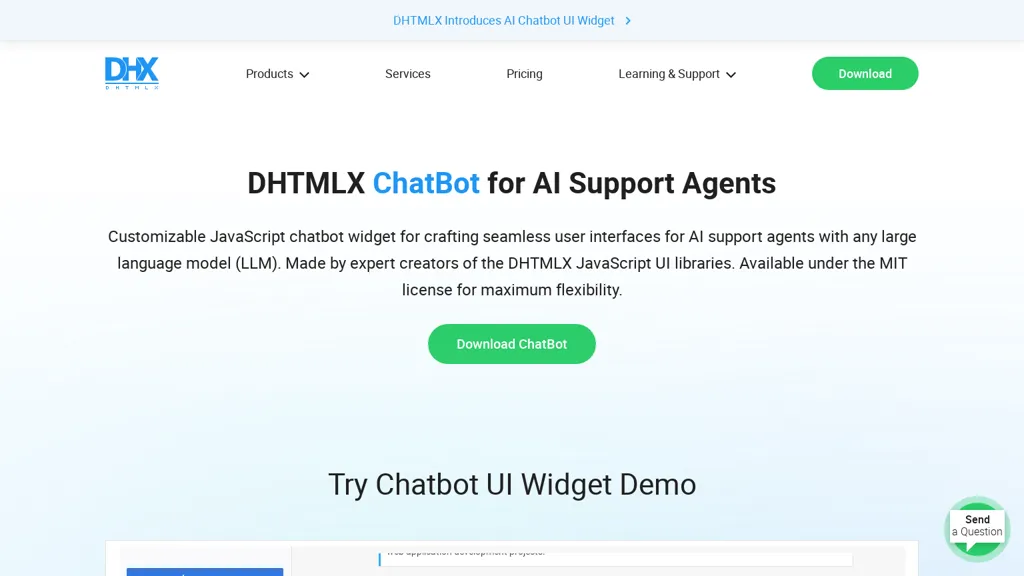
What is DHTMLX Chatbot?
DHTMLX AI Chatbot UI Widget is a lightweight JavaScript component that enables quick integration of AI chat interfaces for support agents. It offers four message display modes—blocks, bubbles, cards, and flow—along with a typewriter effect for dynamic user experience.
The widget supports Markdown formatting, a customizable typing speed, and a sidebar listing chat history with multiple agents. It can connect to any large language model, including ChatGPT, Claude 3, and Gemini, through a flexible backend configuration.
At only 65 KB, the component is responsive and mobile‑friendly, ensuring smooth performance across devices. Distributed under the MIT license, it can be freely incorporated into commercial or open‑source projects. Documentation, API references, and code samples are provided to facilitate rapid deployment and customization.
DHTMLX Chatbot details
- Built for
- Businesses and teams
DHTMLX Chatbot tech specs
- Works with
- OpenAI / GPT Anthropic / Claude Google / Gemini
- Integrations
- Salesforce
DHTMLX Chatbot pricing
PaidVerify on the official pricing page.
View plansDHTMLX Chatbot's key features
-
Drag-and-drop task creation
-
High-performance Gantt rendering
-
Critical path calculation
-
Auto-scheduling capability
-
Multiple calendar views
-
Real-time data synchronization
DHTMLX Chatbot use cases
-
Embed a lightweight AI support chatbot on an e-commerce website using the DHTMLX AI Chatbot UI Widget, leveraging the typewriter effect and sidebar history for engaging, code‑free customer service
-
Integrate a multilingual knowledge‑base assistant into a corporate intranet, using Markdown formatting and flexible LLM connections to deliver real‑time, mobile‑friendly help across departments
-
Create an interactive developer tutorial bot that displays step‑by‑step guidance through blocks, bubbles, and cards, with customizable typing speed and automatic translation for a global audience
DHTMLX Chatbot user reviews
Based on 7 reviews, 71% of users recommend DHTMLX Chatbot, rated highly for quality results.
Liked for
Disliked for
Would you recommend DHTMLX Chatbot?
Who is DHTMLX Chatbot for?
-
Software developers
-
Web designers
-
Javascript developers
-
Chatbot integrators
-
Artificial intelligence researchers
DHTMLX Chatbot FAQ
How much does DHTMLX Chatbot cost?
DHTMLX Chatbot is a paid product with no free plan. Plans include Individual license at $1 project, Table pack at $1647, Scheduling pack at $1717 and Planning pack at $1869.
What are the best alternatives to DHTMLX Chatbot?
The closest alternatives to DHTMLX Chatbot are Quickchat, Aii.CX, components.ai, InteraxAi and AIChatOne. You can compare them side by side in the alternatives section further down this page.
What does DHTMLX Chatbot do with my data?
Its privacy policy states that personal data is not sold or shared for marketing purposes. Data may be shared with third-party service providers that help run the product.
Does DHTMLX Chatbot have an API?
Yes. DHTMLX Chatbot offers an API, so you can call it from your own applications instead of using the interface directly.
Which AI models does DHTMLX Chatbot use?
DHTMLX Chatbot is built on OpenAI / GPT, Anthropic / Claude and Google / Gemini. Which models you can reach may depend on your plan.
What does DHTMLX Chatbot integrate with?
DHTMLX Chatbot connects with Salesforce.
Compliance, privacy and billing terms are as stated in each product's own published documentation and have not been independently verified by TopAI.tools.


