
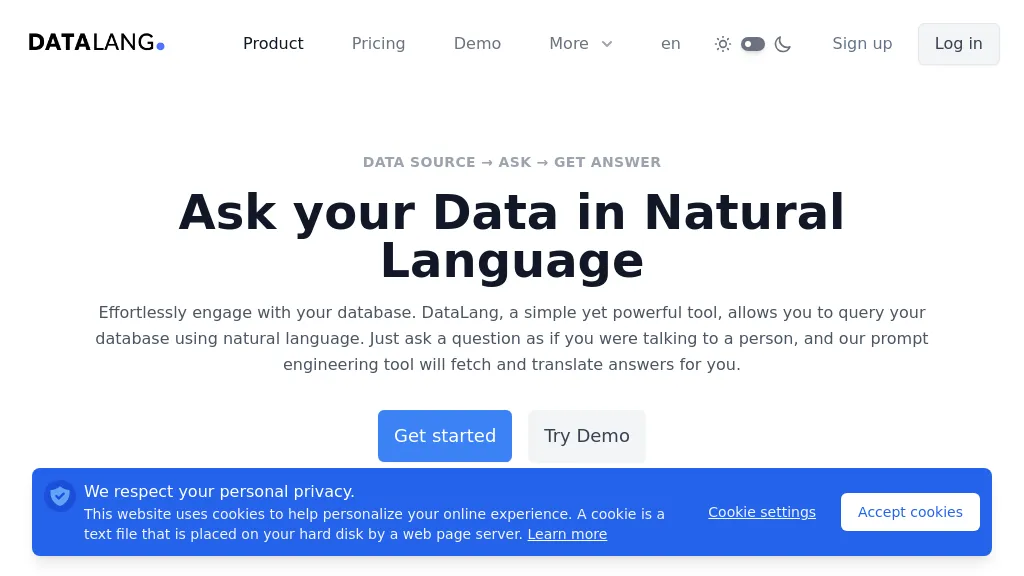
What is DataLang?
DataLang enables users to create custom chatbots that draw from a variety of data sources, including SQL databases (PostgreSQL, MySQL, MariaDB, Oracle, Snowflake, SQL Server, Amazon Redshift, SQLite), cloud services (Google Sheets, Notion, HubSpot), files, and websites.
The platform offers a step‑by‑step workflow, set up data sources, define data views, train a GPT on selected data, and deploy the chatbot. Deployment options include publishing a public URL, embedding a chatbot widget on a website, exposing functionality via an API, and submitting the model to the ChatGPT Store.
DataLang’s interface supports multiple users and simultaneous data source connections, facilitating collaboration among teams. The service emphasizes ease of integration and rapid deployment for developers, data analysts, and business users who need to provide conversational access to structured and unstructured data.
DataLang pricing
FreemiumVerify on the official pricing page.
View plansDataLang's key features
-
Connect diverse data sources
-
Configure custom chatbot
-
Publish via public URL
-
Embed chatbot widget
-
Deploy to GPT Store
-
API query interface
-
Four-step setup workflow
DataLang use cases
-
Build an internal analytics chatbot that pulls real‑time sales data from your SQL database and answers employee questions via a web widget, all without coding and with instant deployment to your company portal
-
Integrate a customer support chatbot into your e‑commerce site that pulls product inventory and pricing from cloud services, enabling agents to provide accurate information through the ChatGPT Store or API, all without writing SQL queries
-
Collaboratively develop a knowledge‑base assistant that aggregates data from multiple CSV files and websites, trains the model, and deploys it as a widget or API, allowing team members to refine prompts and share insights across departments
DataLang user reviews
Based on 1 review, 100% of users recommend DataLang, rated highly for quality results.
Liked for
Would you recommend DataLang?
Who is DataLang for?
-
Data analysts
-
Business analysts
-
Data scientists
-
Decision makers
-
Researchers


