
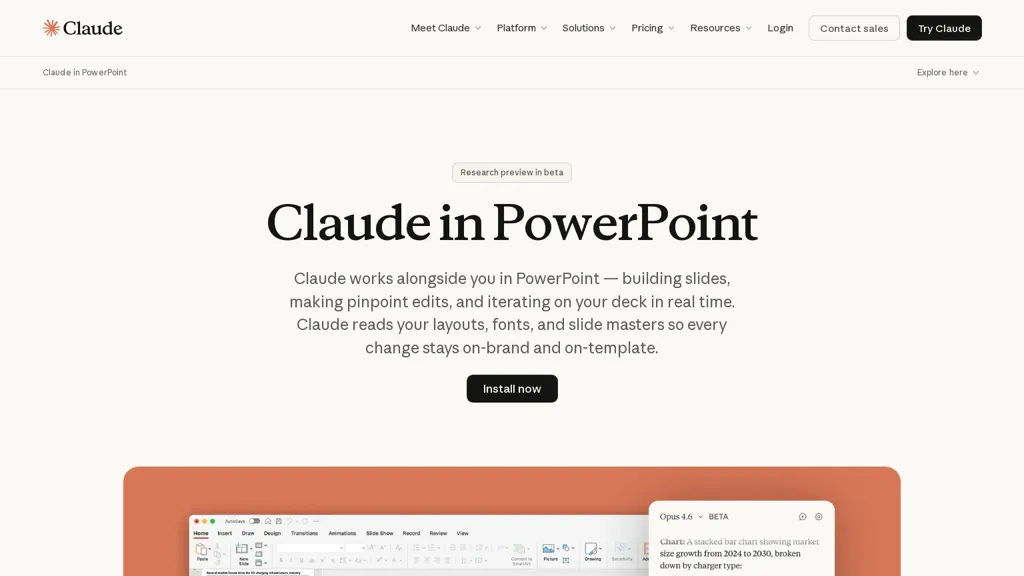
What is Claude in Powerpoint?
Claude PowerPoint integrates with Microsoft PowerPoint to generate, edit, and iterate slides in real time using existing decks and templates.It reads slide masters, layouts, fonts, and color schemes to preserve on-template formatting and avoid off-brand elements.
Users can create full decks from a brief, convert bullet points into editable native PowerPoint charts, and produce diagrams, process flows, and other visuals.Claude PowerPoint supports contextual edits—simplifying text, adding charts, combining slides, or restructuring storylines—while maintaining surrounding formatting and object selection.
Key features include native chart generation, editable diagrams, precise slide-object editing, and template-aware slide creation useful for designers, consultants, product teams, and corporate communications.
The tool operates within enterprise security and compliance frameworks and is available as a beta research preview; generated content should be reviewed before finalizing critical deliverables.
Claude in Powerpoint details
- Company
- Anthropic PBC
- Jurisdiction
- United States
- Built for
- Businesses and teams
- Data residency
- United States
- Stated compliance
- HIPAA
Compliance as stated in Claude in Powerpoint's own published documentation.
Claude in Powerpoint tech specs
- Works with
- Anthropic / Claude Amazon Bedrock
- Cloud
- AWS Google Cloud
- Integrations
- Slack Google Workspace
Claude in Powerpoint pricing
SubscriptionPricing details aren't listed here — check the official pricing page below.
Verify on the official pricing page.
View plansClaude in Powerpoint's key features
-
Real-time integration with Microsoft PowerPoint to generate, edit, and iterate slides using existing decks and templates
-
Template-aware formatting that reads slide masters, layouts, fonts, and color schemes to preserve on-template formatting
-
Generate full presentation decks from a brief
-
Create editable native PowerPoint charts, diagrams, process flows, and other visuals
-
Contextual slide-object editing to simplify text, add charts, combine slides, and restructure storylines while maintaining surrounding formatting and object selection
Claude in Powerpoint use cases
-
Generate polished investor or sales pitch decks directly in native PowerPoint using Claude PowerPoint's template-aware slide generator and automated deck creation, preserving slide masters, fonts and layouts while producing editable charts and diagrams for quick, on-the-fly data updates
-
Securely update and standardize corporate slide libraries with the format-preserving slide editor and contextual slide editing to maintain branding and templates across teams, enabling easy edits to content, flows and diagrams without breaking layouts
-
Build data-driven executive reports and board presentations by creating editable native charts and flows from datasets, refining slides contextually while keeping enterprise security and templates intact—output should be reviewed before final distribution
Claude in Powerpoint user reviews
Would you recommend Claude in Powerpoint?
More from this provider


Who is Claude in Powerpoint for?
-
Presentation designers
-
Product designers
-
Strategic advisors
-
Marketers
-
Sales
Claude in Powerpoint FAQ
Is Claude in Powerpoint free?
No. Claude in Powerpoint is a paid product and requires a paid plan to use.
Is Claude in Powerpoint safe to use?
Claude in Powerpoint states HIPAA compliance in its own published documentation. Claude in Powerpoint is operated by Anthropic PBC, registered in United States.
What are the best alternatives to Claude in Powerpoint?
The closest alternatives to Claude in Powerpoint are SlidesAI, SlidesPilot, Smallppt, Beautiful.ai and MagicSlides App. You can compare them side by side in the alternatives section further down this page.
What does Claude in Powerpoint do with my data?
Claude in Powerpoint states that customer content is not used to train its models. Its privacy policy states that personal data is not sold or shared for marketing purposes. Data may be shared with third-party service providers that help run the product. Customer data is held in United States.
Who made Claude in Powerpoint?
Claude in Powerpoint is built and operated by Anthropic PBC, a company registered in United States.
Which AI models does Claude in Powerpoint use?
Claude in Powerpoint is built on Anthropic / Claude and Amazon Bedrock. Which models you can reach may depend on your plan.
What does Claude in Powerpoint integrate with?
Claude in Powerpoint connects with Slack and Google Workspace.
Compliance, privacy and billing terms are as stated in each product's own published documentation and have not been independently verified by TopAI.tools.


