
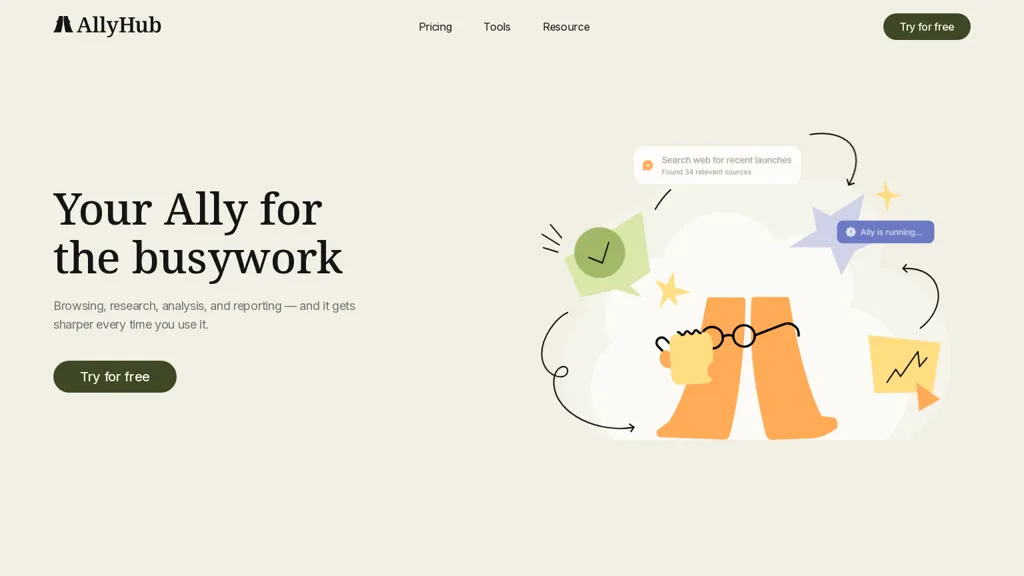
What is Allyhub?
Allyhub is an AI platform for automating workflows, generating content, and managing team tasks.It offers workflow automation, task orchestration, and scheduled actions for operations and project teams.
Built-in collaboration tools and role-based permissions centralize project management for marketing, product, and support groups.Integrations and an API enable data sync with Slack, Google Workspace, CRMs, and third-party tools.
AI capabilities include text generation, summarization, intent classification, and automated customer responses.Analytics dashboards track usage, performance metrics, and workflow outcomes to inform prioritization and resource allocation.
Customizable templates, SDKs, and export options support developers and teams implementing bespoke automation and reporting.
Allyhub details
- Company
- AllyHub, Inc.
- Built for
- Individuals
- Stated compliance
- CCPA
Compliance as stated in Allyhub's own published documentation.
Allyhub pricing
FreemiumAllyhub offers a free plan with paid upgrades available.
- Free trial
- 1 days
- Auto-renewal
- Yes
Verify on the official pricing page.
View plansAllyhub's key features
-
Workflow automation, task orchestration, and scheduled actions
-
Built-in collaboration tools with role-based permissions
-
Integrations and API for data synchronization with Slack, Google Workspace, CRMs, and third-party tools
-
AI capabilities: text generation, summarization, intent classification, and automated customer responses
-
Analytics dashboards tracking usage, performance metrics, and workflow outcomes
Allyhub use cases
-
Automate and orchestrate cross-team incident response using AllyHub to schedule actions, enforce role-based permissions, route tasks to the right owners, collaborate in real-time and track resolution with workflow analytics dashboards
-
Create an automated customer support pipeline with AllyHub that classifies intent, generates AI responses, summarizes conversations for agents, escalates complex tickets to specialists via scheduled workflows and integrates with your CRM through APIs
-
Run marketing and product launch campaigns using AllyHub's templates and SDKs to orchestrate tasks across teams, auto-generate campaign copy, schedule rollout actions, sync with third-party tools via integrations and measure performance with workflow analytics dashboards
Allyhub user reviews
Would you recommend Allyhub?
Who is Allyhub for?
-
Content creators
-
Developers
-
Operations managers
-
Project managers
-
Data analysts
Allyhub FAQ
Is Allyhub free?
Partly. Allyhub has a free plan with usage limits, and paid plans unlock the full feature set.
Is Allyhub safe to use?
Allyhub states CCPA compliance in its own published documentation. Allyhub is operated by AllyHub, Inc.. It has a substantial audience that is independently measured month to month.
What are the best alternatives to Allyhub?
The closest alternatives to Allyhub are Process AI, TextCortex, Aident AI, allganize.ai and AI-Flow. You can compare them side by side in the alternatives section further down this page.
What does Allyhub do with my data?
Allyhub states that customer content may be used to train its models. Its privacy policy states that personal data is sold or shared for marketing purposes.
Does Allyhub auto-renew or offer refunds?
Allyhub subscriptions renew automatically until you cancel.
Who made Allyhub?
Allyhub is built and operated by AllyHub, Inc..
Compliance, privacy and billing terms are as stated in each product's own published documentation and have not been independently verified by TopAI.tools.


