Differences between HeyGen and VEED
HeyGen Description
HeyGen automatically produces 1080p/4K videos from text, images, or audio, adding voiceovers, subtitles, and brand‑aligned styles. It supports avatar animation, photo‑to‑video, and multilingual translation with lip‑sync, enabling quick, localized visual content for marketing, training, and social media.
HeyGen Features
- Generate videos from prompts
- End-to-end AI editing
- 1080p or 4K output
- Multilingual voiceover support
- Post-render editable elements
- Integrated motion graphics
- Lip-synced AI avatars
VEED Description
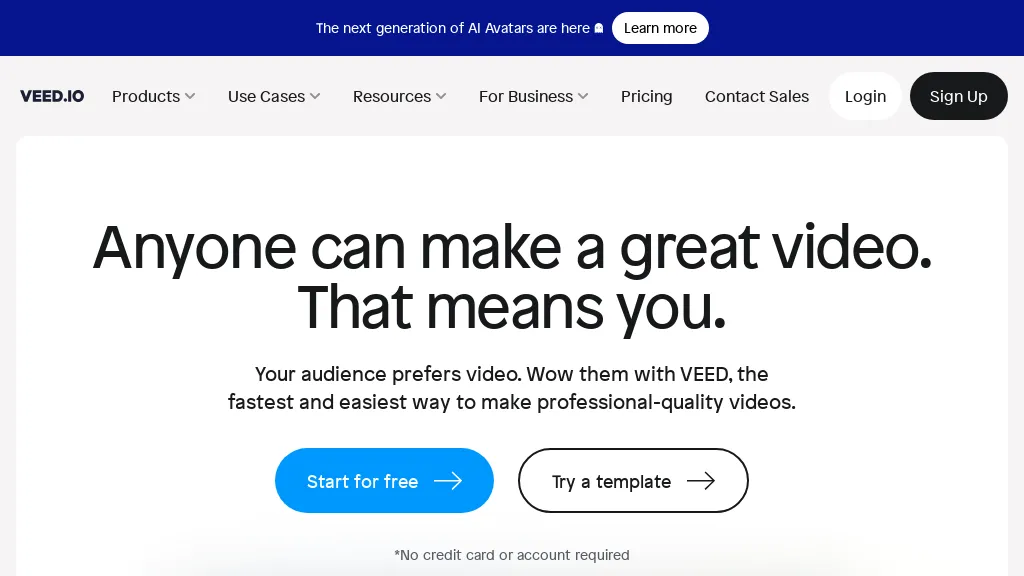
VEED is an AI‑powered video editor that lets users upload media, auto‑generate subtitles, edit clips, add music or text, correct eye contact, reduce noise, remove backgrounds, translate captions, and export in multiple formats.
VEED Features
- AI video creation platform
- Automatic subtitle generation
- Audio-to-text transcription
- Background removal for video
- Noise reduction in audio
- AI voice dubbing
- Video compression and conversion
User Satisfaction & Ratings
HeyGen Feedback
VEED Feedback
Pricing Breakdown
HeyGen Pricing
Pricing model: Freemium
Starting at: $24/mo
Available Plans:
VEED Pricing
Pricing model: Freemium
Starting at: $11/mo
Available Plans:
Platform Availability & Capabilities
HeyGen Capabilities
Video Generation Youtube Video
Best for
convert:text>video stylize:text>video embed:text>video translate:text>video sync:text>video convert:image>video stylize:image>video embed:image>video convert:audio>video embed:audio>video stylize:audio>video sync:audio>videoVEED Capabilities
Best for:
transcribe:video>text transcribe:audio>text enhance:audio>audioWho Should Use Each?
HeyGen Users
VEED Users
Screenshots & Media
HeyGen
VEED