Topaz Video AI vs Vmake Video Enhancer Comparison
What is the difference between Topaz Video AI and Vmake Video Enhancer? Compare Topaz Video AI and Vmake Video Enhancer in details side by side to make a choice.


Differences between Topaz Video AI and Vmake Video Enhancer
Topaz Video AI Description
Topaz Video AI is a powerful video enhancement tool that uses AI models to upscale, deinterlace, stabilize, and interpolate frames for high-quality results.
Topaz Video AI Features
- Upscale
- Deinterlace
- Stabilize
- Offer multiple ai models
- Provide frame interpolation
Vmake Video Enhancer Description
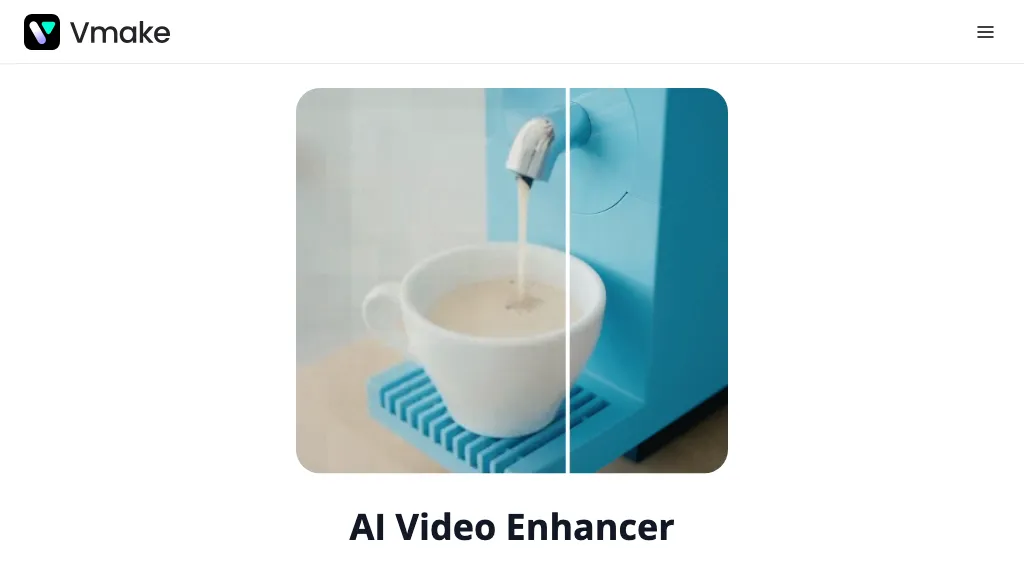
Vmake AI Video Enhancer upsamples MP4, MOV, AVI, etc. to 2K/4K/AI 4K+, removes artifacts, improves low‑light, reduces noise, and offers watermark/text removal, background elimination, and subtitle generation, giving creators, e‑commerce, and gamers sharper, cleaner videos.
Vmake Video Enhancer Features
- Generate videos from single product image
- Batch creation for multiple SKUs
- No filming or complex prep
- Consistent product details across shots
- Realistic natural style videos
- Multi-language and presentation adaptation
User Satisfaction & Ratings
Topaz Video AI Feedback
Vmake Video Enhancer Feedback
Pricing Breakdown
Topaz Video AI Pricing
Pricing model: Paid
Starting at: $99
Available Plans:
Vmake Video Enhancer Pricing
Pricing model: Subscription
Starting at: $9.99/mo
Available Plans:
Platform Availability & Capabilities
Vmake Video Enhancer Capabilities
Best for:
enhance:video>video remove:video>video edit:video>video generate:video>textWho Should Use Each?
Topaz Video AI Users
Vmake Video Enhancer Users
Screenshots & Media
Topaz Video AI
Vmake Video Enhancer