
Creatify AI vs Pictory Comparison
What is the difference between Creatify AI and Pictory? Compare Creatify AI and Pictory in details side by side to make a choice.


Differences between Creatify AI and Pictory
Creatify AI Description
Creatify transforms product URLs into video ads, generating AI avatars and up to 50 variations per batch. It supports UGC or cinematic styles, auto‑optimizes for Meta, TikTok, YouTube, Snap, Amazon, and offers A/B testing and performance analytics.
Creatify AI Features
- Convert URLs to video ads
- Automatic product feature extraction
- Choose from 1500+ AI avatars
- Batch mode for multiple variations
- Re-render ads in 29+ languages
- API integration for automated workflows
Pictory Description
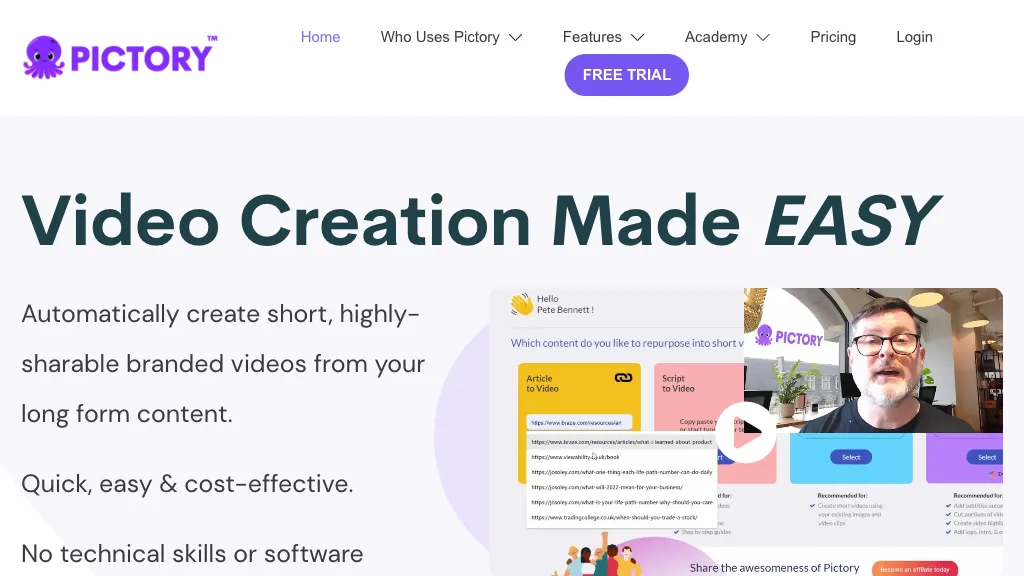
Pictori is an AI-powered video creation tool designed for bloggers, social media managers, YouTubers, course creators, coaches and more. It offers auto-captions, transcription, summarization, and requires no technical skills or software downloads.
Pictory Features
- Script to Video
- Blog to Video
- Edit Video Using Text
- Create Video Highlights
- Auto Caption Videos
- Auto Summarize Long Videos
- API Access
User Satisfaction & Ratings
Creatify AI Feedback
Pictory Feedback
Pricing Breakdown
Creatify AI Pricing
Pricing model: Freemium
Starting at: $19/mo
Available Plans:
Pictory Pricing
Pricing model: Free trial
Starting at: $19/mo
Available Plans:
Platform Availability & Capabilities
Pictory Capabilities
Best for:
create:text>video create:url>video summarize:text>textWho Should Use Each?
Creatify AI Users
Pictory Users
Screenshots & Media
Creatify AI
Pictory
Pros & Cons
Creatify AI
Pros:
- Easy to use with simple input of product links or descriptions.
- Generates high-quality videos with AI-powered script generation.
- Offers a variety of realistic AI avatars and natural-sounding voices.
- Powerful video editor with access to millions of high-quality stock footage.
- Supports batch mode for creating multiple videos at once.
- Customizable elements such as voice, avatars, and scripts for personalized videos.
- Compatible with various platforms, including social media and e-commerce sites.
- Enhances marketing efforts by allowing unlimited ad variations for testing.
Cons:
- Limited features in the free plan, including watermarked exports.
- More advanced features and higher quality options are available only in paid plans.
- May require a learning curve for users unfamiliar with video editing or AI tools.
- Dependent on AI-generated content, which might not always meet specific creative expectations.
Pictory
Pros:
- Easy to use with no technical skills required.
- Offers a wide range of features like auto-captions, auto-transcription, and auto-summarization.
- Large library of royalty-free premium videos and music tracks.
- Supports multiple languages for text-to-speech and AI voices.
- Provides API access and collaboration tools for teams.
Cons:
- Higher pricing tiers may not be cost-effective for individual users or small content creators.
- Some advanced features like bulk video downloads are restricted to higher-priced plans.
- Limited customization options for video branding in lower-tier plans.